You’ve probably got a folder somewhere—screenshots of a 1980s sci-fi book cover, a grainy photo of a Victorian postcard, a faded illustration from a children's encyclopedia from the 1960s. The style is irresistible, but the resolution is terrible, and recreating that look by hand takes more skill than you have time for.
That’s where Vizly Image Studio comes in. It’s an AI image generator that takes a text prompt and turns it into visuals. But the real trick—the one that makes you sit up—is how well it handles classic aesthetics. You don’t just get generic “retro” output. You get something that feels like it was pulled from an old print catalog, a forgotten comic strip, or a hand-painted movie poster.
Turning “Old Magazine Ad” Into Something Usable
I started with a test: “A 1950s kitchen appliance ad, halftone print, warm yellow and teal, slightly worn paper texture.” Vizly didn’t give me a photorealistic kitchen. It gave me a composition that looked like it could have run in a 1957 issue of Better Homes and Gardens. The halftone dots were approximate but convincing. The typography was obviously AI-generated (not real lettering), but the overall mood was dead-on. For a presentation slide about mid-century design, it would work perfectly.
Where Vizly really shines is in translating vague stylistic descriptions into coherent images. Try “Victorian botanical illustration, lithograph style, muted earth tones, delicate linework.” The result: a floral plate that would look appropriate framed in a study. The AI handles line weight variation better than many dedicated style-transfer tools I’ve used. It’s not a perfect reproduction of a real lithograph—the shading can get muddy if you cram too many details—but for digital mood boards, social media headers, or concept art references, it’s more than adequate.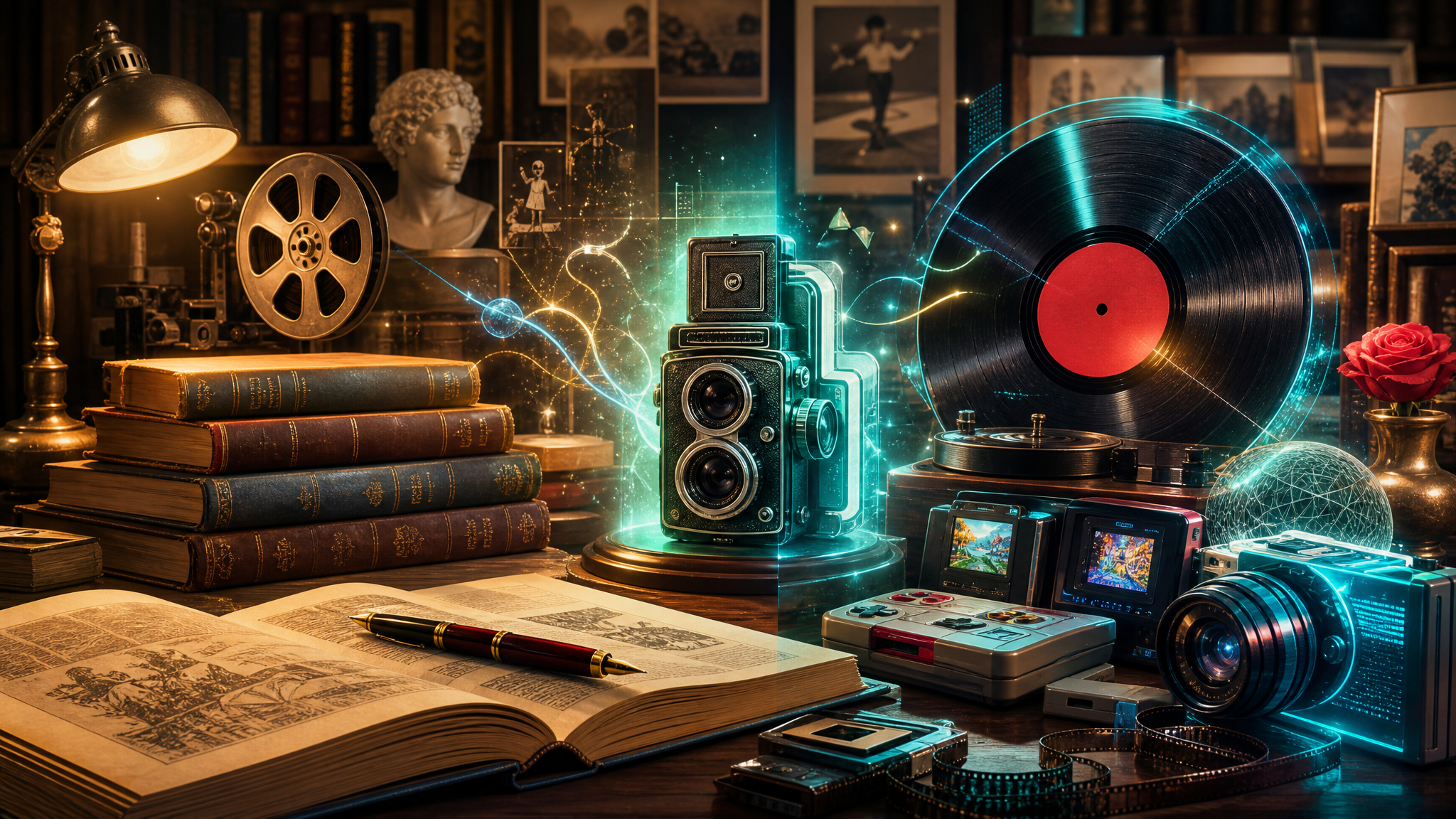
The Tradeoffs You Should Know
Vizly excels at broad style capture, not microscopic accuracy. If your prompt demands “exact 1954 Life magazine halftone screen, 85 lines per inch with a 15% dot gain,” you’ll be disappointed. The AI approximates texture and color palettes, it doesn’t simulate mechanical printing processes. For practical use, this is fine—most viewers won’t know the difference. But if you’re a historian trying to recreate a specific artifact, you’ll need to edit afterward.
Another limitation: fine typography in retro styles. Prompts like “1920s Art Deco poster with ornate serif lettering” produce beautiful backgrounds but messy text. The AI treats letters as shapes, not readable words. You’ll need to composite real type over the generated image if legibility matters. That’s standard for AI image generators, but worth noting if your project relies on text.
Also, consistency across multiple images is tricky. If you’re creating a set of “retro sci-fi book covers” for a project, each generation will be unique—similar style, different compositions. That’s fine for one-offs, but for a cohesive series, you’ll need to cherry-pick or regenerate until you find a batch with consistent angles and framing.
Realistic Scenarios Where It Works
Scenario 1: Album art for a lo-fi playlist. Your prompt: “1970s Japanese jazz record cover, warm sepia, grainy texture, simple illustration of a streetlamp and rain.” Vizly gives you four variations. Pick the one where the grain feels right, drop in the track titles in a matching font, and you have an asset that looks considered, not cheap.
Scenario 2: Vintage-style social media templates. You run a vintage clothing resale account. Instead of hunting for old catalogs to scan, you prompt “1950s department store ad, fashion illustration style, muted pastels, one woman wearing a coat.” The output becomes your Instagram carousel background. It’s original, it’s on-theme, and you’re not worrying about copyright from old magazine scans.
Scenario 3: Concept art for a game set in an alternate 1930s. You need a quick visual reference for “an airship terminal built in streamline moderne style, advertising posters in the background with geometric fonts and bold reds.” Vizly gives you something you can hand to the lead artist. It’s not final art, but it nails the mood and saves hours of Pinterest hunting.
Is This for You?
Vizly Image Studio works best if your goal is evocative style, not archival recreation. If you need to capture the feeling of a bygone era for a creative project—presentations, social media, album art, mood boards, low-fidelity game assets—it’s a fast, reliable tool. If your need is historical precision or reproducible text, you’ll need to budget for post-processing.
The sweet spot: prompts that describe a medium (lithograph, halftone print, silkscreen), a time period (1950s, Victorian, 1920s), and a color mood. That’s where Vizly consistently delivers. The old gems aren’t just preserved—they get a new, useful life in digital form.
Comments
Leave a Comment