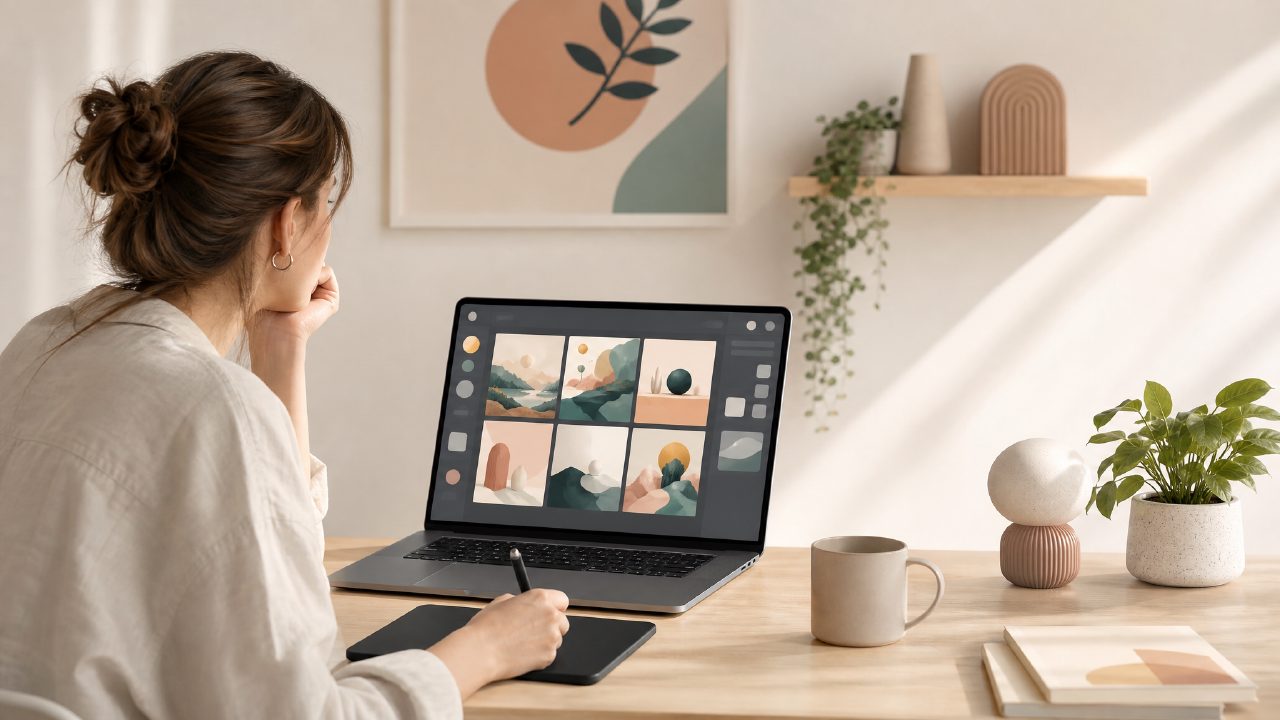
I’ve been testing free AI image generators pretty obsessively over the last few months—partly as research for a beginner’s AI art tutorial I’m putting together. Most tools either cap you at ten images a day or push you toward a paid plan before you’ve actually learned anything. Vizly Image Studio landed on my radar because it claimed to be both free and generous with generation limits. I spent about a week running prompts through it, comparing results, and figuring out how well it works as a teaching tool for someone new to AI art.
Vizly is essentially a text-to-image generator. You type a description, pick a style (or let it default to “realistic”), and it spits out four variations within roughly 20 seconds. That speed is a real advantage if you’re working through an AI art tutorial and want to iterate quickly without throttling your progress. I found myself testing the same prompt with six or seven small tweaks in under ten minutes—something that would have taken twice as long on heavier platforms.
What stood out during testing
First observation: the image quality is genuinely decent for a free service. I ran a prompt like “a foggy London street at night, wet cobblestones, warm orange streetlights, cinematic mood” and got back frames that had solid lighting and composition. Not flawless—the reflections were a bit muddled—but far better than what most budget-friendly generators gave me a year ago.
Second: the built-in prompt suggestions helped when I was stuck. If you type something vague like “abstract art,” Vizly offers a few expansions (e.g., “abstract fluid art with gold and indigo swirls”). That’s useful for an AI art tutorial format, because it immediately demonstrates how specificity changes output. I tested the suggested prompts against my own and could show the reader a clear before/after.
Third—and this is where I got a little cautious—the tool also claims to generate short video clips (up to a few seconds) from the same prompt. When I searched for the best free ai video generator 2026 during my research, Vizly popped up. I tried it: the motion was jerky and the resolution was noticeably lower than the still images. It can produce a video, but calling it a strong free ai image and video generator 2026 feels like a stretch right now. The video generation is promising for early experiments, but I wouldn’t base an entire lesson around it.
A real friction point
One honest frustration: the “style” selector is limited. There’s no fine-tuning for things like “line art” or “oil painting,” only broader categories like “fantasy” or “anime.” For an AI art tutorial that aims to teach precise style control, that gap becomes obvious. I had to work around it by adding style keywords directly into the prompt—usually with mixed success until I found the right phrasing.
Also, I noticed that vizly (the platform itself) sometimes interprets the same prompt differently on a second run. That’s normal for generative AI, but if you’re trying to show a step-by-step lesson, variability can be confusing. I ended up screenshotting the best result and noting that consistency is something you trade for the price (free).
Is it a good fit for learners?
If you’re writing or following an AI art tutorial as a beginner, Vizly works well as a sandbox. You won’t feel pressured by a strict credit limit, and the output quality is high enough that you won’t get discouraged early on. But if you’re trying to produce portfolio-ready assets or teach industry-grade workflows, you’ll hit its boundaries fast—especially around resolution options and video output.
For my tutorial, I plan to recommend it as the “first stop” before moving to paid tools. The tradeoff is worth it: free, fast, approachable, but limited in advanced customization.
To sum up: if you’re hunting for a best free ai image generator 2026 that lets you run real experiments without a credit card, Vizly is a solid pick. Just keep your expectations realistic about its video side. It’s a good companion for your next AI art tutorial session, not a magic wand.
Comments
Leave a Comment