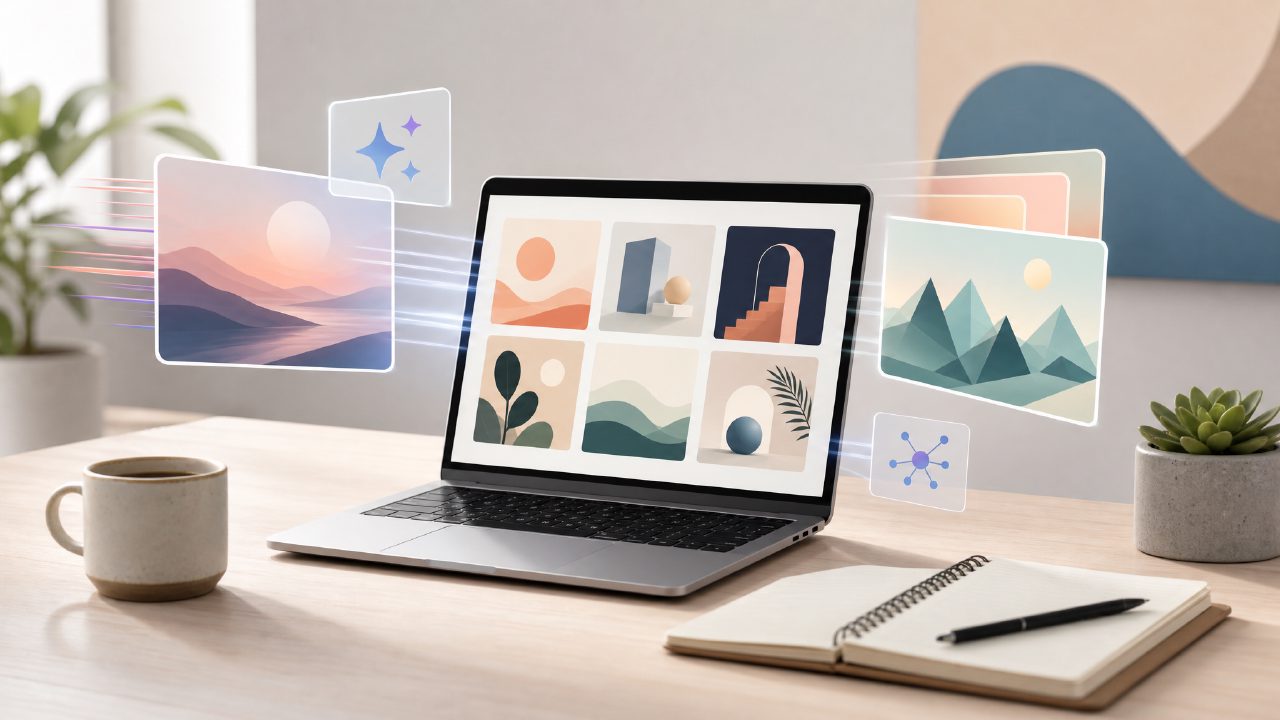
I needed a quick splash image for a blog post about urban gardening. I didn’t want to dig through stock photo sites again, so I tried a few AI image generators. That’s when I landed on Vizly, a tool that feels more like a straight-ahead prompt-to-image engine than a bloated suite. I spent a couple of afternoons with it, mostly testing how fast it can produce usable visuals and whether the results actually match what I describe.
What Vizly does (and doesn’t) do well
Open Vizly, type what you want, and it spits out an image in about thirty seconds. That speed alone makes it useful if you’re iterating on ideas. I typed “a small balcony with tomato plants and fairy lights at dusk.” The first result was decent but a little muddy. I added “photorealistic, Canon lens” and got something I could actually crop and use. The learning curve is basically zero—you don’t need to fiddle with negative prompts or model selection.
But it’s not magic. Some of my more abstract prompts (“a graph of happiness over time, painted in watercolor”) came out confusing. The AI seemed to struggle with combining text and abstract concepts. That’s pretty typical for most AI image generators at this point, but it’s worth knowing if your need is highly conceptual rather than descriptive.
Free tier and the video side
Vizly has a free tier that gives you a fair number of credits per day. For my test, I didn’t hit any limits while generating about twenty images across two sessions. If you’re looking for the best free AI image generator 2026 has to offer, Vizly is a strong candidate because it doesn’t water down quality on the free plan. The images I got on the free tier looked identical to what I’d expect from a paid tool—same resolution, same rendering time.
It also includes video generation. I tried turning a prompt into a short animated clip (“a cat walking on a ledge at sunset”). The result was more of a slow pan across a static image than a real animation, but it’s a start. If you’re hunting for a best free AI video generator 2026 that also handles images, Vizly lets you experiment without paying. For a free AI image and video generator 2026 option, it covers both bases, though the video side still feels like an early feature.
Where the output holds up and where it doesn’t
I used Vizly for two real projects: a set of three social media graphics for a small non-profit, and a concept image for a client presentation about a new product. For the social graphics, I needed clean, semi-abstract backgrounds with text overlay potential. Vizly delivered usable backgrounds in one or two tries per idea. The style leaned modern but not overly artsy—which worked.
For the client presentation, I needed something more specific: “a wooden desk with a prototype device, natural lighting, business setting.” The first batch gave me a desk but the device looked generic. A second attempt with “device resembles a smart speaker” got closer, but the lighting felt off. I ended up adding a detail about window placement, and the third try finally looked believable. So it handles specificity, but you have to iterate. That’s a tradeoff: you can’t always nail it on the first prompt, but the iteration speed is high.
On the limitation side, I noticed that faces can go waxy in portrait-style prompts. Not a dealbreaker for abstract imagery, but if you’re trying to generate a realistic portrait for a brand, you’ll need to check the output carefully. The AI also tends to default to a certain aesthetic—bright, clean, slightly cinematic—which is fine for many uses but might not suit a grungy or minimalist brief.
Should you use it for regular work?
If you’re someone who generates images frequently—bloggers, social media managers, small business owners—Vizly saves time over hunting for stock photos or waiting for a freelance designer. It’s especially good when you need rapid variations on a concept. I’ve used DALL-E and Midjourney before, and Vizly’s output quality sits just below Midjourney but above most free alternatives. The tradeoff is control. You don’t get the fine-tuning sliders or style reference images that some paid tools offer.
My cautious take: Vizly is a solid AI image generator that works reliably for straightforward to moderately complex prompts. It won’t replace a professional render for a product launch, but for ideation and quick content, it’s genuinely useful. I’m still not sure how well it handles very specific artistic styles—things like “impressionist, loose brushstrokes” came out more like a filter than a true painting style. But for a free tier tool that also experiments with video, it’s worth keeping in your toolbox.
If you’re evaluating AI generators this year, Vizly should be on your shortlist. Just be ready to prompt multiple times and add detail if your idea is unusual. The speed and accessibility make up for the occasional weird output.
Comments
Leave a Comment