You know that moment when you're messing around with friends, someone blurts out something like "what if a penguin tried to breakdance on a pizza?" and everyone laughs, but you secretly think… that would actually make a fire wallpaper? Yeah, that’s exactly why I started messing with Vizly.
Most AI image tools feel like they were designed for marketing teams or stock photo vampires. You type in "professional business meeting" and get six generic dudes in suits. Boring. Vizly, on the other hand, doesn't judge your weird ideas. It just turns them into visuals—fast, and honestly, way better than I expected.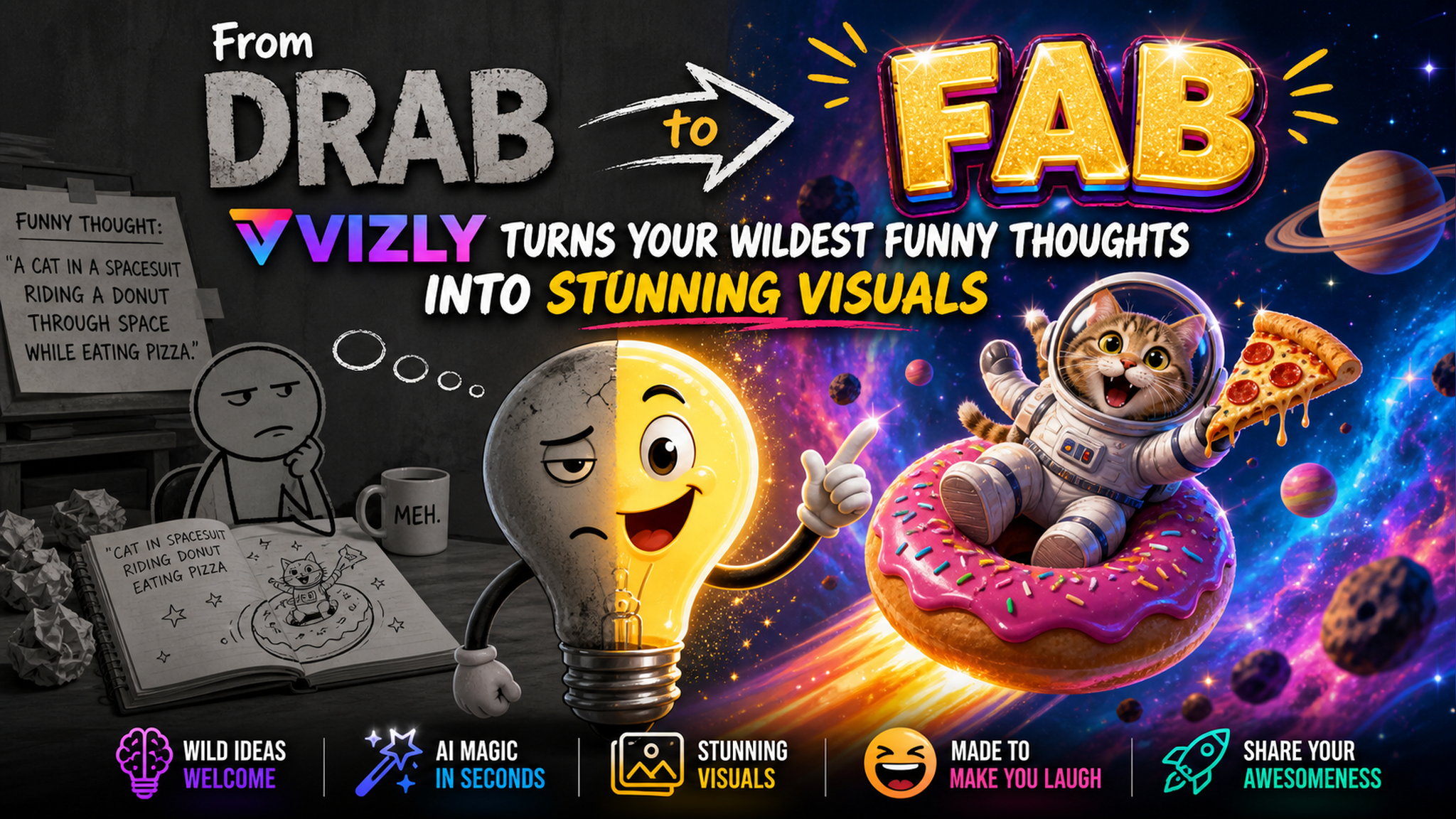
Where Vizly actually shines (and where it doesn't)
I threw a few dumb prompts at it to see if it’d break. First one: "a cat wearing sunglasses riding a Roomba through a cyberpunk alley at sunset." The result was actually decent. The lighting was moody, the cat had attitude, and the Roomba even had a little neon reflection. That’s the kind of vibe you can’t get from typing into Google Images.
But I also tried something more specific: "minimalist logo for a coffee shop called 'Fog', with mist and a tiny cup." The first output was okay, but not crisp enough for a logo. After tweaking the prompt a bit, it got better—but logos still aren't its strongest suit. If you need precision typography or brand-ready vectors, you’ll want Illustrator. For everything else though? Vizly handles it.
Real example: turning inside jokes into stickers
My friend group has this running joke about a "burrito that's also a wizard." I typed it into Vizly, added "vibrant watercolor style, funny expression," and within a minute I had something I actually printed onto sticker paper. We slapped them on our laptops. Nobody asked where I made them—they just thought it was hilarious. That’s the whole point.
Who should actually use Vizly?
If you’re a content creator who needs quick visuals for memes, social posts, or just to prank your group chat, this thing is a goldmine. Designers might find it useful for early concepting—brain dumping ideas before taking them into proper software. But if you’re a professional illustrator or branding specialist who needs pixel-perfect output, you’ll probably bump into its limits on control and resolution.
Also, the free version gives you enough credits to test the waters. I used about 15 prompts before I hit the paywall. That’s plenty for a trial.
The catch (there’s always one)
Sometimes the AI doesn’t get your funny thought the way you imagined. Like when I typed "a sloth DJ in a nightclub" and it gave me a sloth wearing headphones but standing in a library. It took a few retries and some prompt engineering to get the club vibe right. So yeah, you have to be willing to play around. But that’s kind of the fun part.
The other thing: the image styles can feel a bit same-y if you don’t specify the artistic direction. Stick to prompts like "oil painting," "anime style," or "retro comic" to keep things fresh.
At the end of the day, Vizly does exactly what it says: turns your random thoughts into visuals without making you feel like a tech wizard. It’s fast, forgiving, and perfect for those of us who want to bring our dumbest ideas to life without the overhead.
Comments
Leave a Comment