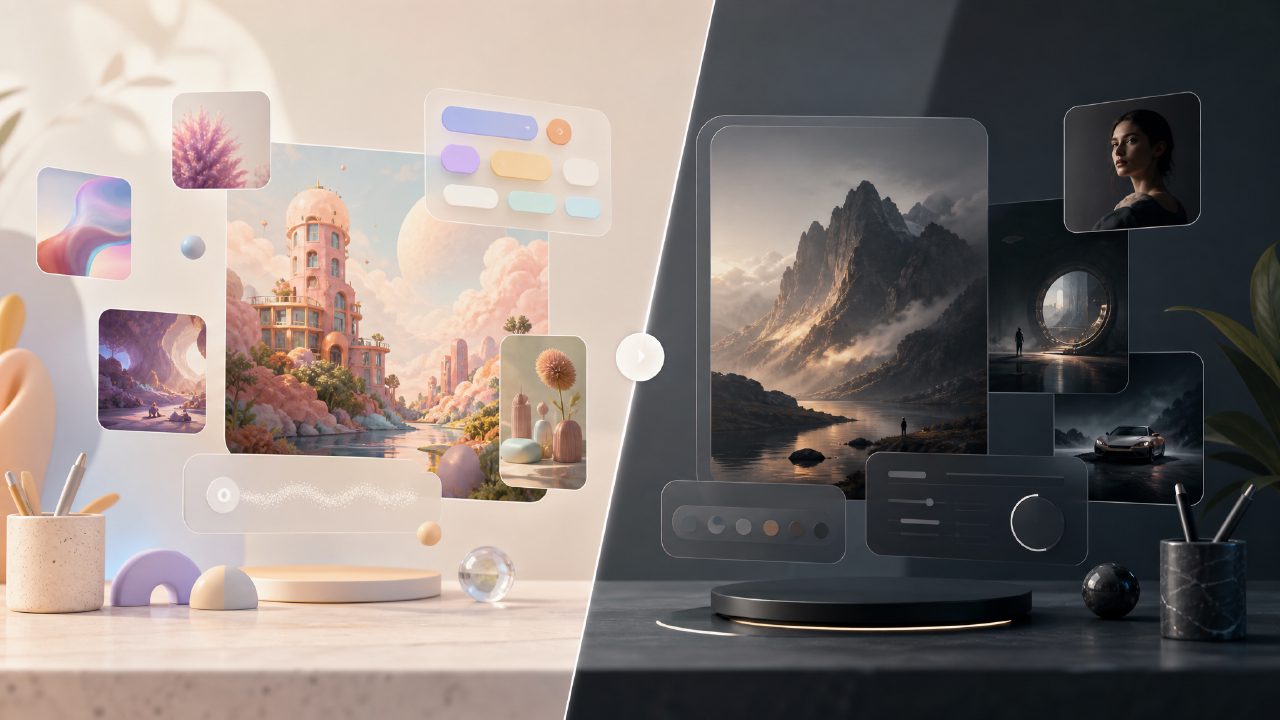
I’ve been testing free alternatives to Midjourney for the last few months, mostly because the subscription costs add up fast when you’re experimenting. After a colleague mentioned vizly actually generates decent images without a paid plan, I decided to run it through a real project: creating visuals for a short travel blog post about a hiking trip. Here’s how it actually went.
Why I even looked for a midjourney alternative free ai 2026
Midjourney’s quality is hard to beat, but the pricing model isn’t ideal if you’re only generating a dozen images a month. I wanted something that didn’t require a credit card upfront and could handle both images and maybe video down the line. That’s when I found Vizly, which bills itself as an AI image generator and a free ai image and video generator 2026 option.
I wasn’t expecting miracles, but I needed it to work without heavy tweaking. Let me walk through the specific scenario.
The setup: generating a consistent visual style
I needed four images for the blog: a mountain landscape at sunrise, a close-up of trail markers, a shot of gear packed for a hike, and a campfire scene. I kept the same prompt structure but changed the subject. For the landscape, I wrote: “morning sunlight hitting rocky peaks, photorealistic, warm tones, no people.”
Observation 1: The first output came back in about 20 seconds. The lighting was actually close to what I imagined — the sun looked like it was coming from the right direction. But the mountain shape was a bit too smooth, like a CGI rock. Not bad for a free tool, but not photo-realistic either.
Observation 2: I tried the “enhance prompt” button (yes, it has one). It added “highly detailed, 8k, cinematic” to my text. The second batch had sharper edges, but the colors started shifting toward teal-orange — the classic Hollywood look. It worked for the camping scene but made the trail marker image look weirdly dramatic.
Where it felt useful but limited
Observation 3: The tool lets you adjust aspect ratio and style presets (cinematic, illustration, anime). I used “illustration” for the gear image and got a clean, flat vector style that actually fit the blog better than realism. That surprised me — it handled a non-photo style more consistently than photorealism.
One tradeoff: there’s no inpainting or outpainting. If a generated image has a weird element (like an extra trail marker floating in the sky), you have to re-prompt or regenerate. I had to generate the campfire scene three times because the first two added random trees in front of the fire.
Cautious judgment: For a best free ai video generator 2026 (Vizly also claims video support), I tested one short video prompt: “campfire flickering, slow motion.” The output was a 4-second clip with visible artifacts, and the fire looked more like animated sparks than real flames. It’s early — I wouldn’t rely on it for client work yet, but for personal projects it’s fine.
Tradeoffs compared to Midjourney
- Speed: Vizly generates in 6–25 seconds; Midjourney can be faster if you’re on a fast queue.
- Control: You get aspect ratio, style presets, and negative prompts — but no regional prompting or reference image support yet.
- Consistency: If you want a character to appear in multiple scenes, you’ll need to describe them every time. There’s no seed save feature.
That said, I didn’t hit any usage cap during my session. I generated around 30 images and two videos before the site asked me to create an account. Even after signing up, I could keep going without adding payment details.
Would I recommend it as a midjourney alternative free ai 2026?
If you’re dabbling — making thumbnails, concept art for personal projects, or blog visuals with lenient quality expectations — Vizly works. I’d be careful using it for professional branding or high-res print, but for digital use it’s fine. The vizly ai image generator does exactly what it says: turns prompts into images without asking for your wallet.
I’ll probably keep it bookmarked for quick ideation. The video side still needs work, but as a pure image generator it’s a solid free option — especially if you’re tired of fighting with Midjourney’s payment system.
Comments
Leave a Comment