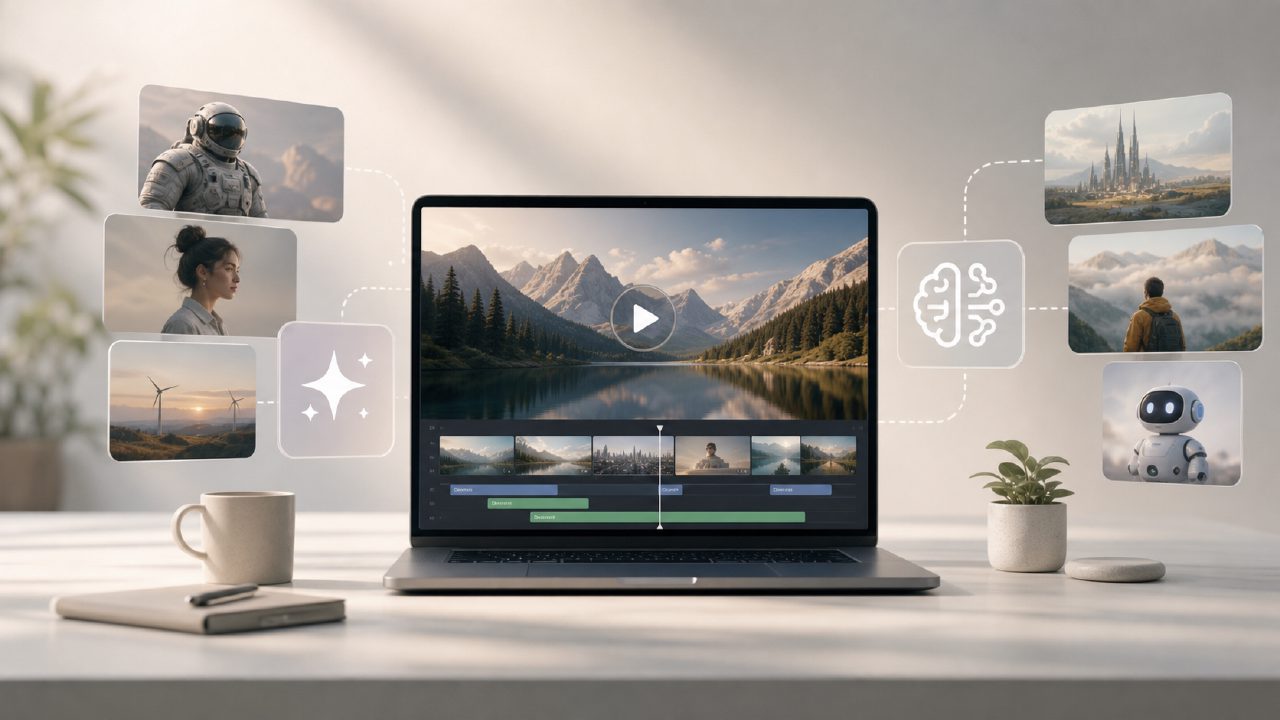
Is Vizly a Free AI Video Generator?
If you're Googling "best free AI video generator 2026," you're probably hoping to turn text prompts into animated clips or short videos. Vizly isn't that. It's an AI image generator—text-to-still-image, not video. That's a real letdown if you came looking for moving visuals, but it's not a dealbreaker if your actual need is creating graphics that feed into video projects. I spent a couple of days testing Vizly specifically for video-related image tasks to see where it fits.
What Can You Actually Do With Vizly for Video Creation?
Three practical use cases stood out:
- YouTube thumbnails – I generated a set of thumbnails for a tech review video. Vizly handled the "futuristic city skyline with neon glow" prompt okay on the third try. The style was a bit default-cartoonish, but tweaking the prompt helped.
- Storyboard scratch frames – For a quick short-film concept, I needed a "cluttered detective office at night." Vizly gave me something usable as a reference, though the lighting felt off and the desk had four coffee mugs that made no sense.
- Social media promo graphics – Cleaner results here. Prompts like "modern laptop on desk with coffee, cinematic lighting" turned out decently, good enough for an Instagram teaser.
So it's not a video generator, but it can produce stills that support video workflows. That's a workaround, not a replacement.
How Does Vizly Compare to Other Free AI Image Generators?
I tested Vizly alongside a couple of other free options. Load speed was fast—generated most images in under 15 seconds. That's nice when you're iterating. The free tier seemed generous: I didn't hit a hard cap in my test, but I've seen other services quietly introduce limits later.
Quality-wise, Vizly is middle-of-the-pack. Details in faces and hands sometimes get weird (index finger merging into thumb, one eye slightly larger). The color palette leans toward oversaturated. It works for rough drafts and low-stakes visuals, but I wouldn't use it for client-facing materials without heavy manual editing.
One thing I appreciated: no watermark on free outputs. That's rare. Many free tools plaster a logo across the image. Vizly didn't in my tests—just check their terms.
What Are the Limitations of Vizly for Video-Related Tasks?
Biggest tradeoff: you get still images only. No animation, no frame interpolation, no scene transitions. If you were hoping to paste a prompt and get a 10-second clip, you'll be disappointed.
Also, prompt understanding is inconsistent. "A woman in a red dress walking down a rainy street" gave me a woman standing still with a completely dry umbrella. I had to add "walking, rain visible on ground" to get motion hints. That kind of friction is annoying when you're in flow.
Another limitation: the image resolution maxes out at something like 1024x1024 in the free version. Fine for thumbnails, but for video overlays or full-screen use, you'll need to upscale separately.
Should You Use Vizly for Your Video Projects? (Realistic Verdict)
If you need still images to support video content—thumbnails, concept art, promo visuals—Vizly is worth a try. It's fast, free, and watermark-free. But if your primary goal is generating actual video from text, this isn't the tool. You'd be better off with dedicated video generators like Runway or Pika (neither fully free). Vizly is a helpful sidekick for the visual assets, not the main event.
I'd recommend it with a caveat: test it on your specific prompts first. Some styles work, others don't. And keep expectations realistic. It's a decent free image generator that happens to sit in search results for "best free ai video generator 2026" because of SEO confusion, not capability.
Comments
Leave a Comment