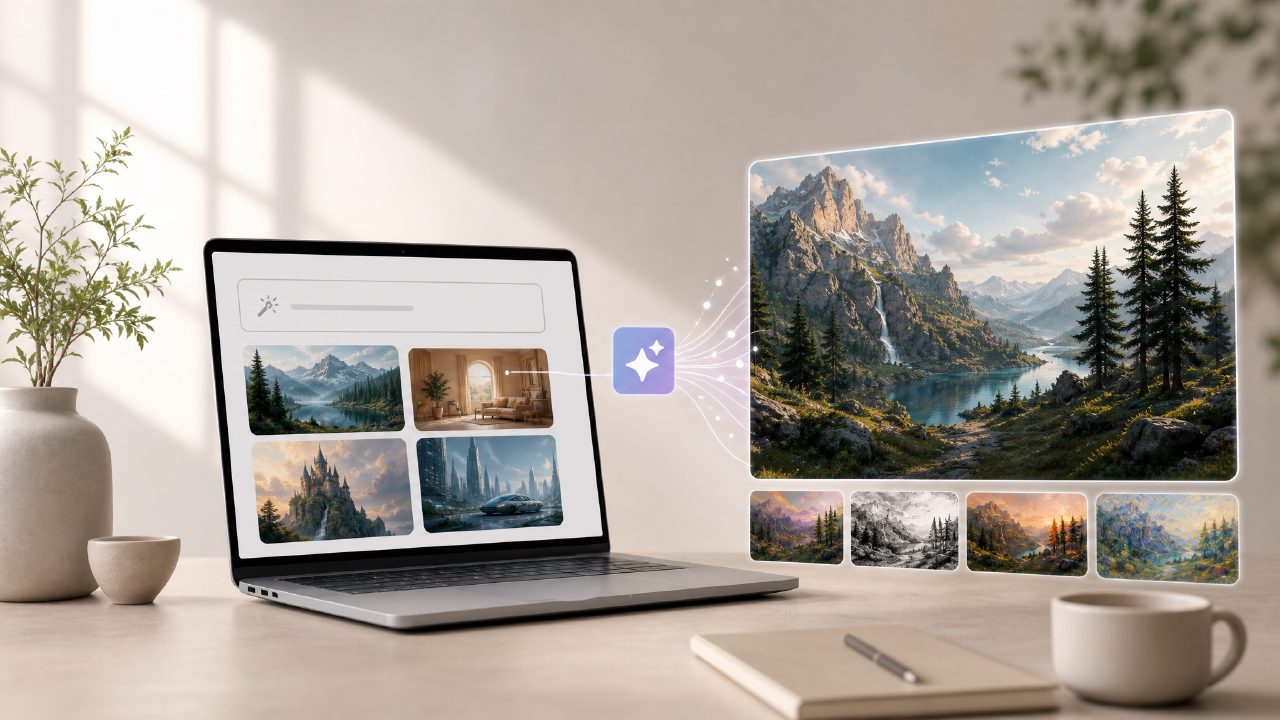
I’ve been testing a handful of free AI image generators lately, partly because I wanted to see which tools actually deliver on the “free” promise without making you wait forever or adding watermarks everywhere. One of the ones I spent the most time with is Vizly. It’s pitched as an ai text to image with video free option, which caught my attention because so many tools either charge for decent quality or only give you a handful of generations before cutting you off.
Let me be clear upfront: Vizly is primarily an image generator, not a video creation tool. The “with video free” part is misleading if you’re expecting to type a prompt and get a full motion video clip. What it does do is generate still visuals from text prompts quickly, and those could be used as frames or thumbnails for video projects. If you’re looking for something that literally generates video from text, you’ll need to keep looking. But as a starting point for visuals that you can later animate or stitch together, it’s worth a closer look.
First Impressions and Setup
Signing up was straightforward. No credit card required, which is refreshing. The interface is simple: a text box, a “generate” button, and a gallery of recent creations. I started with something basic — “a mountain landscape at sunset with a small cabin” — and the image appeared in about 30 seconds. That speed held up through several more tests, so no complaints there. The resolution was decent, maybe around 1024x1024, though the export options aren’t clearly labeled. I had to poke around to figure out how to download at higher resolutions.
Where Vizly Stands Out
What impressed me most was the variety in style. I tried “an old bookstore with cats sleeping on the shelves” and got something that looked almost like a watercolor painting. Then I tried “futuristic city with neon lights in the rain” and the result was much sharper, more photorealistic. So the model adapts to the prompt’s implied mood, which is a plus over some free tools that push everything into a generic stock-photo look.
I also noticed that the background generation is generally cleaner than what I’ve seen from other free generators. There were fewer random artifacts or weird blobs. The cat in the bookstore actually looked like a cat, and the neon signs in the city scene had readable-ish text. Not always, but often enough to be useful.
A Few Stumbles
Not everything worked great. I tried “a jazz band playing in a small New Orleans club” and got a scene that looked more like a generic party. The instruments were mostly right, but the faces were slightly off — one musician seemed to have three arms. That kind of thing happens with free ai text to visuals 2026 models, so it’s not unique to Vizly, but it’s worth mentioning if you need precision in human figures.
Another limitation: the tool doesn’t let you tweak aspects of the image after generation. No inpainting, no style sliders, no negative prompts. So if you get a composition you mostly like but the lighting is wrong, you either regenerate with a slightly different prompt or you accept it. That feels limiting if you’re used to more advanced tools like Stable Diffusion or Midjourney with their fine-tuning options.
Who Should Try Vizly?
If you’re new to AI image generation and want to experiment without spending money, Vizly is a solid entry point. It’s fast, the quality is above average for a free tier, and you can make quite a few images before hitting any rate limit. For content creators who need quick concept art or placeholder visuals for videos, the ai text to image video generator free angle works if you treat the output as raw material — you’ll need to edit or animate those stills yourself.
But if your search intent is genuinely about generating video from text prompts in one step, this isn’t that tool. I wish the naming were clearer, because I could see someone getting frustrated after a few prompts expecting motion. That said, as a pure ai text to image with video free resource? It’s one of the better options I’ve tested lately for still imagery.
Final Thoughts
I’d recommend Vizly if you’re prototyping ideas, making social media content, or just curious about what AI can do with your text. It’s not going to replace professional design tools, but for quick, free generation, it holds up. Just keep your expectations in check around the video part — that’s where the tradeoff sits. The tool itself is good, but the description oversells what it can do out of the box.
Comments
Leave a Comment