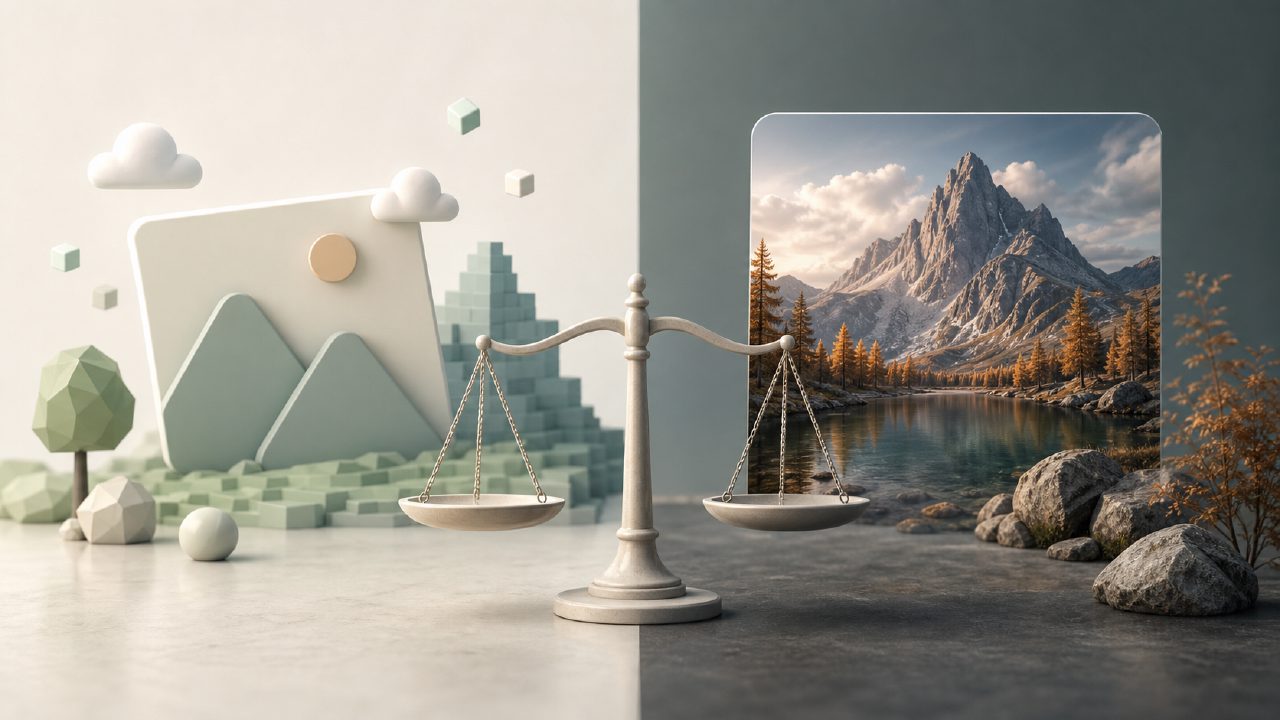
If you've been using Midjourney for a while, you probably know the pain of burning through your GPU hours or dealing with the subscription cap when a project suddenly hits crunch time. That's what got me looking at Vizly in the first place. I needed something that could keep up without demanding a paid plan every month, and I wanted to see whether it could really compete with Midjourney on image quality.
What Vizly actually does
Vizly is an AI image generator that takes text prompts and turns them into visuals. Nothing revolutionary in concept, but the selling point is that it offers unlimited generation for free. That caught my attention. I tested it on a few common scenarios: product mockups for a client, some abstract background art, and a fantasy character design for a side project. Results were decent for most quick turnaround work, but there were moments where the output felt flat.
One concrete observation: when I prompted "steampunk coffee shop interior with glowing gears", Vizly gave me something that looked more like a generic cafe with a few brass accents. Midjourney handled the same prompt with much more atmospheric lighting and mechanical detail. That said, Vizly generated the image in about 15 seconds and didn't ask me to confirm my subscription. Speed matters when you're iterating.
Midjourney still has the edge on polish
Midjourney remains the go-to for anyone who needs a certain level of finish. The style coherence, the lighting, the texture – it's just more consistent. But you pay for it. The cheapest plan is around $10 a month for limited fast hours. Once you're out, the generation slows down a lot unless you upgrade. That's where Vizly starts looking attractive, especially for blogs, social media content, or early-stage concepting where absolute photorealism isn't critical.
I also noticed Vizly handles some abstract prompts quite differently. For "melting clock in desert landscape", it produced something surreal but with weird anatomy on the clock hands. Midjourney's version felt more intentional. So if your work ends up in front of design directors or paying clients, you might still lean toward Midjourney. But for personal projects or internal brainstorming, Vizly's tradeoff is worth considering.
The unlimited factor matters
When you're trying to find the best free AI image generator 2026, unlimited use is a big deal. Midjourney just doesn't have that tier. Vizly doesn't cap you, and that's rare. I spent an afternoon generating variations for a client's brand mood board – probably 200+ images. With Vizly, I hit no usage wall. With Midjourney, I would have either exhausted my fast hours or needed to wait through slow generation. That freedom changes how you approach creative work. You can fail fast and discard bad results without guilt.
However, the quality gap isn't small. For some prompts, Vizly's images had visible artifacts or odd color casts that required tweaking. I had to re-roll multiple times to get something usable. Midjourney usually nails it in 2-3 attempts. So the tradeoff is volume versus quality. If you're churning out content where "good enough" works, Vizly wins. If you need portfolio-grade visuals, Midjourney still earns its price.
What Vizly doesn't do well
This might be a limitation: Vizly seems weaker on human faces and hands. I tried generating a portrait of a "smiling elderly gardener with weathered hands". The result had a slightly plastic skin texture and mismatched fingers. Midjourney handled the same prompt with more natural skin detail and anatomically accurate hands. That matters if your projects involve people or character art.
Another thing – there's no native upscaling or outpainting in Vizly as far as I can tell. Midjourney's zoom-out and reroll features add flexibility. Vizly feels more straightforward, maybe too simple for complex workflows. But for straightforward prompt-to-image needs, it does the job.
So which one should you use?
If budget is tight and you need unlimited access for experimentation or bulk content, go with Vizly. It's genuinely free and quick. If quality is non-negotiable and you have a budget for tools, Midjourney remains the stronger option for serious visual projects. For me, I've started using both: Vizly for initial ideation and rough drafts, then Midjourney for finals when clients need to be impressed. That split might not work for everyone, but it's a realistic way to handle the tradeoff between cost and polish.
If you're just starting out and want to try AI image generation without risking a monthly fee, Vizly is worth a look. Just don't expect it to replace Midjourney for high-end design work just yet.
Comments
Leave a Comment