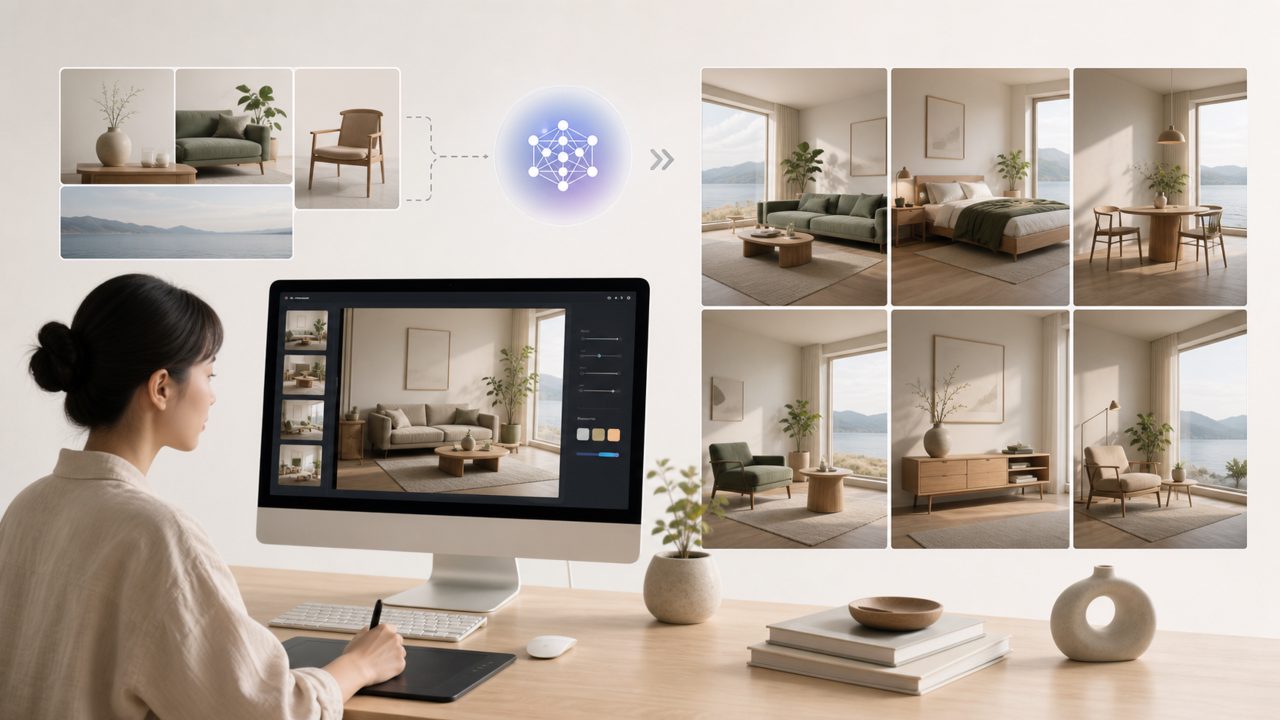
I needed a quick set of images for a blog post about urban balcony gardening — nothing fancy, just consistent visuals of small planters, herbs, and city backgrounds. I’d heard of Vizly as an AI image generator that turns text prompts into pictures, so I decided to run a real test and see how it handles a specific art direction. This became a practical AI art tutorial for anyone who wants to generate coherent visuals without fighting the tool.
Starting with a concrete prompt
My first prompt was pretty vague: “a balcony herb garden in the morning light.” Vizly produced a decent image, but the herbs looked more like decorative leaves than actual basil or mint. I refined it to “close-up of mint and chives in terracotta pots on a wooden balcony, soft morning light, photorealistic.” The second result was better — the terracotta texture looked real, and the lighting felt natural. But one pot had a strange geometric pattern that didn’t match.
That’s the first thing you notice: Vizly handles detailed prompts well, but it still adds unexpected artifacts. Not a dealbreaker, but you’ll want to regenerate a few times.
Consistency across a series
For the blog, I needed four images — herb close-up, full balcony shot, watering scene, and a harvest shot. I kept the style keyword “photorealistic, soft daylight” in every prompt. Vizly held the visual tone surprisingly well across all four. The color palette stayed warm and natural, which saved me editing time. Free tier limits let me generate about 10 images per day, which was enough for this small project.
One tradeoff: generating in batches with slight prompt variations sometimes produced very different compositions. For example, “watering herbs from a metal can” returned a close-up of the can’s spout instead of the whole scene. I had to reword a few times before getting what I needed. It wasn’t labor-intensive, but it broke the flow of the tutorial.
Where Vizly fits in the bigger picture
People often search for terms like “best free ai video generator 2026” or “free ai image and video generator 2026” expecting one tool to handle both. Vizly is strictly an image generator — it doesn’t produce video at all. If your primary need is motion content, you’ll need to look elsewhere. But for still visuals—social media graphics, concept art, blog illustrations—Vizly is a solid choice. The interface is clean, and the learning curve is shallow.
I also tested prompts more suited to abstract design, like “electric blue geometric flower with vaporwave palette.” The results were imaginative and sharp, which suggests the model isn’t limited to realism. That opens up creative experiments, but you still have to accept that the output isn’t always what you imagined.
For anyone working through an AI art tutorial, I’d recommend starting with concrete subjects (plants, objects, single characters) before moving to abstract or complex scenes. That way you can judge the tool’s reliability early.
Final thoughts
Vizly does what a free ai image generator should: it turns text into usable images without a painful setup. The artifact problem and occasional composition misses are typical for this category. If you need a quick batch of visuals for a project and don’t want to fiddle with advanced settings, it’s worth a shot. Just don’t expect every prompt to land on the first try — and keep your expectations modest for anything beyond still images.
Comments
Leave a Comment