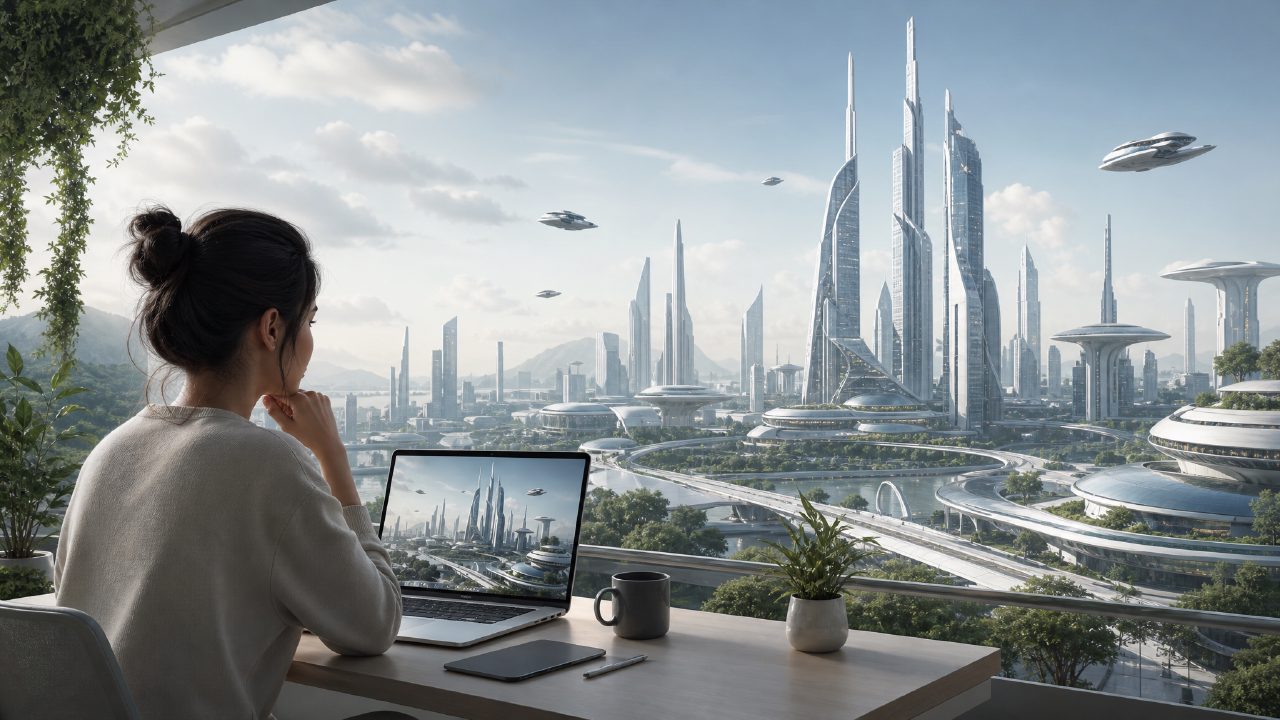
I was putting together a quick post about AI 绘画 tools and needed a hero image. Not a complicated illustration—just something that looked like a futuristic city skyline with Chinese neon signs. I didn’t want to spend an hour in Photoshop or commission a designer for a rough concept. So I grabbed vizly, which is basically an AI image generator that turns text prompts into visuals almost instantly. I wanted to see if it could deliver something usable in under five minutes.
The first prompt: basic cityscape
I typed: “futuristic Shanghai skyline at night, neon lights, cinematic lighting, 4K”. Vizly returned four images in maybe 20 seconds. The first one had decent composition—tall towers, glowing signs, reflections on wet pavement. But the text on the signs was pure gibberish, which is common with these tools. The second image looked great from a distance but up close the buildings melted into each other. I took that as a tradeoff: speed over precision. For a blog header that’s viewed at 1200px wide, that blur was fine. For a print flyer, it wouldn’t work.
Iterating on style with specific keywords
I wanted more control, so I tried a different approach: “cyberpunk street scene in Tokyo, anime style, sunset, glowing billboards, clean lines, no people”. The results shifted dramatically. The anime rendering was more consistent, the colors popped, and the absence of faces meant fewer weird deformities. One image even had a subtle depth-of-field effect that looked intentional. That moment was when I understood the tool’s sweet spot—it’s great for atmospheric concepts where small technical flaws don’t break the illusion. But if you need photorealistic human faces or specific product shots, you’ll hit limitations.
Testing with a portrait idea
I also tried a portrait prompt for the same blog: “young entrepreneur working at night, laptop glow, photorealistic, soft lighting”. Here the AI struggled. Hands were fused to the keyboard, eyes looked mismatched, and one image gave the person three thumbs. That’s the cautious judgment part: Vizly is not yet a reliable tool for human subjects unless you’re okay with heavy retouching. For my use case (a conceptual landscape), it was fine. For anyone needing realistic portraits, the best free ai image generator 2026 might be a more competitive choice on that front, though Vizly’s speed is hard to beat.
Where vizly fits (and where it doesn’t)
After about 30 minutes of testing with various prompts, I had a clear picture. The tool is excellent for:
- Rapid visual ideation – you can test 10 different moods in minutes
- Style exploration – switching from watercolor to cyberpunk is just a word change
- Sketches or mood boards for design projects
It’s less suited for:
- Final art with precise text or logos
- Campaigns requiring consistent character faces
- Any scenario where pixel-level accuracy matters
I also note that Vizly only does still images, not video, so if your project needs motion, you’ll need to look at something like the best ai text to video tool 2026 or a dedicated best free ai video generator 2026. That’s a realistic limitation worth mentioning—don’t come here expecting animation.
A minor friction: prompt engineering
One thing that surprised me was how much the output quality depended on exact phrasing. Adding “cinematic lighting” made a bigger difference than adding “highly detailed”. And removing negative words like “no people” actually improved results for some prompts. It took a few tries to get the hang of it. That’s not a flaw unique to Vizly—most image generators are like that—but it’s worth knowing when you start.
Final take
I did end up using that first skyline image in my post, after adding a dark overlay to hide some messy edges in the foreground. For a free five-minute task, it was good enough. AI 绘画 tools like Vizly make concept art accessible to anyone, but they still ask you to work with their quirks. If you’re okay with that negotiation, you’ll get useful results. If you need perfect output right away, budget for post-processing or another tool.
Comments
Leave a Comment