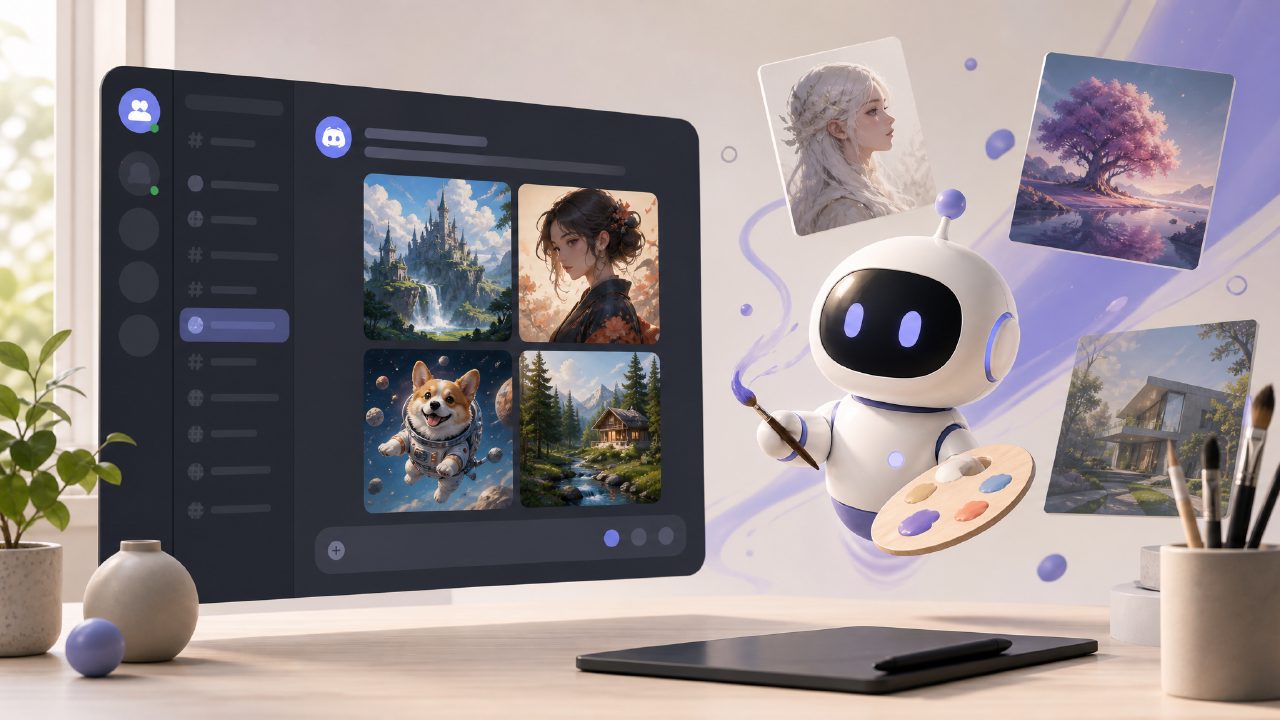
If you've spent any time looking for a Discord AI art server, you've probably run into the same wall I did. You join one, type a few prompts, and hit a paywall after your third generation. Or you find a server running Stable Diffusion with limited slots and a confusing interface. So when I came across Vizly, I wanted to see how it stacked up against the usual options, especially because it lets you generate images right from text inside your own channel without the typical limits.
Why Vizly is worth a look
I’ve used Vizly for about a week to generate everything from blog header ideas to quick character concepts for a side project. The standout is that it's a free AI text to visuals 2026 tool that doesn't throttle you aggressively. Most Discord art servers I've tried, like the popular Midjourney channels or even custom Stable Diffusion bots, restrict generations unless you’re on a paid plan. Vizly let me make around 50 images without hitting a hard limit. That alone sells it for casual creatives.
One concrete test: I needed a series of "cyberpunk street vendor" variations. With Midjourney's free tier on Discord, you get about 25 fast generations and then you're stuck. On Vizly, I ran the same prompt ten times, tweaking a few words each round, and got results in about 10 seconds per batch. The quality wasn't quite Midjourney-level in terms of lighting consistency, but it was good enough for rough concept work and social media posts.
What works and what doesn't
Vizly handles a wide range of styles — photorealistic, vector art, oil painting — and the prompts are interpreted literally enough that you don't need to be a prompt engineer. But I did notice it sometimes ignores specific negative prompts. For example, asking for "no people" still put a blurry figure in the background in three out of five tries. That's a mild friction if you're trying to clean up a scene quickly. By comparison, a dedicated bot running on a high-end GPU server (like some paid Discord servers) gave me cleaner negatives but required a subscription.
Another tradeoff: Vizly doesn't have an in-painting feature yet. If you need to regenerate part of an image — say, fix a distorted hand — you have to re-prompt the whole thing. That's fine for rough drafts, but if you're doing product imagery where precision matters, you'll miss the control you get from a tool like Midjourney's in-painting (only available on paid tiers).
Who should think twice
If you're a power user who already has a paid Midjourney subscription or runs a local A1111 instance, Vizly probably won't replace those. The image resolution is capped, and you can't tweak parameters like CFG scale or seed easily. But if you just want an ai image generator free unlimited option that works inside Discord without the hassle of managing your own model, Vizly is a strong choice.
For my use case — brainstorming visuals for a newsletter that changes topics every month — it was plenty. The ai text to image video generator free aspect is still missing (Vizly doesn't do video), but for stills, the speed and lack of restrictive limits make it a better free Discord bot than most alternatives I've tried.
Recommendation: If you want a Discord AI art server that doesn't nickel-and-dime you after every few generations, try setting up a channel with vizly. It's not perfect, but for casual to moderate use, it beats the free tiers of bigger names hands down. Just keep your expectations in check for precision edits.
Comments
Leave a Comment