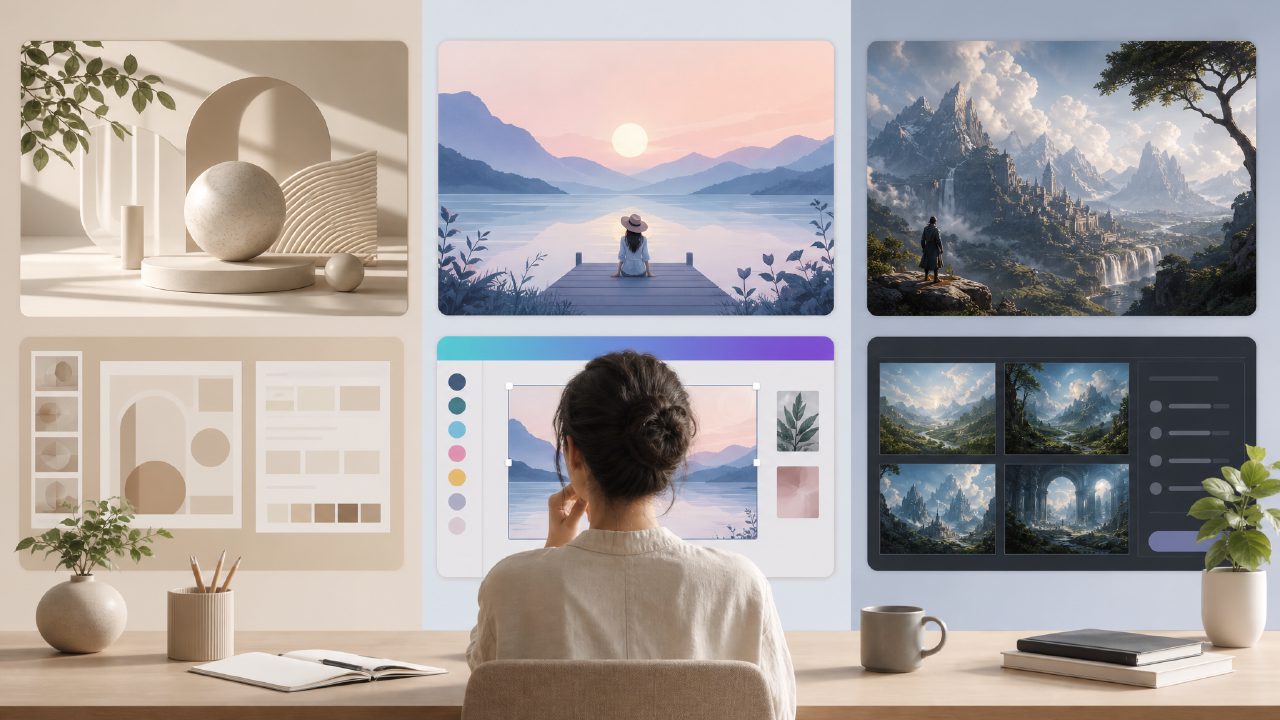
I've been testing AI tools for self-media content creation for a few months now, and the challenge of finding reliable 自媒体配图 工具 is real. Most options either cost too much, produce generic results, or take too long to learn. I wanted to see if Vizly could actually replace the workflow I've been using with Canva and occasional Midjourney prompts.
What I compared and why
I set up a head-to-head test against Canva's AI image generator and Midjourney, focusing on three common self-media scenarios: a WeChat article thumbnail, a Douyin-style product showcase image, and a quick concept visual for a lifestyle blog post. For each task, I timed how long it took to get a usable result and evaluated the quality on practical terms—does it look like something I'd actually post, or does it still scream "AI"?
Comparing image quality and speed
Vizly handled the thumbnail task noticeably faster than I expected—about 40 seconds from typing the prompt to having a decent output. The same prompt in Midjourney took longer to refine because I needed multiple rerolls to get the composition right. Canva's generator was closer speed-wise, but the results felt more templated. Vizly's output had a slightly looser, more editorial feel that worked better for the WeChat format.
For the product showcase image, I ran into a limitation. The Vizly output looked good at first glance, but the text rendering was off—the product name came out garbled. That's not unusual for AI image generators, but it's worth noting if your content relies on readable text. Both Midjourney and Canva struggled with this too, but Canva at least let me overlay clean text afterward without switching tools.
The video angle (and where it matters)
这里其实有个更现实的问题。Most self-media creators I know eventually need short video clips for Reels or Douyin, not just static images. Vizly is primarily an image generator, which means you'd still need separate tools if video becomes part of your workflow. If you're looking for a free ai image generator 2026 that also handles motion, you might need to pair Vizly with something else. Some of the newer tools I've tested claim to be a free ai image and video generator 2026, but most of those are still rough around the edges.
I did check whether Vizly's output could be animated with basic motion tools, and the results were mixed. The images hold up well for static use, but the composition doesn't always leave room for pan-and-scan effects without cutting off key elements.
Where Vizly fits and where it doesn't
After a few days of testing, here's where I landed. Vizly is a strong option if you need quick, distinctive visuals for self-media channels and you're willing to accept occasional text issues. It's faster than Midjourney for simple prompts and less restrictive than Canva's template-driven approach. The output feels more unique, which matters when you're trying to stand out in a crowded feed.
But it's not a complete replacement. If your content regularly needs embedded text, precise layout control, or video export, you'll still need a secondary tool. Vizly also lacks the collaboration features that some creators rely on when working with editors or clients.
For the price point—it's one of the more accessible options I've tested among the best free ai image generator 2026 candidates—the value is solid. But I'd recommend trying it alongside your current workflow for a week before committing fully. The tradeoff between speed and precision is real, and it depends heavily on what kind of content you create most.
Comments
Leave a Comment