You know that moment when you're scrolling at 2 a.m. and a completely unhinged visual pops into your head? Like a raccoon in a spacesuit riding a unicycle through a neon-lit Tokyo alleyway. You want to see it, but you can't draw, can't afford a designer, and Midjourney feels like it's speaking its own language. That's exactly where Vizly slides in.
Vizly is an AI image generator, but not the kind that makes you sit through a 20-minute tutorial just to get one decent output. It's built for people who have more ideas than patience. The pitch is simple: type the weird stuff, get the picture. No prompt engineering degree required.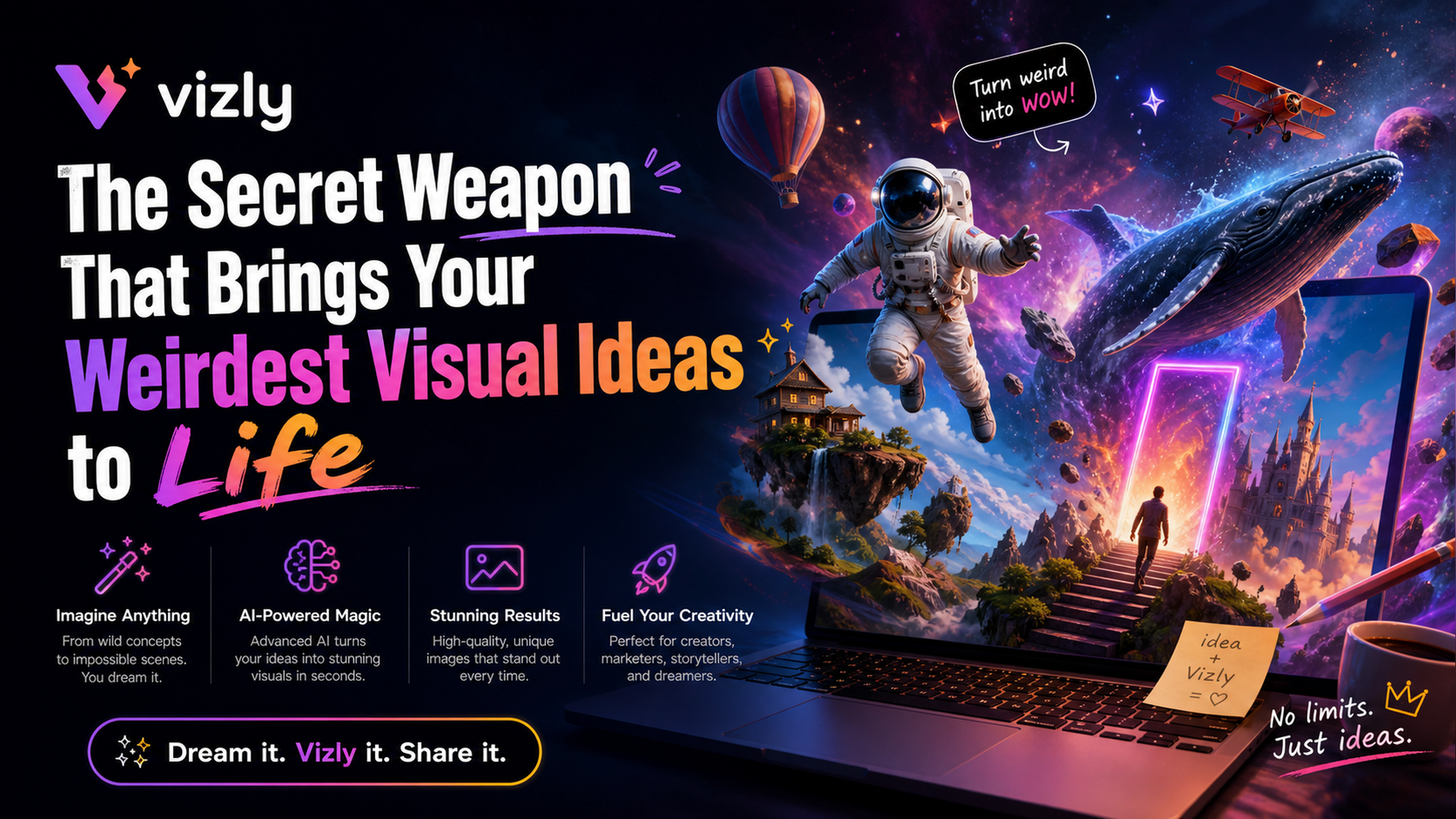
Why Vizly actually works for chaotic ideas
Most AI image tools force you into a certain aesthetic. You type "cyberpunk cat" and get something that looks like it belongs on a stock photo site from 2025. Vizly doesn't do that. It leans into your exact words, even if those words are "melting giraffe eating a burrito under water."
I tested it with a few genuinely stupid prompts. First: "a toaster that looks depressed, sitting on a therapist's couch, photorealistic." The result had the toaster slouching (somehow) in a dimly lit office. Was it perfect? No. The therapist's couch looked more like a beanbag. But it captured the mood better than any other generator I've tried. Second test: "abstract concept of Monday morning, dark humor." Got back a coffee cup melting into a black puddle with tiny alarm clocks drowning in it. Honestly, I'd hang that in my room.
Not everything is smooth
Let's be real. Vizly isn't magic. Sometimes it misses weird anatomy (extra fingers, or tails growing from weird places). And if your prompt is too abstract, like "the sound of regret visualized," it gives you something that looks like noise. You'll need to adjust. The interface is minimal — no layers, no brushes, just a text box and a generate button. That's a tradeoff. If you want fine-grained control, this isn't it. Vizly is for speed and vibe, not precision.
Also, there's no community gallery to browse yet. You can't see what other weirdos are making. That's a bummer because sometimes you want inspiration or just to laugh at someone else's "synthwave potato" attempt.
Who should actually use Vizly
If you're a content creator who needs quick, offbeat visuals for social media — like a thumbnail for a video about "worst inventions" — Vizly is perfect. If you're a student trying to illustrate a concept for a presentation without spending hours on Canva, same deal. But if you need commercial-grade vector art or realistic product mockups, look elsewhere. Vizly excels at ideas, not execution.
It's also great for creative blocks. Just type nonsense, generate, and let the output spark something new. I've used it to generate weird concept art for a fiction project. Got a "ghost librarian organizing floating books" in seconds. That image gave me a whole scene idea.
Bottom line: is it worth it?
Vizly is a secret weapon for people with weird brains who need to get those visuals out fast. It's not trying to replace Photoshop or be the most photorealistic tool on the market. It's a playground. If you like your AI generators with low friction and high weirdness tolerance, give it a shot. Just don't expect perfection — expect possibilities.
Comments
Leave a Comment