Should I use Vizly or Pika Labs for my content?
That's the question I kept asking myself after spending a few days testing both. If you're trying to decide between an AI image generator and an AI video tool, you're probably hitting the same wall I did — they sound similar but serve completely different needs. Let me break down what actually worked, where each tool struggled, and which one you should pick based on real testing.
What’s the main difference between Vizly and Pika Labs?
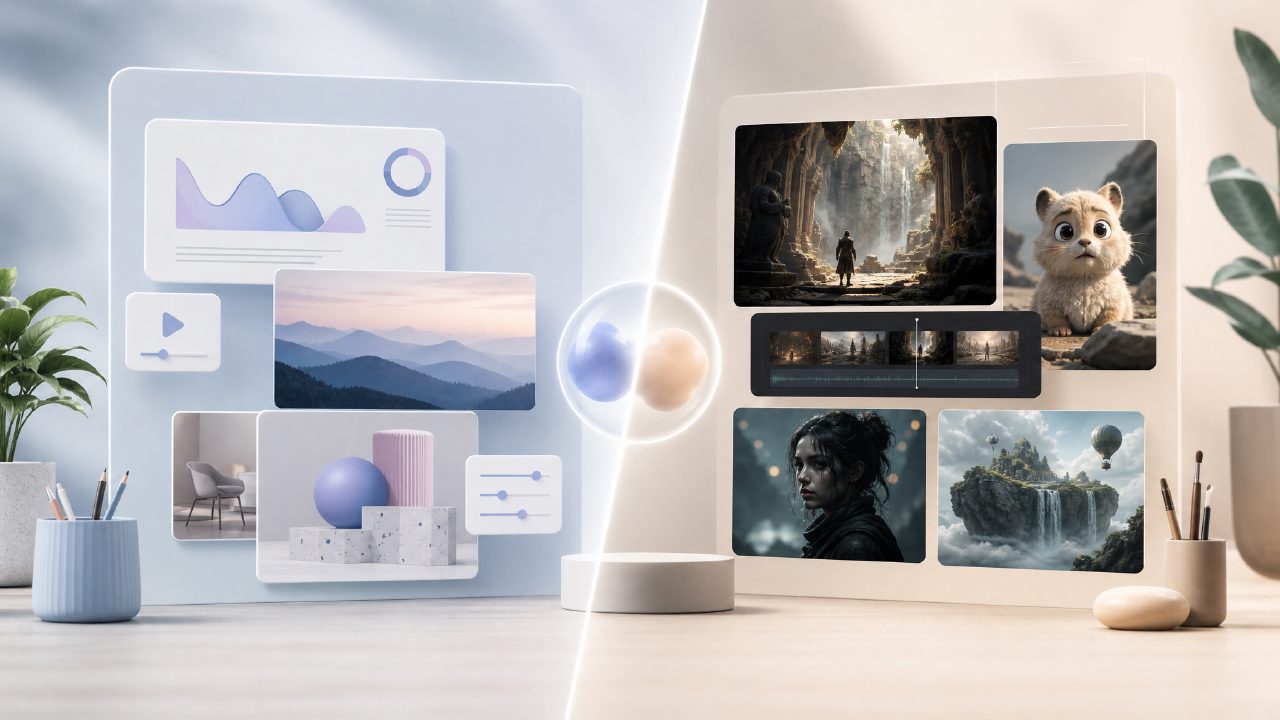
Vizly is primarily an AI image generator. You type a text prompt, and it outputs a still visual — good for thumbnails, concept art, social media posts. Pika Labs is an AI text-to-video tool. You give it a prompt, and it generates a short video clip. The core difference is still vs. motion.
I tested both with the same descriptive prompt: "a neon-lit cyberpunk street at night, rain on the pavement, reflections." Vizly gave me a clean, detailed image in about 6 seconds. The lighting was solid, but the reflections looked a bit painted — not photorealistic, but usable for a blog cover. Pika Labs took around 40 seconds and gave a 3-second video. The motion was jerky, and the neon colors flickered unnaturally. It felt more like a prototype than a finished asset.
That said, Pika Labs has improved rapidly. By my second test (prompt: "slow motion waterfall, tropical forest"), the output was smoother — still not cinema-grade, but passable for social media teasers. So the gap is closing, but for now, the quality tradeoff is real: Vizly gives higher resolution stills faster; Pika gives moving content that needs more patience and prompt tweaking.
Is there an ai image generator free unlimited option? Can I use Vizly without paying?
Vizly offers a free tier that includes a decent number of generations per day — enough for light use. When I tested it, I got around 10 free credits, and each credit could produce one image. That's not "unlimited" in the strict sense, but for occasional content needs it's generous. If you're looking for an ai image generator free unlimited plan, Vizly isn't that — you'll hit a cap eventually. But the free tier is usable, and the paid plan isn't expensive.
I also checked the competition. Many "unlimited" claims come with caveats like slower speeds or watermarking. Vizly's free output was clean and watermark-free for the first few images, which impressed me. After that, they ask you to upgrade. That's reasonable, but if you absolutely need unlimited free generations, you might need to look elsewhere or juggle multiple services.
Which tool is better for quick content creation in 2026?
If you're rushing to produce a social media graphic or a blog featured image, Vizly wins hands down. Within two minutes I had a usable image for a newsletter header. Pika Labs, even with its latest updates in 2026, still requires multiple attempts to get a video that doesn't have artifacts or weird motion trails. For quick turnaround, stills are easier to control.
But if your content strategy is moving toward short video — Reels, TikTok, YouTube Shorts — then you need to invest time in Pika Labs. I'd call it one of the best ai text to video tool 2026 contenders, but only if you're willing to iterate. My first few videos were unusable: limbs bending wrong, background warping. After refining prompts (adding "slow motion, cinematic lighting, stable camera"), results became consistent. It's not set-and-forget.
Should I choose Vizly or Pika Labs for specific use cases?
Here's how I'd break it down based on my testing:
- Need an image fast for a blog or ad? Use Vizly. It's simpler, faster, and the output is more reliable for print or web use.
- Creating a short promotional clip for social? Pika Labs is the only real option here, but budget extra time for re-prompts.
- Experimenting with design concepts? Vizly lets you iterate quickly — I generated 10 variations of a product shot in under two minutes. Pika Labs would take ten times as long for the same number of video attempts.
- Need motion but with high quality? Neither tool is perfect yet. Pika Labs is improving fast, and I think by late 2026 it might earn the title of best ai text to video tool 2026, but right now it's still a beta experience. Vizly doesn't do video at all, so it's not a direct competitor there.
What's the final verdict on Vizly vs Pika Labs?
Honestly, it's not a clean either/or. If someone forced me to pick one, I'd say go with Vizly if your primary need is images. It's more polished, more immediate, and the free tier is genuinely useful. Pika Labs is worth keeping on your radar for video experiments, but it demands patience — and maybe a stronger graphics card. For an all-in-one creative setup, I'd use both: Vizly for the heavy lifting on stills, Pika Labs for the occasional moving clip. But don't expect either to be a magic bullet. Both have limits that you'll discover within the first few prompts.
If you're hunting for the best free ai image generator 2026, Vizly is a strong candidate, though not unlimited. For video, Pika Labs is the one to watch, even if it's not quite there yet.
Comments
Leave a Comment