You need a visual—fast. Maybe it's for a client deck, a social post, or just to see if an idea looks as good in pixels as it does in your head. But you're not a designer, and even if you are, the time to open a full editing suite, source assets, and iterate feels like a luxury you don't have right now.
That's the gap Vizly Image Studio tries to fill. It's an AI image generator that turns text prompts into visuals. The selling point isn't just "AI makes pictures"—it's that you can stay in your workflow, describe what you want, and get something usable in minutes. No layers panel, no stock photo search loops, just typing.
What actually works in practice
I've been using Vizly for a few weeks, mostly to generate quick mockups for content ideas and to test visual directions before committing to a real shoot or illustration. Here's what stood out:
Speed is real. From prompt to result takes about the same time as brewing a single espresso. That's the core value. If your bottleneck is "I need something visual to check if this concept lands," Vizly removes the friction. For example, I needed a header image for a blog post about sustainable packaging. I described "cardboard box with green leaves around it, modern, clean lighting, e-commerce style" and got four options in under a minute. One was usable as-is, the others gave me direction.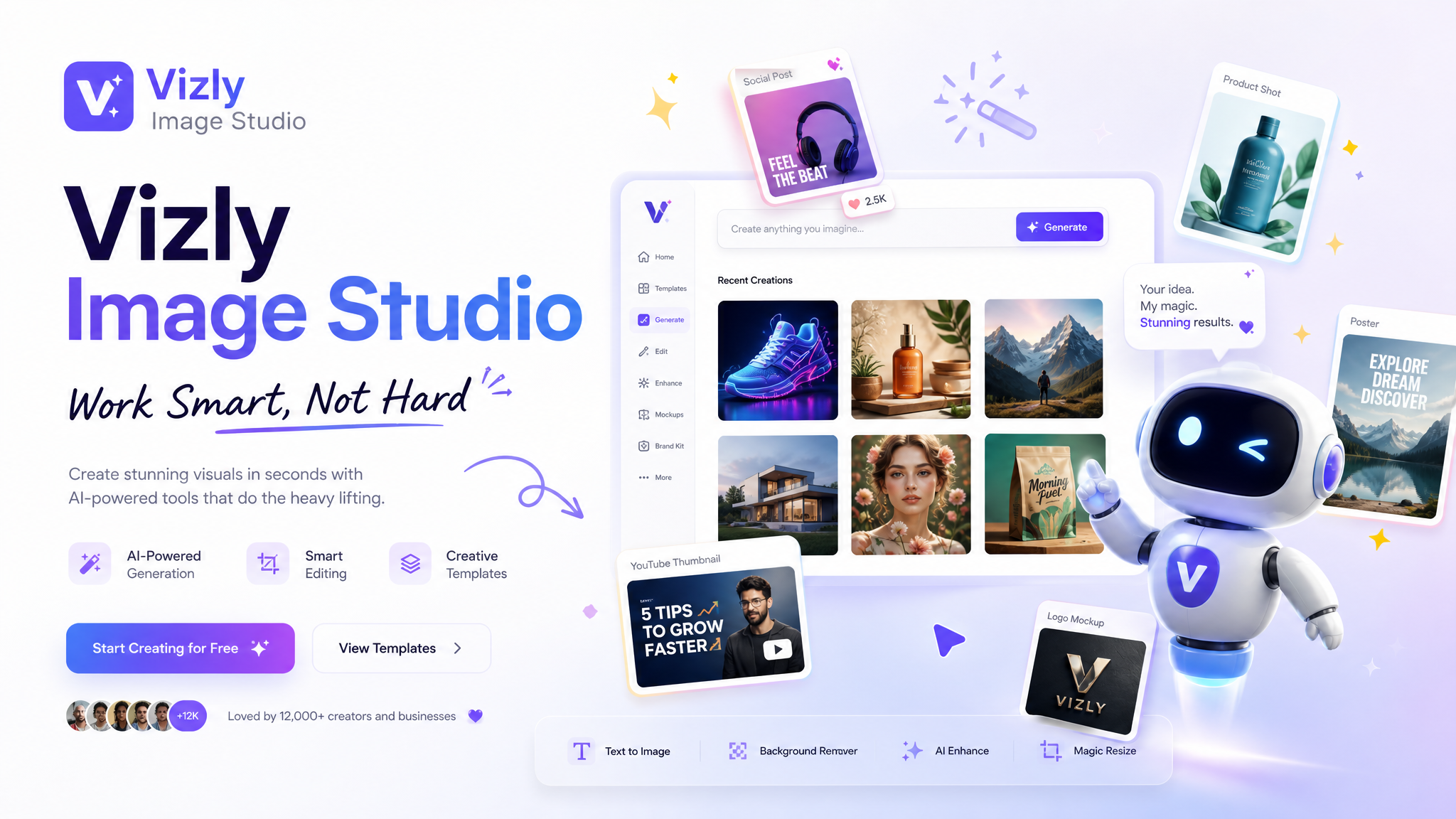
The prompts don't need to be novels. Unlike some AI tools that require paragraphs of tuning adjectives, Vizly handles short, natural phrases. "Retro diner interior, neon signs, empty chairs, moody blue lighting" produced a coherent, stylized image on the first try. It's opinionated enough to produce something interesting even when your description is vague.
Good for creative experiments. I'm not a pro visual artist, but I often brainstorm design concepts for side projects. Vizly made it easy to generate multiple variations of a logo concept or a character design without spending hours on sketching. The results aren't always production-ready, but they're directional. That's the whole point.
Where it stumbles
Vizly isn't a replacement for a dedicated design tool if you need precise control. You can't move elements around or adjust the lighting of specific objects after generation. What you get is what you get. Also, consistency across generations for the same prompt can be loose—if you need a series of images where a character or object looks exactly the same, you'll have to cherry-pick or regenerate multiple times.
Resolution can be a limitation. The outputs look great on screen for social media, blog thumbnails, or presentation slides, but if you need print-ready 300 DPI artwork at large sizes, you might hit a wall. Check the output size before you rely on it for a poster or brochure.
Realistic fit: who should use it
Vizly shines when you need speed over perfection, exploration over execution. If you're a content creator, a small business owner making your own social media assets, a designer wanting quick visual references before diving into a real tool, or someone who regularly brainstorms visual ideas—it fits. But if your work demands pixel-perfect, brand-consistent, layered output with fine-grained editing, you'll want to treat Vizly as a sketching assistant, not the final canvas.
One more thing: the playful side. The tool doesn't take itself too seriously. Some prompts yield quirky, unexpected results that are actually more useful for creative experimentation than boring, safe outputs. That's intentional. It keeps the process light and fast, which helps when you're stuck.
In the end, "work smart, not hard" means knowing when to let a tool carry the heavy lifting of visual translation. Vizly Image Studio handles that lift well—as long as you set the right expectations. It's a sidekick, not the whole studio. And for most quick visual needs, that's exactly what you want.
Comments
Leave a Comment