Sometimes the images you need aren't spectacular—they're just supposed to be slightly less boring. A group chat needs a quick birthday card. Your weekly newsletter needs a header that doesn't look like a stock photo graveyard. You want a visual for a slide deck that says "Tuesday morning meeting" without actually photographing a conference room. These are the moments where firing up Photoshop feels like overkill, but grabbing another generic Unsplash download feels like giving up.
Turning Mundane Prompts into Vizly AI Visuals
Vizly Image Studio sits squarely in that gap. You type a text prompt, and it generates an image. That's the whole pitch. But where it actually proves useful is when your prompt is deliberately un-fancy. I threw in things like "a cat staring out a rainy window with a coffee mug on the sill" or "stick figures arguing about pizza toppings on a whiteboard." The outputs weren't gallery pieces, but they were instantly more shareable than whatever I could cobble together in Canva in the same three minutes.
The generator leans toward a stylized, slightly illustrated look by default. Photorealism isn't its strength—if you prompt "realistic portrait of a woman reading," you'll get something that looks more like a well-rendered concept sketch than a photograph. That aesthetic actually works in your favor for everyday stuff. A coworker's farewell card with a cartoonish desk-and-boxes scene lands better than something that tries to look serious.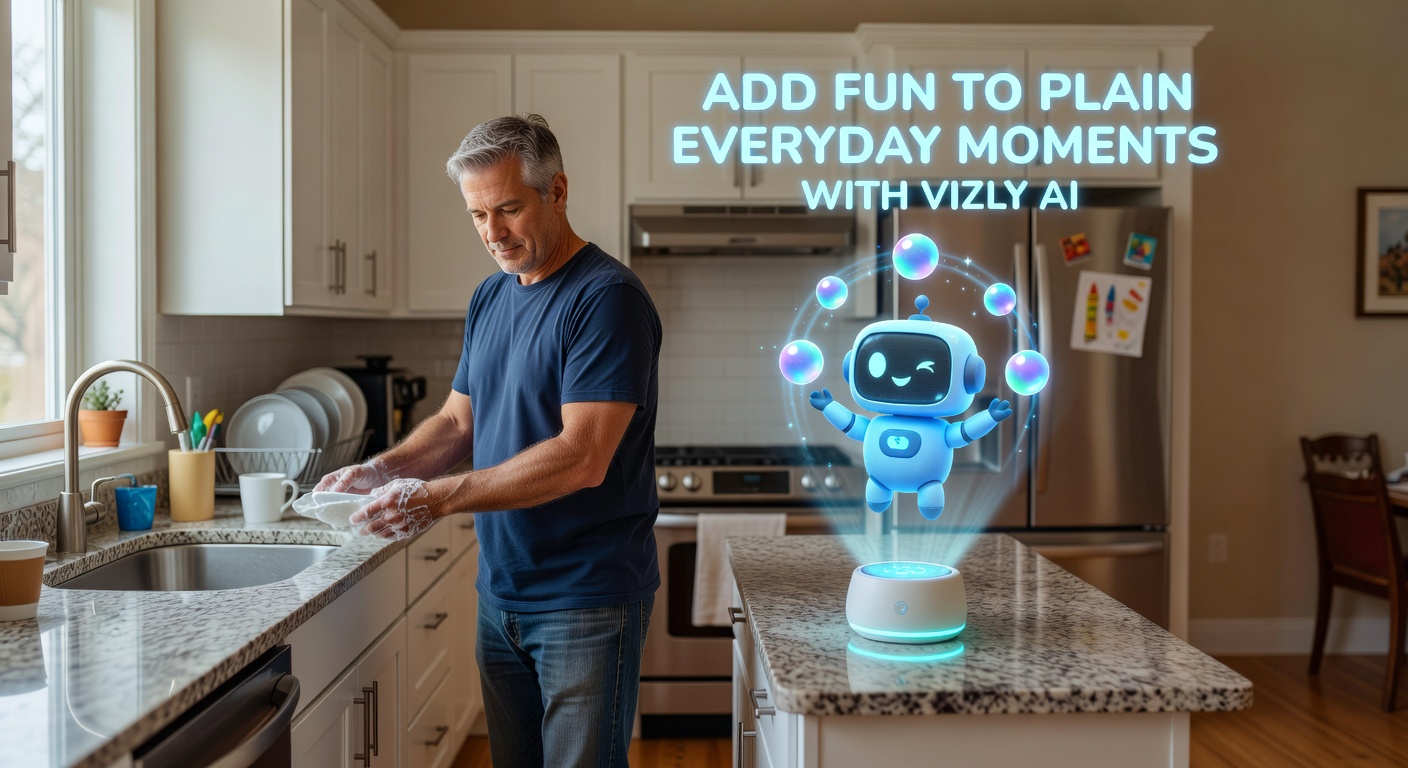
Where It Actually Saves You Time
A few concrete uses that clicked during testing:
Social posts for small accounts. If you're running a hobby Instagram or a neighborhood Facebook group, you don't have a content budget. Prompting "golden retriever wearing a party hat in a backyard" and dropping the result into a post takes under a minute. The image won't go viral on its own, but it stops your feed from looking like a text-only bulletin board.
Internal communication visuals. Slack channels and team wikis are visually dead zones. Dropping in a quick generated image for a recurring theme—"Monday morning coffee ritual" or "deploy day celebration"—adds personality without requiring anyone to learn design tools. These images are disposable by nature, which makes AI generation a reasonable fit.
Concept sketches for personal projects. If you're brainstorming a zine layout or a small app idea, Vizly gives you rough visual anchors faster than sketching them yourself (assuming you're not a confident illustrator). The outputs are starting points, not finals, but they fill the blank-canvas paralysis gap.
Fit, Tradeoffs, and When to Look Elsewhere
Vizly is fast and lightweight, but that comes with constraints. The stylization bias means you'll struggle to get clean, minimal icons or sharp UI mockups out of it. If you need precise composition—say, a product shot with exact proportions for a landing page hero—this tool will frustrate you. The prompt interpretation is decent but not telepathic; nuanced scenes like "a crowded subway platform at rush hour from above, muted colors" tend to lose detail in the crowd rendering.
There's also the consistency issue. Generating two images from the same prompt won't give you matching styles. That's fine for one-off social posts, but rough if you need a set of visuals that look like they came from the same creator. You can nudge consistency by reusing specific style keywords ("watercolor style," "flat vector illustration"), but it's still approximate.
Alternatives depend on what you're prioritizing. Midjourney gives you more aesthetic range and sharper detail, but it's slower and demands more prompt craft. DALL·E inside ChatGPT is convenient if you're already in that workflow, though its default look leans differently. Canva's AI image tool sits inside a broader design ecosystem, which matters if you need to add text overlays or export at specific dimensions immediately. Vizly's edge is mostly speed and low friction for throwaway visuals.
Quick Take
Vizly AI won't replace your design workflow for anything client-facing or polished. It's a tool for the visual gaps you normally leave empty—the group chat card, the Slack emoji concept, the blog header you'd otherwise skip. If your everyday moments need a small dash of personality rather than production-grade imagery, it fills that specific niche without demanding much from you in return.
Comments
Leave a Comment