You need a visual for a pitch deck tomorrow, or a thumbnail for a video you just finished scripting, and stock photos feel off-brand. That is usually the moment people start typing prompts into an AI image generator. Vizly sits in that exact slot: you feed it a line of text, and it spits out a rendered image you can download and drop into a project.
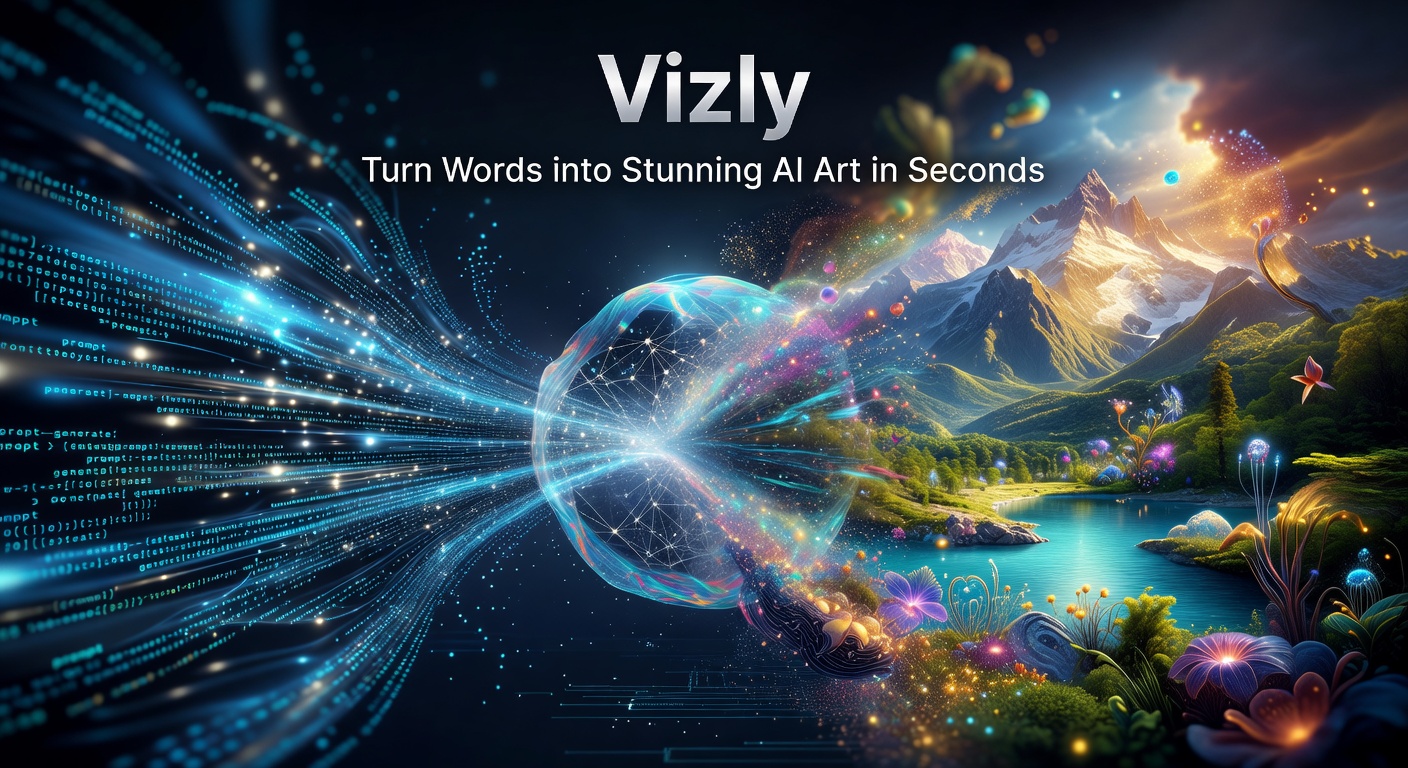
How Vizly Handles the Prompt-to-Image Pipeline
The interface is essentially a text box and a generate button. You type something like "low-angle shot of a concrete staircase in fog, muted tones" and wait roughly ten to thirty seconds. The output is a 1024×1024 or similar resolution square that you can crop or resize downstream. There is no in-app editor, no layers panel, no inpainting brush. Vizly treats generation as the entire product, not the first step of a broader creative suite.
Prompt adherence is decent for straightforward descriptions. If you specify lighting, color mood, and composition, the result usually reflects at least two of those constraints. Complex spatial relationships—"red car parked to the left of a blue mailbox under a streetlight"—tend to get scrambled. The model also struggles with accurate text inside images; signs, labels, and book covers arrive as smeared glyphs. That is a common limitation across current generators, not unique to Vizly, but it does matter if you need mock-ups with readable headlines.
Concrete Scenarios Where It Pulls Through
A few recurring use cases line up well with what Vizly can reliably deliver:
- Blog and newsletter headers. You need a wide mood shot that matches the article's tone but does not depict specific real people or copyrighted architecture. Abstract or environmental prompts work cleanly here.
- Presentation concept slides. When you are pitching an idea that does not yet exist—a product feature, a future state of a building—Vizly can produce a plausible rendering fast enough to keep the deck moving.
- Social media thumbnails. If your content is opinion or analysis rather than documentary footage, an AI-generated visual sidesteps the awkwardness of repurposing random stock photography.
- Early design exploration. Interior designers or concept artists sometimes run a dozen quick prompts to test color palettes or material combinations before building proper 3D models.
In each of these, speed matters more than pixel-perfect accuracy, and the image is a supporting element rather than the final deliverable.
Where the Tradeoffs Start to Show
Vizly does not expose model selection, seed locking, or step-count sliders. You cannot rerun the same prompt with a fixed seed to iterate on small changes; every generation is essentially a fresh roll. That makes precise iteration—tweaking just the lighting while keeping the composition intact—difficult. You end up rephrasing the whole prompt and hoping the new output stays close enough.
Resolution caps also limit downstream print use. A 1024-pixel square is fine for web, but anything above a small brochure will look soft. There is no built-in upscaling tool, so you would need to pipe outputs into a separate app for that step.
Style consistency across a series is another friction point. If you are generating a set of five illustrations for one article, keeping them visually coherent requires careful prompt templating and some luck. Vizly does not offer a "style lock" or reference-image feature that would anchor the aesthetic.
Should You Use Vizly or Look Elsewhere?
The decision comes down to how much control you need versus how fast you need an image. If your workflow is "type, generate, download, move on," Vizly's stripped-down flow is an advantage—nothing slows you down. But if you rely on iterative refinement, reference-image grounding, or higher-resolution exports, tools like Midjourney or Stable Diffusion via a local install give you deeper parameter access at the cost of a steeper learning curve.
Cost structure matters too. Vizly typically runs on a credit or subscription model, which is straightforward if you generate occasionally but can rack up quickly if you are producing dozens of images daily. Flat-rate local inference has a hardware upfront cost but no per-image fee, which flips the economics at volume.
Vizly is a solid fit for solo creators, small marketing teams, and anyone who treats AI imagery as a rough visual shorthand rather than finished art. It turns words into AI art in seconds, exactly as advertised, and for many quick-turn tasks that is enough. When the brief demands precision, consistency, or print-grade resolution, you will likely need to supplement it with something more configurable.
Comments
Leave a Comment