We all have those days where everything is a bit of a mess—coffee spills on the desk, the dog knocking over a plant, a chaotic dinner party that somehow felt perfect in the end. Capturing that exact vibe in a photo is easy, but translating that specific, lived-in emotion into a piece of art? That usually requires actual drawing skills or hours of editing. This is exactly where an AI image generator like Vizly steps in, offering a straightforward way to turn your messy lovely days into stunning AI art without touching a brush or learning complex software.
Translating Chaos into Visuals
Vizly Image Studio takes text prompts and renders them into visuals. The real test of a tool like this isn't whether it can draw a generic sunset; it's whether it can handle the nuanced, messy reality of daily life without turning it into something sterile.
Take a prompt like "a cluttered kitchen counter with a half-eaten croissant, spilled coffee, and morning sunlight filtering through a dusty window." Vizly tends to interpret this well, giving you a stylized, warm-toned image. It captures the "lovely" part—the sunlight and the cozy morning feel—while stylizing the "messy" part so it looks intentional rather than just gross. The result feels like a concept sketch for an indie film set rather than a literal photograph of a disaster zone.
Another example: "a rainy Tuesday evening, wet shoes by the door, a glowing laptop on a couch, half-watched TV." The generator leans heavily into atmospheric lighting here, turning a mundane, slightly depressing scene into something cinematic. It isolates the glow of the screen and the lamp, making the mess feel moody and deliberate.
The catch, however, is that AI models often have a natural bias toward aesthetic perfection. They want to clean things up. If your prompt is too chaotic, Vizly might smooth out the edges, losing the authentic grit of the moment. You sometimes have to explicitly fight this tendency by using specific adjectives—terms like "disheveled," "cluttered," or "gritty"—to force the model to keep the imperfections that made the day feel real in the first place.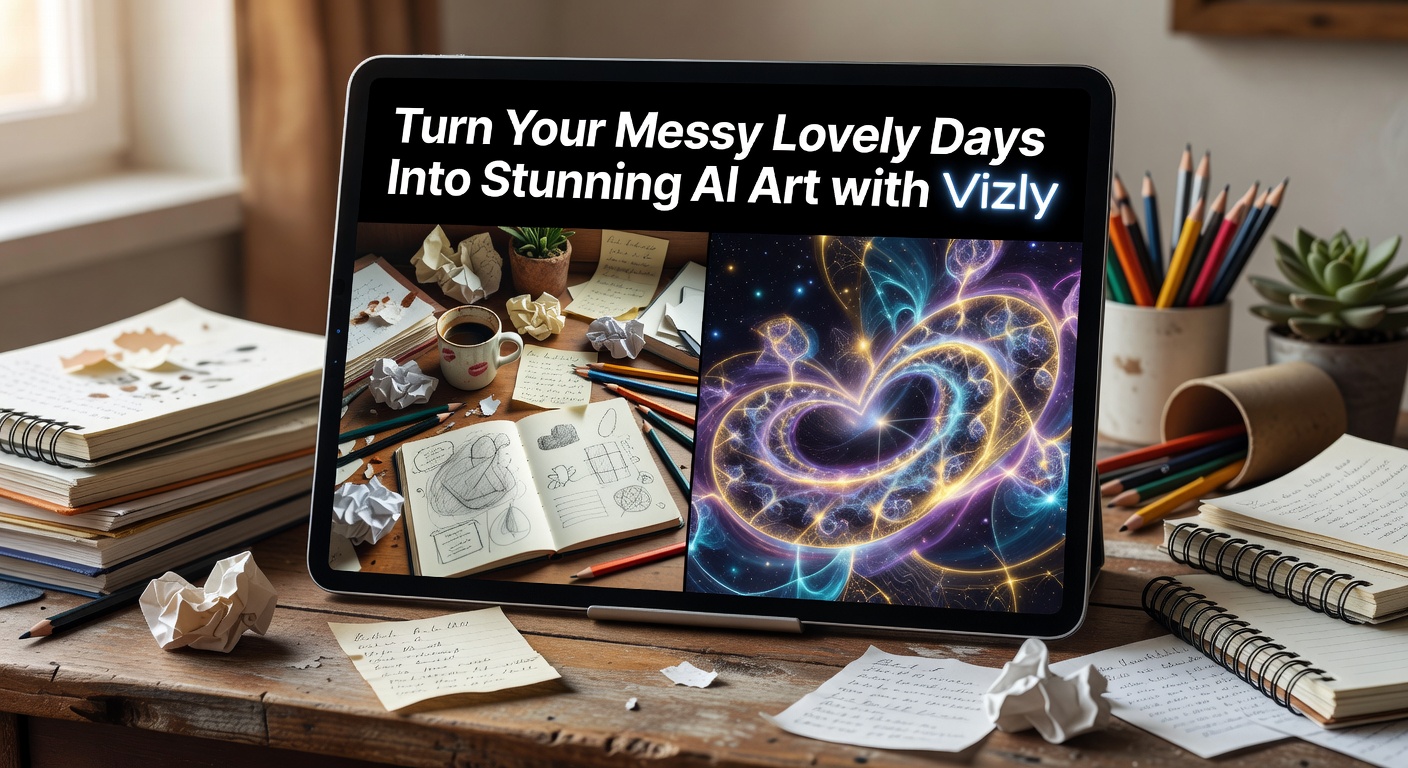
Evaluating the Fit: Tradeoffs and Alternatives
Vizly is built for quick content creation, design concepts, and creative experiments. It excels when you need a visual fast and don't want to spend hours tweaking parameters or learning Discord commands. The workflow is direct: type your messy-day prompt, hit generate, and iterate from there. If the first result sanitizes your chaos too much, you adjust the wording and try again. It’s a functional studio tool for getting ideas out of your head and onto a screen.
The main tradeoff is depth of control. If you need a specific composition—like the coffee mug exactly on the left side of the frame and the dog on the right—Vizly's prompt-based generation might frustrate you. It interprets the overall vibe, but precise spatial arrangements are still a struggle for most text-to-image models, and Vizly is no exception. You get the feeling of the scene, but not necessarily the exact layout you pictured.
When considering alternatives, it comes down to what you value most. If you need maximum artistic polish and are willing to learn complex parameter syntax, Midjourney remains the heavy hitter, though it takes more effort to master. If you want strict, literal adherence to weird, specific prompt details, DALL-E 3 is better at following instructions word-for-word. Vizly sits somewhere in the middle. It’s less about creating gallery-ready masterpieces and more about getting a solid, usable visual representation of your idea in minutes. It prioritizes speed and ease of iteration over deep customization.
For personal use—like turning a fleeting feeling from a chaotic afternoon into a visual journal entry, or generating a quick background image for a blog post about a messy week—Vizly hits a practical sweet spot. It doesn't demand a steep learning curve, and it handles atmospheric, emotionally driven prompts reasonably well once you learn to prompt against its cleaning habits.
Turning everyday chaos into something visually compelling is a genuinely fun use case for AI right now. Vizly Image Studio handles this reasonably well, provided you learn to guide it away from over-sanitizing your scenes. It won't replace a photographer or an illustrator, but if you simply want to turn your messy lovely days into stunning AI art to see how they look as a painting or a concept sketch, Vizly gets the job done without the friction.
Comments
Leave a Comment