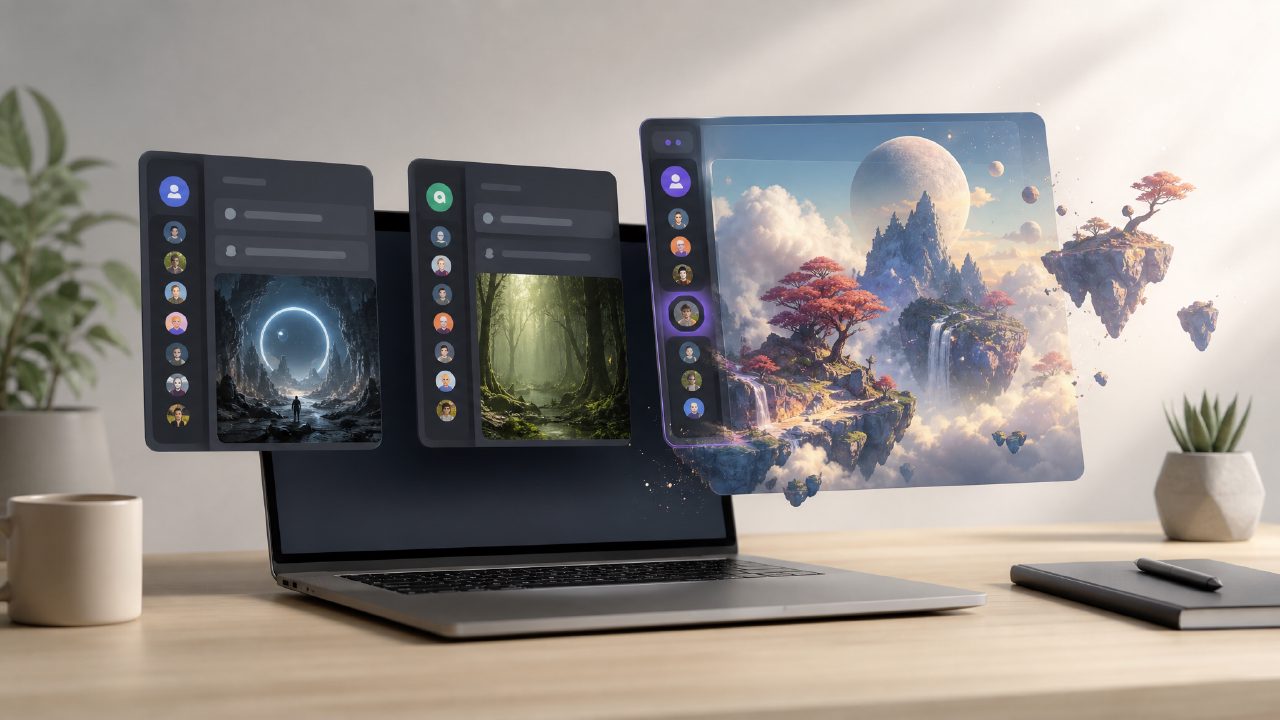
I joined three different Discord AI art servers last month to test them side by side. I wanted something fast for generating quick thumbnails and concept art without opening a separate website each time. One of them was a invite‑only Midjourney alternative with a per‑message cap. Another was a smaller, hobby‑run bot that kept going offline. The third was vizly’s own server – and it ended up being the most interesting of the three, but not without rough edges.
What a Discord AI art server actually delivers
If you spend much time in creative Discord communities, you’ve probably seen people post “/imagine” prompts and get back four image grids. That’s the standard experience. But not every server is equal. The first thing I noticed about the vizly server was the response speed – about 8–12 seconds per batch, compared to 20+ on the hobby bot and roughly similar to the paid alternative. That matters when you’re iterating fast.
Where it fell short was prompt handling. On the first few tries I typed something like “cyberpunk street with neon signs, rainy night” and got back a passable street scene, but the neon signs were just blurry color blobs. I had to add “glowing signs with Chinese characters” to get something usable. The abstract concepts (anxiety, motion, etc.) worked better than I expected, though – the ai text to image video generator free tools I’ve used in the past often can’t handle abstract at all, so this was a nice surprise.
Comparing the free‑unlimited claim
Most Discord bots cap you at 25–50 generations a day unless you pay. The vizly server claims it’s an ai image generator free unlimited while it’s in early access. I tested that by generating about 80 images over two afternoons – no soft block, no queue wait. That alone makes it a viable alternative if you burn through credits on other platforms. The trade‑off? Output resolution is on the lower side (roughly 1024x1024), and there’s no upscaling command. You’ll need to upscale elsewhere if you want print‑ready assets.
Another limitation I hit: the bot doesn’t support aspect ratio flags yet. Every image came out square. For YouTube thumbnails that’s fine, but for wide banners I had to crop manually. The server’s admin mentioned they’re working on it, but for now it’s a friction point.
Who should use a dedicated server like this?
I think the Discord AI art server concept is best for people who already live in Discord – game devs, content creators, community managers. You don’t have to switch contexts. For someone who needs variety (different sizes, style references, negative prompts), the vizly server feels a bit barebones compared to a full web interface like vizly’s own studio. But for quick visual drafts or filler images, it’s hard to beat the speed and the lack of a pricing wall.
One concrete use case: I needed a set of modest fantasy icons for a Discord bot I’m building. I wrote “small magic potion icon, simple, flat colors” and got a decent batch within a minute. The fourth one was exactly what I needed. I wouldn’t call the output portfolio‑ready, but it saved me 20 minutes of scouring asset sites.
Final recommendation
If you’re looking for a free ai text to visuals 2026 tool that lives inside Discord and doesn’t throttle you, the vizly server is currently the best option I’ve tested. But go in with realistic expectations: the model is good for fast, simple outputs, not for polished, high‑res work. The lack of shape control and aspect ratio options is a real downside right now. I’d recommend it for casual use and prototyping, and for anything serious, use the main vizly web interface or another premium tool. For its speed and completely free unlimited generation, though, it’s worth having in your server list.
Comments
Leave a Comment