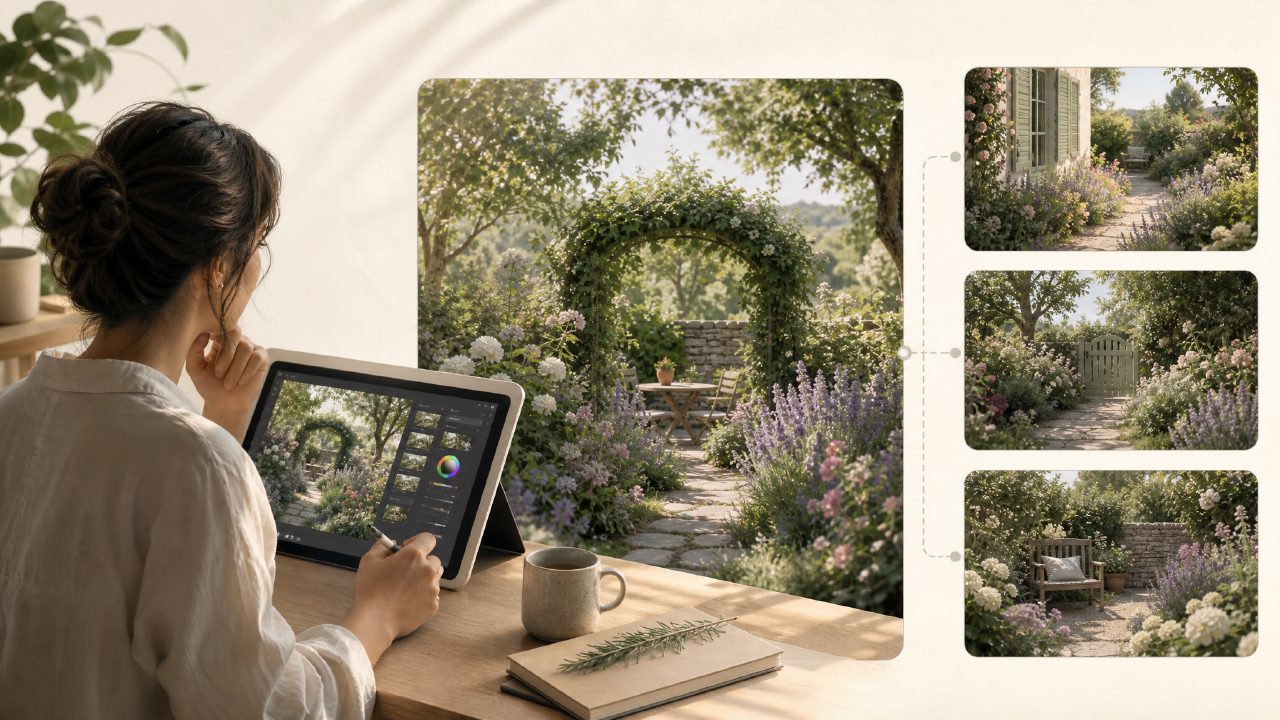
I’ve been messing around with AI image tools for a while now, mostly to see if they can actually save time when I’m putting together thumbnails or quick social media graphics. Earlier this week I decided to run a focused test: could I use a single AI image generator to produce a batch of usable visuals for a short blog series about urban gardening? I wanted something that felt like a real AI art tutorial—not a spec sheet, but a hands-on walkthrough. That’s when I leaned into Vizly Image Studio pretty heavily for a couple of days.
Why I picked Vizly for this
Honestly, I didn’t want yet another tool that looks impressive in demos but falls apart when you actually need a series of consistent images. Vizly is an AI image generator that turns text prompts into visuals, and the claim is that you can create images for content, ideas, design concepts, and creative experiments in minutes. That sounded plausible, but I wanted to see how it handled a narrow, repeatable task—generating four different “container garden” scenes without me re-engineering the prompt every time.
First attempt: a tomato pot on a balcony
I typed something like: “cherry tomato plant in a terracotta pot, urban balcony, morning light, photorealistic style”. The result came back in maybe 15 seconds. The lighting was decent, and the tomato plant looked healthy, but the pot was oddly tilted and the balcony railing blended into the background. Not a killer issue for a draft, but if this were a client deliverable I’d have to regenerate a few times. That’s one mild friction I noticed early—Vizly handles clear subjects well, but backgrounds can get muddled if your prompt is too light on spatial details.
Refining the prompts for better consistency
After about four tries I got a solid “balcony herb garden” image that would work for a blog header. What I appreciated was the speed. Even when I hit the regenerate button five times in a row, the queue never lagged. For someone on a deadline, that matters more than pixel-perfect accuracy. I also tested how Vizly handles more abstract stuff like “collage-style inspiration board for small-space gardening” and it actually produced something that looked like a mood board, not just a random mess. That surprised me.
Where it stumbles (and where it holds up)
Let’s talk tradeoffs. Vizly bills itself as both an AI image generator and, to some extent, a video tool. I tried generating a short looping video of a watering can beside a plant. The prompt was “gentle water droplets falling on mint leaves, cinematic loop”. The output was a static image with a very slow zoom effect, not a real video with motion. If you’re looking for the best free AI video generator 2026, this isn’t it yet—at least not from my test. The same goes for the free AI image and video generator 2026 label you might see online; the video side feels more like an afterimage than a proper generator.
However, as a AI art tutorial tool it works well because you can quickly iterate and compare outputs side by side. The interface shows your last few images in a strip, which makes it easy to spot what changed in your prompt phrasing. That’s more educational than reading a blog post about prompt engineering.
A concrete scenario that sold me
I needed a quick graphic for a social post about “repurposed containers as planters.” I tried three different prompts back to back: a plastic bottle cut in half, an old wooden crate, and a cracked ceramic bowl. All three came back within a minute total. The crate image had weird perspective (the right side looked squashed), but the bottle and bowl images were good enough to use with a little brightness correction. That kind of rapid prototyping is exactly what a real AI art tutorial should let you practice—making decisions fast, not polishing one perfect image.
Is Vizly right for you?
If you’re a designer who needs fine control over composition, you’ll hit limits. The tool doesn’t let you mask regions or guide the AI with reference layers. But if you’re a content creator, blogger, or someone early in their AI art learning curve, it’s a solid sandbox. The key is to treat Vizly as a sketching partner, not a finished output machine. I got better results when I stopped expecting it to read my mind and started writing prompts like I was describing a scene to a busy colleague who takes things literally.
For a quick, messy, practical AI art tutorial experiment using a single tool, Vizly held up better than I expected—especially for still images. I wouldn’t rely on it for video right now, and I’d budget extra iterations for background-heavy prompts. But if you’re ready to learn by doing, it’s worth a few hours of your week.
Comments
Leave a Comment