You've got the idea. The meme. The post concept. But when you open Canva or Photoshop, suddenly your brain goes blank. Or worse—you spend 45 minutes hunting for the perfect stock photo, and it still looks like a generic corporate slide deck. That's the real problem. Not "how to make AI art" but "how to make visual content that actually stops the scroll."
Vizly Image Studio is the tool that sits right in that gap. It turns a messy text prompt into usable visuals—fast. But here's the thing: "usable" is doing a lot of work. Let me walk through what that actually looks like.
From random prompt to something you'd actually post
Typing "aesthetic coffee cup on marble table" into most AI generators gives you something pretty but useless. The lighting is off. The cup looks like it melted slightly. The marble has weird AI artifacts. You can't use it.
Vizly handles this better than I expected. The output actually respects composition. I threw in a dumb prompt—"late night coding setup with neon lights and a messy desk"—and got back something that looked like a real photographer's B-roll, not a glitchy fever dream. The neon wasn't blown out. The desk clutter looked intentional, not accidental.
That matters when you're trying to build a brand aesthetic. One bad image can tank the vibe of an entire feed.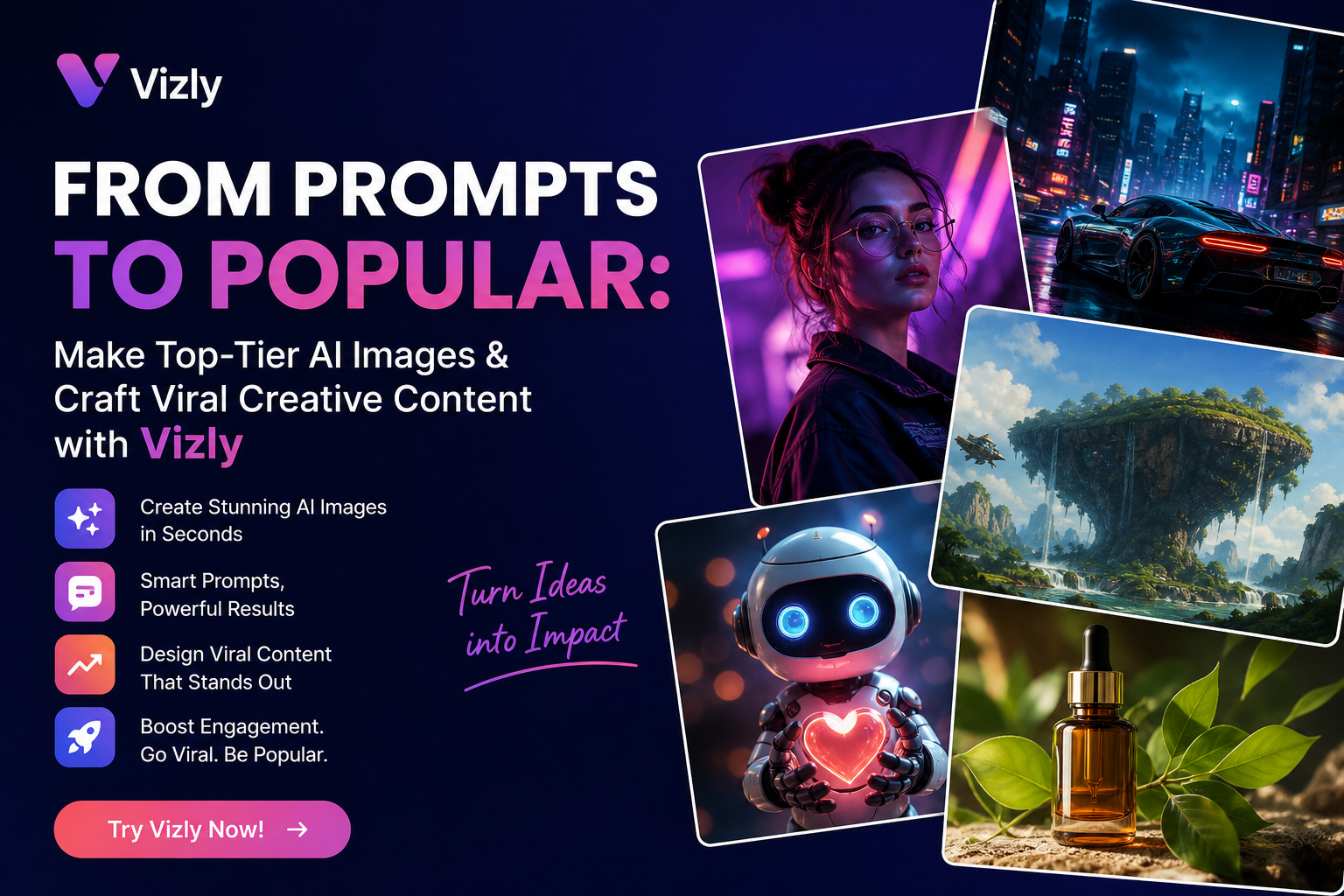
Three scenarios where Vizly actually saves you
Scenario 1: You're testing a content concept
You have a wild idea for a post but zero budget for a photoshoot. You type "a giant inflatable duck floating in a pink fog over a city street at night, cinematic lighting." In about a minute, you have a visual you can drop into a mockup or a story draft. Is it perfect? No. Is it good enough to decide whether the concept works? Absolutely.
Scenario 2: You're building slide decks or pitch visuals
Founders and freelancers—you know the pain. You need an image that represents "growth" without using the same climbing-graph-with-chart stock photo everyone else uses. Vizly lets you generate something specific to your industry. "Abstract representation of data flowing through a glass pipeline, minimal, blue tones." That's a slide opener, not a cliché.
Scenario 3: Creative experiments with zero pressure
Sometimes you just want to see what happens. "A samurai cat riding a motorcycle through a vaporwave city." Vizly doesn't judge. And sometimes those random outputs inspire a real project. This is where the tool shines—low stakes, high curiosity.
The tradeoffs nobody tells you about
Look, no AI image generator is magic. Vizly is good, but here's where you need to calibrate expectations.
First, prompt engineering still matters. If you type "cool image" you will get something mediocre. You need to be specific about lighting, mood, composition, and style. The learning curve isn't steep, but it exists. Spend five minutes reading a few good prompt examples before you start, and your results will be night and day.
Second, faces are still weird sometimes. Fingers? Mostly fine now. But eyes, especially in group shots, can drift into uncanny territory. If your use case involves realistic human portraits for a brand campaign, plan to do some manual cleanup or use it as a base layer.
Third, Vizly is not a replacement for a designer—not yet. It's a replacement for staring at a blank page or wasting time searching stock libraries. If you need a finished production asset for a high-budget ad, you still want a human in the loop. But for social content, brainstorming, drafts, and internal mockups? This is faster than any alternative I've tried.
So who is this actually for? If you're a content creator, a solo marketer, a founder without a design team, or just someone who wants better visuals for your personal projects without learning a full creative suite—Vizly is a solid bet. If you need pixel-perfect, brand-compliant assets at scale, keep it in your toolkit as a concepting tool, not your final output machine.
Comments
Leave a Comment