Let’s be real: most AI image tools feel like you’re operating a factory. You type a prompt, wait three minutes, and get something technically correct but visually dead. The colors are off. The mood is missing. It looks like it was rendered inside a spreadsheet.
I stumbled into Vizly because I was tired of that industrial vibe. I wanted to make stuff that actually felt like *mine* — not just another generic AI output that could pass a Pinterest board test. And honestly? Vizly surprised me.
This isn’t the kind of tool that tries to replace illustrators or photographers. It’s built for the messy, playful, half-baked ideas that come to life at 2 AM. The ones you don’t want to explain to anyone — you just want to see them.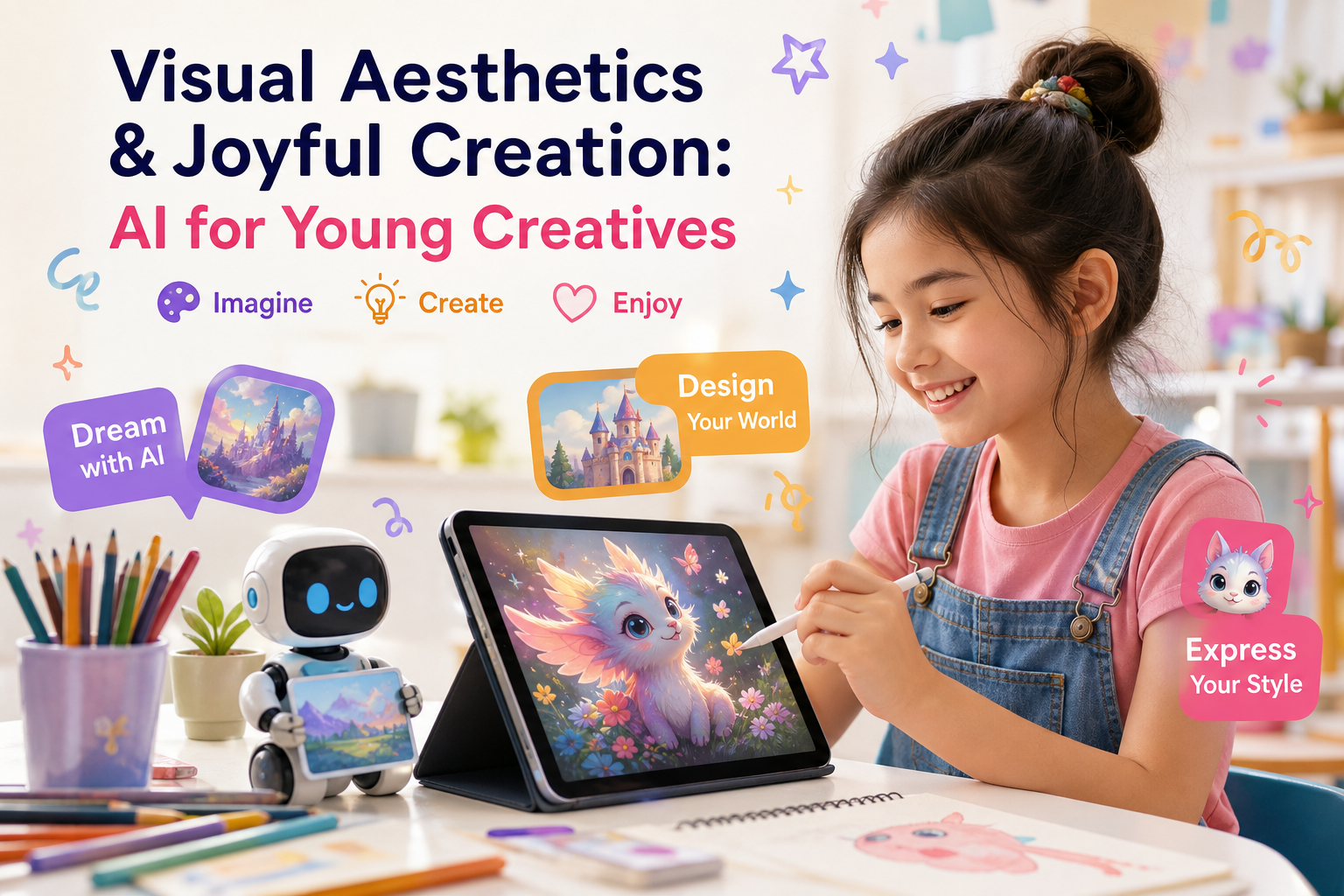
What caught my attention first
The speed matters less than you think. What got me was how the outputs feel intentional. Not “this is what a barn looks like” — more “this is the specific drab, foggy barn I had in my head after rewatching True Detective.” That’s rare in AI tools right now.
You type a short phrase and it doesn’t over-embellish. It trusts that you know what you want. That restraint is harder to find than you’d think.
Three ways it actually showed up in my workflow
1. Mood boards that don’t suck. I was working on a zine concept about abandoned gas stations in the Southwest. Instead of grabbing stock photos that were too clean, I typed in things like “neon sign broken 2008 dust” and got back images that had texture. Grit. The right kind of loneliness. I could actually show these to a collaborator without cringing.
2. Thumbnail experiments. I run a small gaming channel on the side. Testing thumbnail ideas used to mean either hiring someone or spending 40 minutes in Photoshop guesswork. With Vizly, I generated five variations in maybe 10 minutes. Picked one. It didn’t look AI-made — it looked like a concept sketch from an actual designer.
3. Just for fun. No reason. This might be the best use. I prompted “a raccoon wearing a tiny beret in a Parisian alley, film grain.” Sent it to a friend. No context. That’s the kind of creative joy that feels genuinely human — even if the pixels were generated.
Who should actually pay attention here
Vizly isn’t for everyone. And that’s fine.
If you need photorealistic product shots for your e-commerce store — look somewhere else. If you want hyper-specific brand consistency across 50 images — this probably won’t be your main tool.
But if you’re in the messy middle of creativity — testing ideas, prototyping visuals, making personal projects — Vizly fits. It doesn’t overpromise. It doesn’t pretend to solve every problem. It just lets you play with visuals in a way that feels lightweight and actually fun.
The tradeoff is real: you don’t get deep control. You can’t adjust lighting by 2.5 stops. But that’s kind of the point. You trade granularity for speed and serendipity. And sometimes that’s exactly what a project needs.
Final thought (no hype, just honest)
I still don’t use AI tools for everything. But Vizly is one of the few that stays in my bookmarks bar instead of getting buried in a folder named “tried once.” It’s not perfect. It’s not revolutionary. But it’s genuinely useful for anyone who makes things just because they want to see them exist.
If that sounds like you — give it a shot with no expectations. Just type something weird and see what comes back.
Comments
Leave a Comment