You've been staring at code all morning. The feature works, the tests pass, yet something feels off. That landing page placeholder logo, the generic stock photo in your internal tool, the boring loading animation you sketched in two seconds—they all feel like they came from a world where fun was never invited.
As a developer, you're trained to build reliable systems. But reliability and joy aren't opposites. The best side projects, the most memorable open-source dashboards, the internal tools people actually want to open—they all share a spark of playfulness. And sometimes that spark just needs a visual push.
That's where a tool like Vizly Image Studio enters. It's an AI image generator that turns text prompts into visuals, and I'm not here to pitch you another "revolutionary" product. I'm here to talk about how developers can actually inject a little mischief into their work without breaking flow.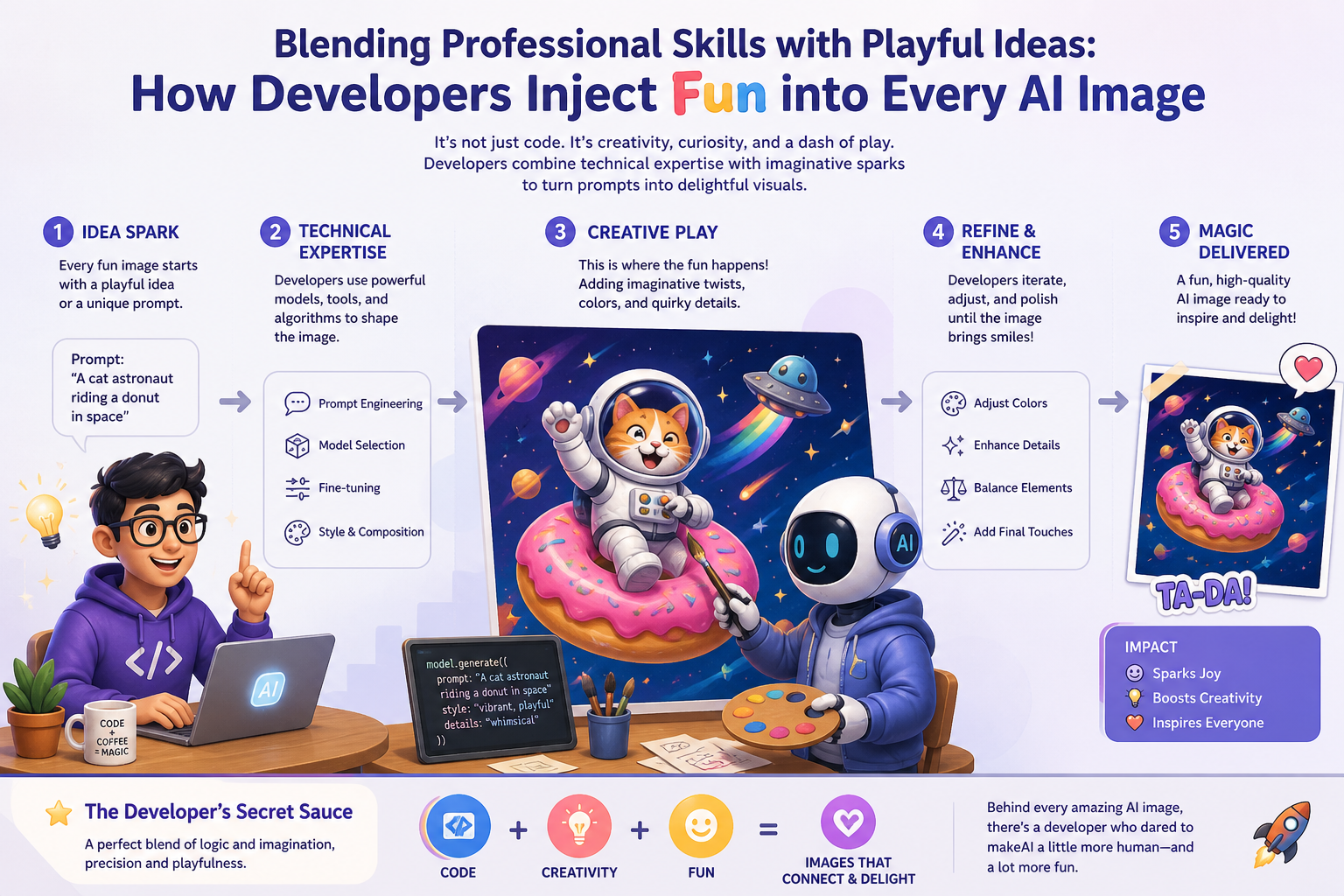
When your code needs a better avatar
Last month I was hacking together a Slack bot for our team's retro. The bot worked—it could collect anonymous feedback, tally votes, send reminders. But the default welcome screen was a sad grey panel with text. So I spent ten minutes in Vizly, typing things like "a friendly robot holding a retro game controller, pixel art style, warm colors." The result wasn't perfect, but it was ours. It made people smile before they even typed a comment.
That's the kind of quick win developers often overlook. We treat design as this big heavy thing needing a dedicated designer, but for internal tooling, hobby apps, or even just README banners, all you need is a decent visual that carries a mood. Vizly gave me that mood in about three tries. The first prompt produced a robot that looked too serious. The second one? The robot was holding a coffee cup, not a controller. The third finally nailed it: the controller, a subtle smirk, and a retro palette.
Where the fun actually lives
The real joy isn't in the final image—it's in the prompt dialogue. As developers, we're natural iterators. We write, test, debug, refine. Prompt engineering is the same loop, but with lower stakes. You can type pure nonsense just to see what the model does. "A cat made of code glowing in the dark, debugging a console." Nine times out of ten you get something weird that isn't usable. But that tenth time you get an image that makes you laugh out loud, or sparks an idea for your next side project's branding.
This is the playful edge professional skills can exploit. You already understand patterns, constraints, and how small input changes produce big output differences. That makes you a better prompter than most casual users. You just need the willingness to waste a few minutes chasing a weird idea.
I've started building a small list of prompt "hacks" from my own sessions. For example, prepending "technical sketch, whiteboard style" often yields cleaner, more developer-friendly visuals than "realistic photo". Adding "as drawn by a bored engineer" can produce a surprising amount of character. These aren't documented features—they're things I discovered because I treated the AI like a collaborator with its own moods, not a soulless tool.
The honest tradeoffs you should know
But here's the thing: Vizly is not a replacement for actual graphic design. If you're shipping a commercial app with real brand guidelines, you still need a designer. The AI will occasionally misinterpret context in ways that are funny but useless. Once I asked for a "screenshot of a terminal showing a game over screen, retro green monochrome." The AI gave me an actual game over screen from an imaginary game—which was cool—but it wasn't a terminal screenshot. The detail that mattered to me was lost.
Also, the iterative nature of prompting means you can burn 45 minutes chasing a vision that never materializes. That feels bad. Developers hate wasted time. My rule now is to set a three-prompt limit per task. If the third output still misses, I pivot to a simpler concept or accept something imperfect. This keeps the playful loop from becoming a frustration loop.
Another practical consideration: copyright and ownership. Always check the platform's terms, especially if you're using generated images in commercial products. For internal jokes, team logos, or open-source documentation, it's usually fine. But if you're building a startup's public homepage, tread carefully.
How to judge if this is for you
Honestly, Vizly fits best when you already have a sense of what "fun" means in your context. Maybe your team has an inside joke about a fictional bug called "Gloria the Memory Leak." Run a prompt: "Gloria the Memory Leak, drawn in the style of a polite cartoon ghost, wearing a hard hat." If the resulting image gets a laugh in the standup, that's value. If it becomes your team's sprint mascot, even better.
It's also great for prototyping visual concepts before hiring a designer. Need a quick cover image for your side project's blog post? Three minutes in Vizly beats scrolling through stock libraries. But if you need pixel-perfect consistency across a dozen assets, you're better off sticking with traditional tools or a real designer.
At the end of the day, the developers who get the most out of AI image generators are the ones willing to be silly for a few minutes. To treat the tool as a sandbox, not a final deliverable machine. The professional skill is knowing when to stop iterating and just ship something that makes people smile.
Comments
Leave a Comment