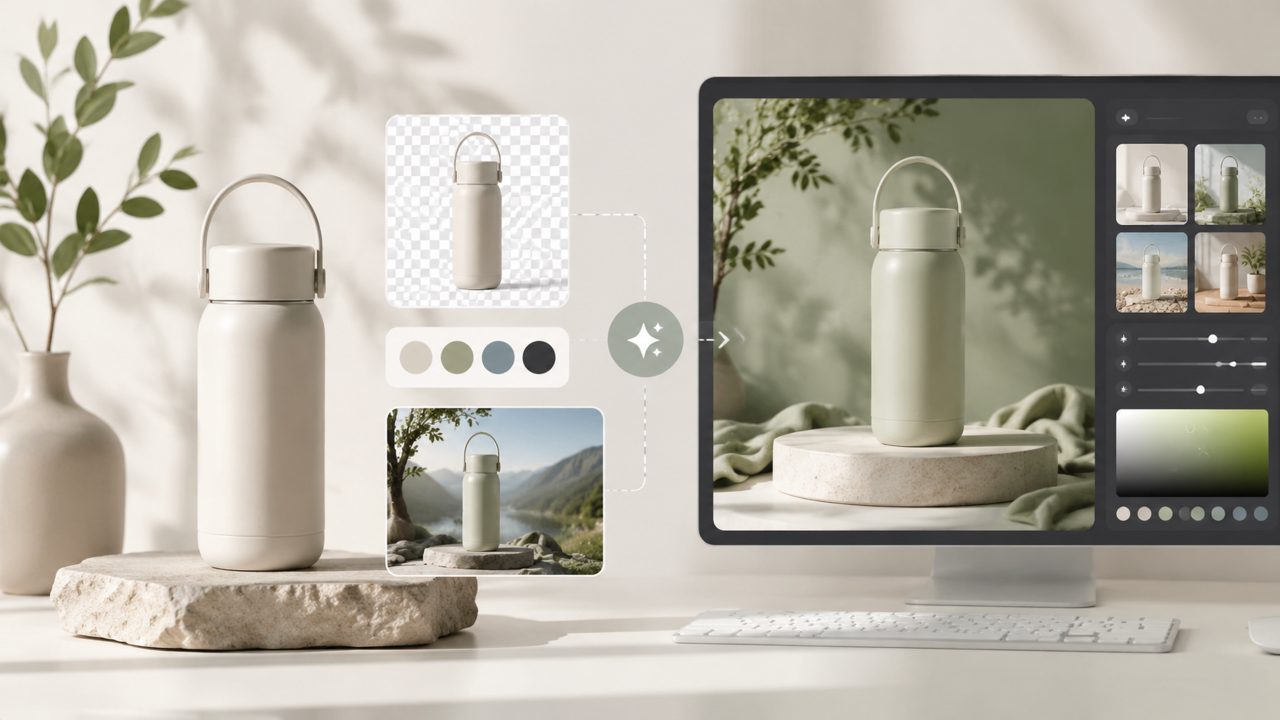
I’ve been messing around with AI image tools for a while, mostly trying to turn rough concepts into something I can show clients before a real photoshoot. Most generators either give you fantasy landscapes or weirdly smooth portraits. Not terribly useful for product mockups. That’s what pushed me to test Vizly as part of a more hands-on AI art tutorial — I needed to see if it could handle a practical brief without me having to babysit every prompt.
Why Vizly for a real-world AI art tutorial
I picked one concrete scenario: creating a set of hero images for a fictional coffee subscription box. The goal was three different visual styles — flat lay, moody candid, and a clean label mockup — all from text prompts. No uploading reference images, no fine-tuning. Just prompts and a few tweaks.
First thing I noticed: the interface is stripped down. No layers, no sliders for style transfer. You type, it generates. That’s good for a quick AI art tutorial if you don’t want to explain a dozen menus, but it also means you’re fully reliant on the model’s interpretation of your words.
Concrete observations from testing
- Prompt adherence is surprisingly literal. I wrote “coffee bag on a wooden table, morning light streaming from the left, shallow depth of field.” The first output actually got the lighting direction right, which I’ve rarely seen from other free generators. The bottle shadow matched the light angle. That felt genuine, not like a lucky coincidence.
- Texture detail falls apart under close inspection. The coffee bag’s creases looked plausible from a thumbnail, but when I zoomed in, the folds blurred into smears. For social media posts or blog headers that’s fine. For print or high-res mockups, it’s a limitation you need to plan around.
- Iteration is fast but monotonous. I regenerated six times to get the label text readable enough. The model doesn’t do crisp typography — that’s expected — but the small changes between variants were subtle. You’ll probably do more rounds than you expect.
One thing that caught me off guard: the tool also handles short video clips. If you’re sourcing visual assets for a quick social reel, you can treat this as a free AI image and video generator 2026 option without switching apps. The video output is short (a few seconds) and choppier than dedicated tools, but it’s good enough for prototyping.
Where it fits and where it doesn’t
Vizly works well if you’re in the early concept phase — brainstorming color palettes, testing composition ideas, or making placeholders for a slide deck. I wouldn’t use it for final deliverables unless you’re fine with some messy edges.
If you’re looking for the best free ai video generator 2026 purely for polished animations, this isn’t it. The video feature feels tacked on. But for static images plus a quick motion test in a single workspace, it’s a decent workflow shortcut.
Tradeoff I keep coming back to: vizly doesn’t have negative prompts or fine style controls. You can’t say “no blue tones” or “oil painting, not photography.” That limits how much you can steer the output. For a tutorial, that’s actually a useful constraint — it forces you to learn prompt phrasing instead of relying on sliders.
One moment I’m still uncertain about: the model sometimes ignores object placement. I asked for “coffee cup on the right, notebook on the left,” and it swapped them. That’s a common AI quirk, but if your layout depends on precise positioning, you’ll need to generate multiple times and pick the closest match.
Practical takeaway
If you’re working through an AI art tutorial and want a tool that gives you usable results in a few minutes without a learning curve, vizly is worth a test run. It’s not the most powerful image generator out there, but it’s honest about what it can and can’t do. Just go in expecting to regenerate a few times, and plan to do final cleanup in another editor if you need sharp details.
Comments
Leave a Comment