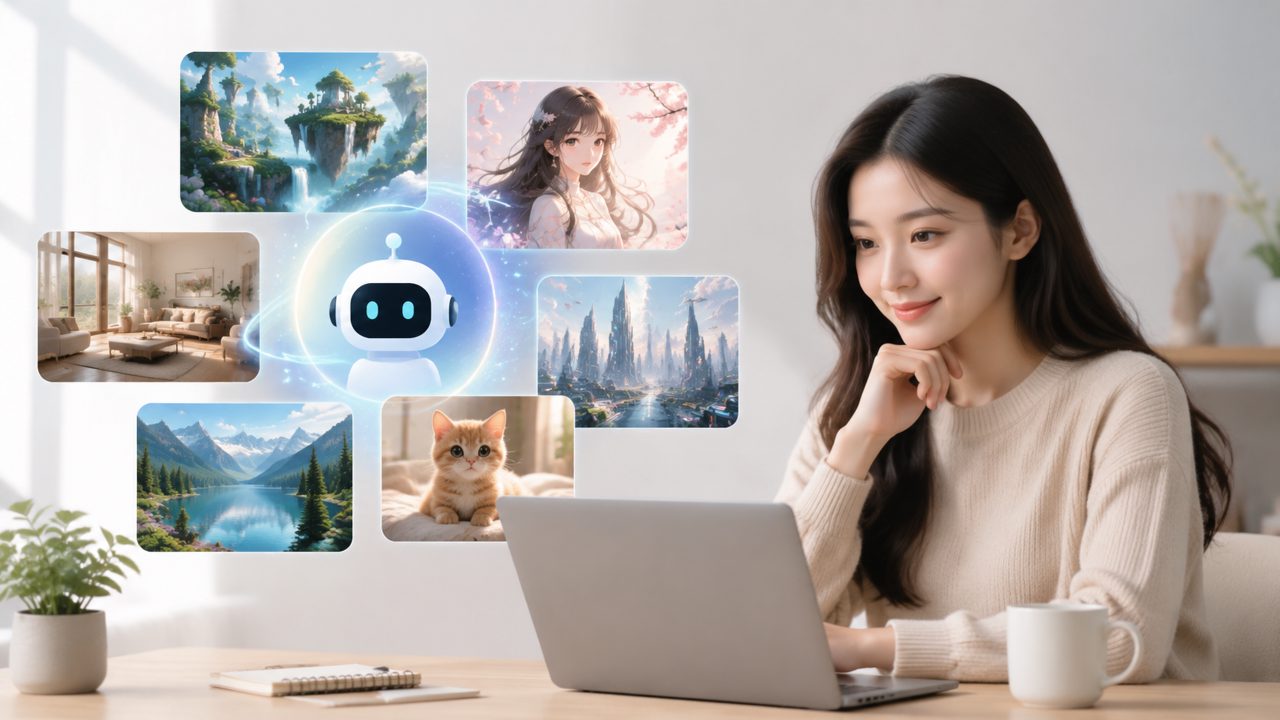
You finally decide to try an AI image generator and the first thing you search for is something free and unlimited. That’s where most people trip up. I’ve been testing Vizly for the past few weeks, and while it works well enough for quick visuals, there are a few gotchas that keep it from being a magic wand. Here’s what I learned the hard way — so you don’t have to.
What Vizly actually does (and doesn’t)
Vizly turns a text prompt into an image. Simple, right? In practice, it’s a bit messier. The first image I generated was of a “vintage coffee shop in rain” and it came out decent — moody, warm tones, but the perspective was slightly off, as if the camera was floating. That’s typical for most AI image generators, but Vizly sometimes adds extra details I didn’t ask for. One prompt for “a cat reading a newspaper” gave the cat three ears on the second attempt. Not a dealbreaker, but you’ll want to regenerate or tweak the prompt often.
Common mistakes people make
The biggest pitfall is expecting one perfect image on the first try. With Vizly, you usually need three or four attempts to get something usable. Another mistake: writing overly complex prompts with too many subjects. The model can handle maybe two main objects before things get blurry or contradictory. I tried “a fox wearing a hat, sitting on a rock, behind a waterfall, with a rainbow above” — the result was a mess of colors and a fox that looked like a smudge.
Also, people assume free unlimited means no limits. In reality, the free tier of Vizly gives you a daily cap on generations. It’s reasonable for testing, but if you need batch creation, you’ll run into rate limits. So “ai image generator free unlimited” isn’t quite accurate here — use it lightly and you’re fine; start hammering it and you’ll hit a wall.
Tradeoffs worth knowing
Vizly is fast. Most images take under 20 seconds, which is quicker than some competitors. The tradeoff is that the output can feel generic. Faces, in particular, tend to look like stock photos of nobody in particular. If you need distinctive characters, you’ll have to spend time refining prompts or use seeds (if available). On the plus side, it handles landscapes and abstract concepts pretty well — I got a solid “neon city in fog” result that actually looked like concept art.
One cautious observation
I’m not entirely sure how consistent Vizly is with complex composition over multiple generations. A friend tried to create a series of images for a slideshow, and the style drifted between generations even with the same prompt. That’s a common problem, but worth noting if you plan to use this as a best free ai image generator 2026 for any project that needs visual coherence across multiple assets. You might need to manually edit or use a consistent seed number if the tool provides it.
When to use Vizly (and when to skip it)
For social media posts, quick blog thumbnails, or brainstorming visual concepts, Vizly is solid. I used it to generate background images for a mood board, and that worked well. But if you need high-resolution print-quality images or very specific character illustrations, you’ll probably end up frustrated. The tool is best when your expectations match its strengths — speed and decent quality for one-off ideas.
Also worth a mention: the interface is clean but lacks a history panel in the free version. You can download images, but you can’t easily revisit your past prompts inside the app. Save your prompts separately if you think you’ll need to recreate something later.
Final thought
Vizly is a solid option if you’re looking for an AI image generator that’s fast and easy to test. Just go in knowing the tradeoffs: you’ll regenerate a bunch, you can’t fully rely on it for consistent series, and the free tier has daily limits despite the “unlimited” label. If you’re okay with that, it’s worth a trial. Otherwise, keep an eye on what’s emerging as the best ai text to video tool 2026 or wait for more mature options. But for now, vizly works — within its limits.
Comments
Leave a Comment