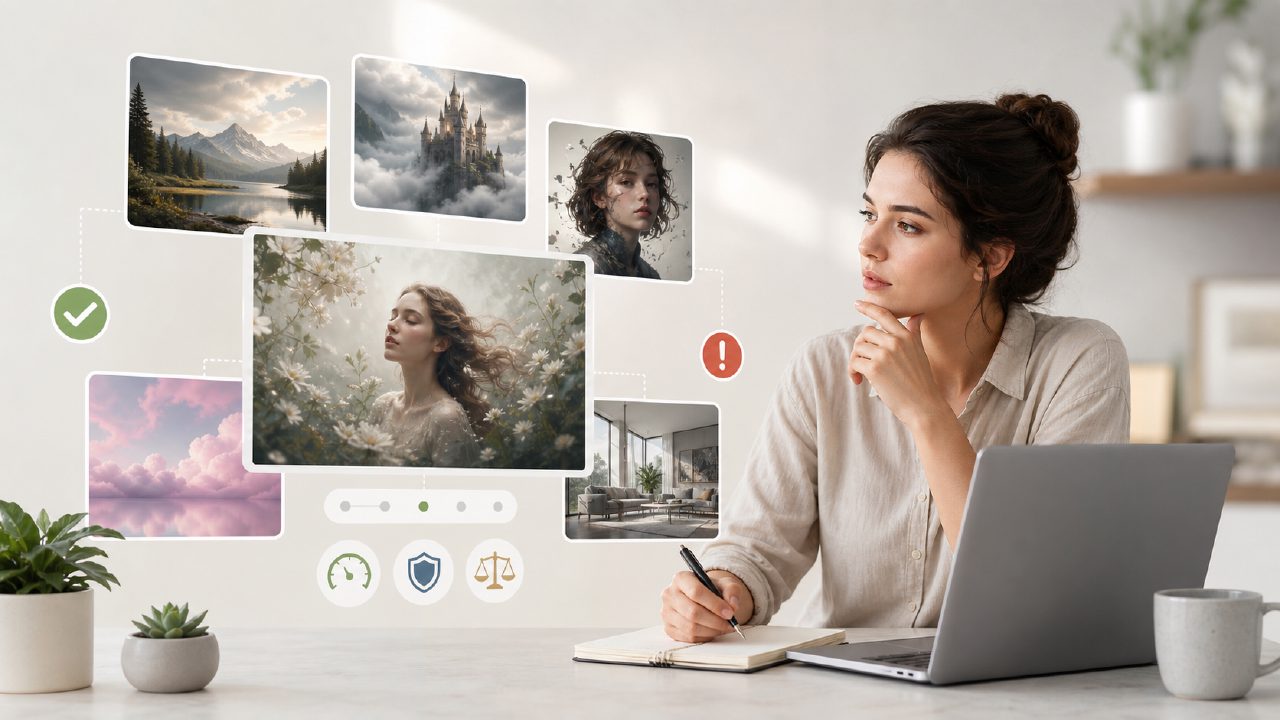
"Free unlimited" is a phrase that makes you suspicious before you even click the button. I get it. When I started testing Vizly (an AI image generator that runs on text prompts), I assumed there would be a catch—a daily cap, a watermark, or a "you get one decent image before we ask for your credit card" situation. That kind of skepticism is why I wanted to write a pitfalls-and-gotchas guide for anyone looking for an ai image generator free unlimited tool that actually works. Because the real search intent isn't just "free"—it's "free without hidden pain points."
After spending a few hours pushing prompts, regenerating failures, and hitting exactly the kind of output that makes you wonder if your English is the problem, here are the common mistakes I saw—and how vizly handles (or doesn't handle) them.
The Fine Print on "Free Unlimited"
First, let's talk about the catch that isn't a watermark but might still annoy you. Vizly's free tier genuinely lets you generate an unlimited number of images. No credit card, no word limit. But "unlimited" doesn't mean instant. I noticed generation times vary a lot—sometimes a prompt renders in 10 seconds, other times it sits in a queue for over a minute. That's the tradeoff. You get unlimited use, but you're competing with everyone else on the same server. If you need rapid-fire iteration for a client deadline, the wait can be frustrating. Mild friction, but honest.
Common Mistake #1: Overly Complex Prompts
The first thing I tried was a dense description: "A cyberpunk cat riding a hoverboard through a neon-lit alley at sunset, photorealistic, 8K, dramatic lighting." Vizly returned something that looked like a melted toy. I dialed it back to simpler language like "cyberpunk cat, hoverboard, neon alley, evening" and got a much cleaner result. The mistake is treating an AI generator like a search engine—it doesn't parse long strings gracefully. With vizly, concise phrases work better. This is a grounded observation from testing: short prompts produce more coherent images. longer ones often introduce artifacts or ignore half the prompt.
Common Mistake #2: Ignoring Style Modifiers
Another gotcha: the difference between "oil painting" and "digital art" isn't always obvious unless you explicitly add it. I generated a portrait of a woman without a style keyword and got a generic 3D render that looked like a video game cutscene. When I added "watercolor, soft edges," the same prompt turned into something more artistic. Vizly doesn't automatically infer style from context—you have to guide it. If you're comparing it to the best free ai image generator 2026 options, this is where a tool like Vizly can feel less intuitive than some competitors that default to a photorealistic mode. But once you learn the keywords, it becomes predictable.
Common Mistake #3: Expecting Photorealism From Every Prompt
This is a realism issue. Vizly is good at stylized illustrations, abstract concepts, and quick design mockups. But if you ask for a "realistic photograph of a wooden table with morning light," the output often has that glossy, slightly plastic AI sheen—edges too sharp, shadows too perfect. It's not bad, but it's not a real photo. I'd rate it behind some other free generators for pure photorealism. That's a cautious judgment: for concept art and brainstorming, Vizly is solid. For final product shots, you'll likely need to do post-processing or use a different tool.
Tradeoff: Speed vs Quality
During peak hours, I noticed the queue pushes the "unlimited" promise to its limit. One evening I waited nearly two minutes for a single image while a friend using a paid service got results in seconds. That's the reality of a truly free service—you're paying with time. On the flip side, off-peak generation is snappy, and the output quality holds up consistently. So if you're flexible about when you generate, vizly works great. If you need fast turnaround at any hour, you might want to consider a paid option or another free service that's less crowded.
What About Video Generation?
Looking for a best free ai video generator 2026? That's not what Vizly does. It's an image generator. Some people confuse "visuals" with "video," and I've seen forum posts asking if Vizly can animate. It can't. If you need a free ai image and video generator 2026, you'll need a separate tool. That's not a criticism of Vizly—it's a scope check. For images, it's a solid choice. For video, look elsewhere. This is a realistic limitation that many users trip over.
The Practical Takeaway
After a few days of regular use, I think vizly earns its "free unlimited" label better than most. The main pitfalls are: overcomplicating prompts, ignoring style words, expecting photorealistic quality from any text, and confusing it with video generation. If you keep those in mind, you'll get usable images for blog posts, social media, or early concept visuals. It's not a perfect tool—the queue time and occasional weird output are real—but for a zero-cost image generator, it's refreshingly honest. No hidden caps, no watermark spam. Just be patient with the prompt engineering, and you'll be fine.
Comments
Leave a Comment