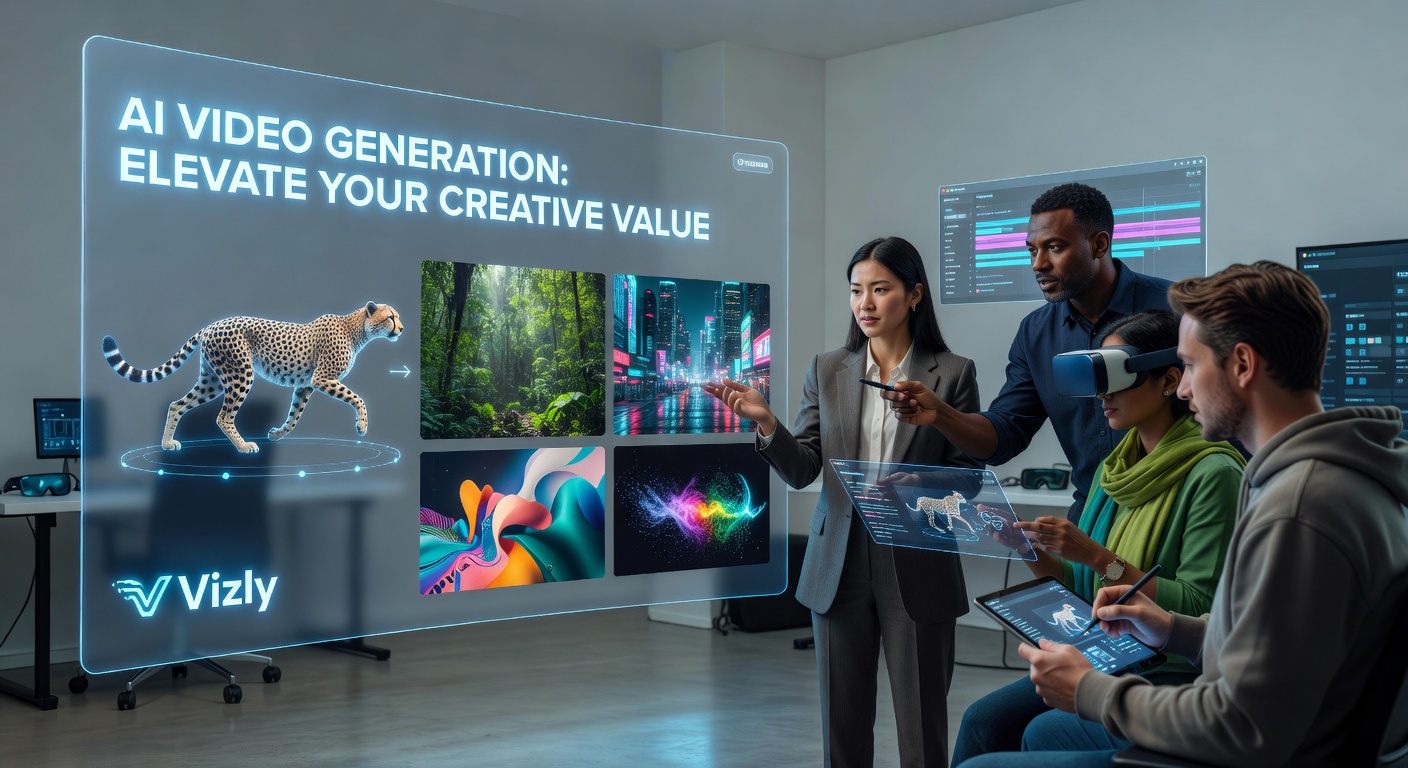
If you've been spending hours sourcing stock footage or waiting on a designer to turn your concept into something visual, AI image and video generation tools are worth a serious look. Vizly Image Studio lets you go from a text prompt to a finished visual in minutes — which changes how quickly you can test ideas, build content, or pitch a concept.
What Vizly Actually Does for Your Workflow
Vizly is built around text-to-image generation. You describe what you want, and it produces a visual. That sounds simple, but the practical value shows up in specific situations: you need a placeholder visual for a deck, you want to explore three different visual directions before briefing a designer, or you're a solo creator who doesn't have a production budget.
For content teams, it cuts the back-and-forth on early-stage concepts. Instead of describing an idea in words and hoping someone interprets it correctly, you generate a rough visual and react to something concrete. That alone saves time in review cycles.
Where AI-Generated Visuals Add Real Creative Value
The clearest use cases tend to be low-stakes but high-frequency: social media content, blog headers, mood boards, and concept sketches for client presentations. These are situations where speed matters more than pixel-perfect output, and where the cost of hiring a designer or licensing stock doesn't make sense at scale.
It also works well for creative experimentation. If you're trying to develop a visual identity or explore a new aesthetic direction, generating 10 variations in an afternoon is genuinely useful — something that would take days through traditional channels.
Where it's less suited: anything requiring precise brand consistency, legally cleared imagery for commercial campaigns, or highly specific photorealistic output. AI-generated images still have limitations around hands, text rendering, and complex compositions. Knowing that upfront saves frustration.
Is It the Right Fit for You?
Vizly makes the most sense if you're already producing a lot of content and need visuals to keep pace with your output. Bloggers, indie marketers, educators building course materials, and product teams doing rapid prototyping all have workflows where this kind of tool fits naturally.
If your work requires final-production-quality assets or strict brand guidelines, you'll likely still need a designer in the loop — but Vizly can still serve as a useful starting point rather than a replacement. Think of it as a way to arrive at creative conversations with something already on the table.
The tradeoff is control versus speed. You get results fast, but you're working within what the model can produce. Prompt refinement takes some practice, and results aren't always predictable on the first try. That's a real limitation worth factoring in if your timeline is tight.
The Practical Takeaway
AI image generation with Vizly doesn't replace creative judgment — it removes some of the friction between having an idea and seeing it. For anyone who regularly needs visuals but doesn't have dedicated design resources, that's a meaningful shift in how quickly you can move. Start with low-stakes projects, get a feel for what the prompts can produce, and build from there.
Comments
Leave a Comment