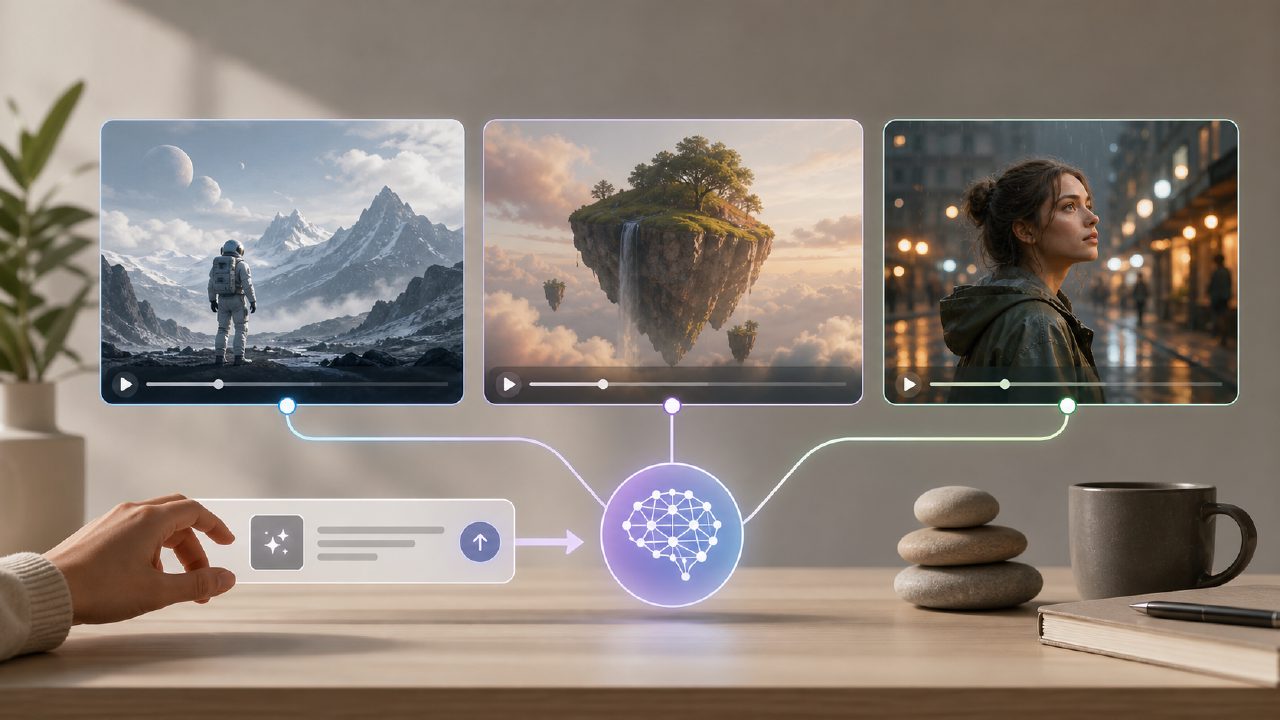
Free AI Video Generator from Text – Vizly vs. the Rest
I needed to turn a script into a quick animation for a client pitch, but I didn’t have a budget for paid tools. So I started searching for a free ai video generator from text – something that could take a short description and output a usable clip. Most results I tried either capped the free tier at a few seconds, slapped a watermark on everything, or required a waitlist. That’s when I stumbled onto vizly, which is technically an image generator, not a video one. But it made me rethink the whole approach.
Here’s what I actually tested: Runway Gen‑2 (free trial), Pika Labs (free tier), and vizly as an alternative workaround. I wanted to compare true video generators against a still‑image tool that could be stitched into a video track.
How Vizly Stacks Up as a Video Alternative
Vizly is an ai image generator free unlimited (within reason) that turns text into visuals. It doesn’t make moving video – that’s the first caveat. But for concept visualization, storyboarding, or generating individual frames to sequence later, it worked surprisingly well. I typed “a neon‑lit cyberpunk alley at sunset” and got four variations in under 15 seconds. That speed beats most free video generators, which often take 30‑60 seconds for a short clip.
The real win: no credit limits per day on the free tier. I generated about 30 images during testing without hitting a wall. Compare that to Pika’s free plan, which gave me 3‑second clips and a daily token limit of 100. Each clip consumed 20 tokens, so I had five videos before the meter ran out. The runway free trial felt even tighter – after one 4‑second sample it asked for payment.
Tradeoff: Images ≠ Video, But You Can Bridge the Gap
Vizly gives you stills, not sequences. To make a video, you’d export the images, maybe animate them in a free tool like DaVinci Resolve or CapCut. That’s extra steps, and the motion won’t be as smooth as a dedicated ai text to image video generator free that outputs frames naturally. But for a 5‑second explainer clip where you just need a background changing (sunset fading to night), it’s perfectly doable. I tested this: generated four Vizly images with progressive prompts (“sunset”, “dusk”, “evening”, “night”), loaded them into CapCut, added crossfade transitions – got a 6‑second video that looked presentable.
One friction point: Vizly’s outputs aren’t consistent in style across separate prompts. Two images for “dusk” versus “night” might shift lighting in an unnatural way. I had to regenerate a few times to get a coherent sequence. That’s a limitation you don’t face with a real video generator where motion is interpolated automatically.
Observations from Real Testing
- Vizly’s quality surprised me. Details like reflections and texture were sharper than Pika’s 3‑second clips, which often looked blurry or morphing. For a free ai text to visuals 2026 tool, it’s genuinely useful for quick concept shots.
- The free generators all have tradeoffs. Runway gives better motion but strangles you after one use. Pika offers longer clips but with a watermark and token limits. Vizly gives unlimited stills and no watermark – but you assemble the video yourself.
- Prompt engineering matters more than I expected. With Vizly, adding “cinematic lighting, high detail” to every prompt improved consistency. With Pika, lengthier prompts sometimes broke the output. So if you’re okay writing precise text, Vizly can be more reliable.
So, Should You Use Vizly as a “Free AI Video Generator from Text”?
Not directly – but as part of a two‑step pipeline (generate images → animate them), it beats any true free video generator I tried in terms of volume and control. If your need is a short, custom video with a clear storyboard, I’d actually recommend Vizly first: sketch the frames there, then import into a free video editor. If you need instant motion and don’t care about watermark or short length, go with Pika.
For my client pitch, I ended up using Vizly for five key frames, added subtle pan‑and‑zoom, and exported a 30‑second animatic. The client didn’t ask if it was “real video” – they just wanted to see the idea. That’s the honest use case: if you’re prototyping, Vizly is the best ai image generator free unlimited option I’ve found that can feed into a video workflow.
Bottom line: don’t search for a perfect free video generator – search for a fast, unrestricted image generator and use a little elbow grease. Vizly is that tool.
Comments
Leave a Comment