I’ve been stuck in that exact situation more times than I care to admit: you have a clear visual in your head, but you can’t draw it. Not even a rough sketch. Maybe you can describe it perfectly in words—colors, lighting, the way a surface should feel—but your hand just won’t cooperate.
That’s where Vizly Image Studio becomes less of a toy and more of a genuine collaborator.
I started using it because I needed concept mockups for a side project. My background is more technical than artistic, so I wasn’t expecting much. I typed something like “a dim coffee shop corner with warm light hitting a ceramic mug, slightly messy table, papers scattered, moody but not dark.” The first result was decent. The second one surprised me. The third one made me actually think wait, I could use that.
What makes Vizly different from the other text-to-image tools I’ve tried isn’t the raw resolution or the ability to generate photorealistic skin textures—it’s the balance between giving you control and letting randomness do its job. If you push the prompt too far into detail, it holds the line. If you leave it loose, it interprets freely. That’s harder to engineer than it sounds.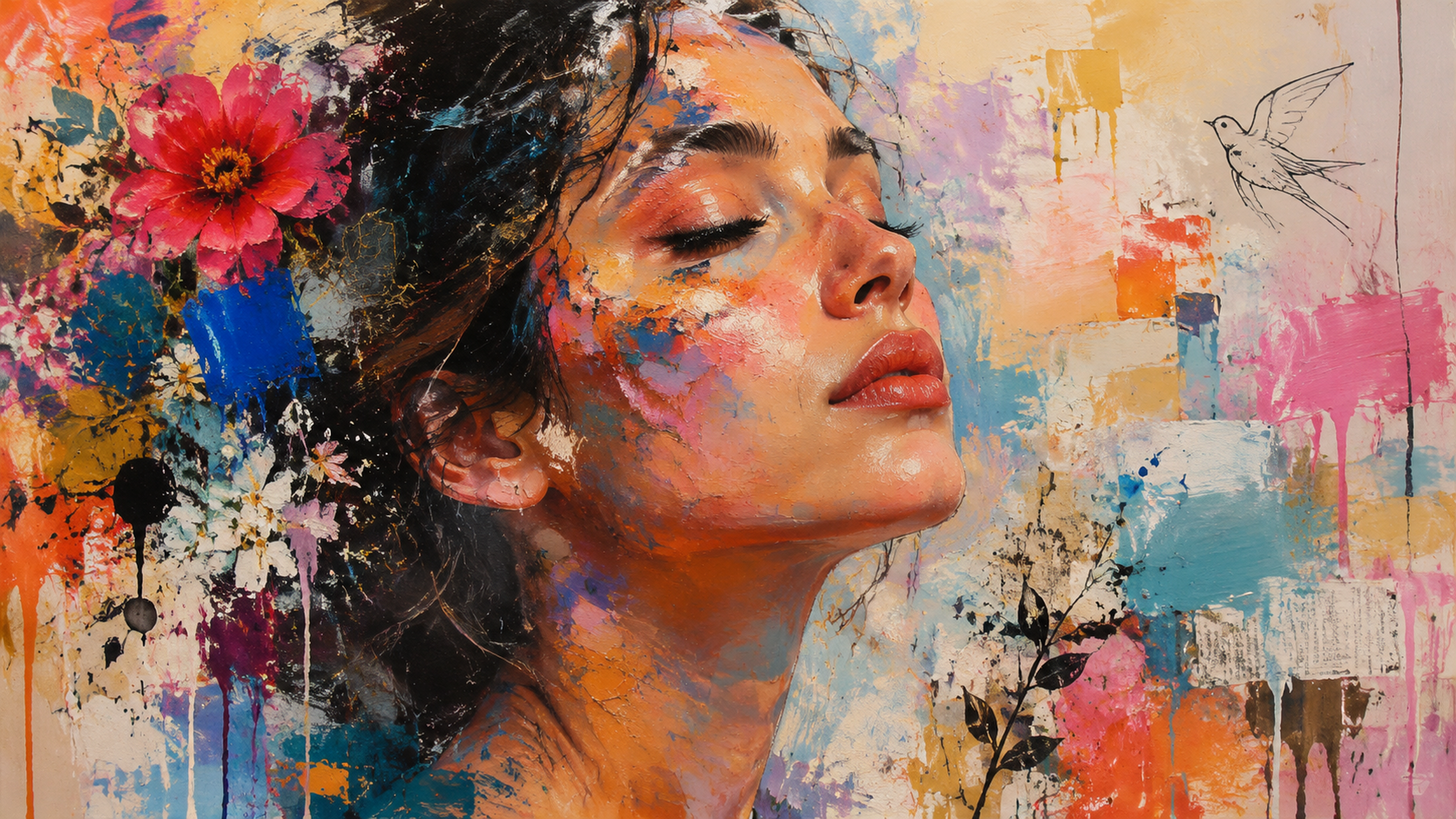
When expertise meets gimmick-killing simplicity
Here’s where things get interesting. If you’re a designer or someone who knows the visual vocabulary, Vizly actually listens. You can specify things like focal length, lighting setup, and even stylistic references without the model collapsing into chaos. I tested it with “wide 24mm lens, greenish fluorescent overhead, plastic chair reflections, slightly aggressive crop” and it kept the mood coherent across several generations. That’s rare for a low-friction tool—most cheap generators just ignore half your prompt.
But the play side matters too. A friend who’s a ceramic artist tried it with completely absurd inputs—“cat made of honey, melting, flying fish in background, rain with ink” just to see if it breaks. It didn’t break. It gave back something weird and oddly alive. The image wasn’t commercially usable, but it sparked a discussion that ended up shaping her actual product design. That’s the “play” that leads somewhere real.
Three real use cases I observed
For non-designers who need visual output (like me)
You don’t need a fine arts degree to get something presentable. I’ve generated slides, blog headers, and even a quick poster concept for a local event. None of these required two hours of prompt tuning. The tradeoff is that you can’t expect pixel-perfect alignment with your exact vision every time—sometimes the model just has its own idea about what “warm light” means. Accept it or regenerate.
For prototyping before committing
A product manager I know uses Vizly to create fast mockups for user interviews before involving any designer. She generates 10–15 variants of packaging, website hero sections, and even UI concepts. The feedback she gets from non-design stakeholders is more specific because they react to something visual instead of abstract descriptions. The downside? If you get attached to a Vizly-generated image as your final design, it’s tricky to hand off to a graphic designer for actual production—you’ll still need real files and proper layers.
For creative experimentation that doesn’t feel like work
I’ve also used it to generate textures and abstract backgrounds just for fun. Rough fabric, cracked paint, watercolor splashes. Sometimes I use them as overlays in photo editing, sometimes they just sit on my desktop as moodboards. It sounds frivolous, but I’ve actually reused two generated backgrounds in a client presentation. Nobody asked where they came from.
The tradeoffs nobody talks about in the product page
Vizly is not a Photoshop replacement and it’s not trying to be. If your workflow demands precise masking, layer adjustments, or fixed aspect ratios for print, you’ll need to export and do post-processing elsewhere. The strength is speed and lateral exploration, not technical perfection.
Also, the tool can be inconsistent with full human figures—particularly hands and subtle facial expressions. It works well for scenes, abstract art, objects, and compositions, but if you need a portrait with a very specific expression, you might hit frustration. That’s a common limitation across most generative tools at this level, but worth naming directly.
One more thing: because the randomness part is genuinely useful, you can’t always reproduce an exact result twice. If you create something you really like, save it immediately. Tweaking the same prompt later rarely gives a carbon copy.
For what it does—blend structured knowledge about visuals with the kind of playful drift that actually makes creative work tolerable—Vizly hits a sweet spot. It’s not the tool for everything. But for the moment between “I have an idea” and “I can see it,” it works more often than not.
Comments
Leave a Comment