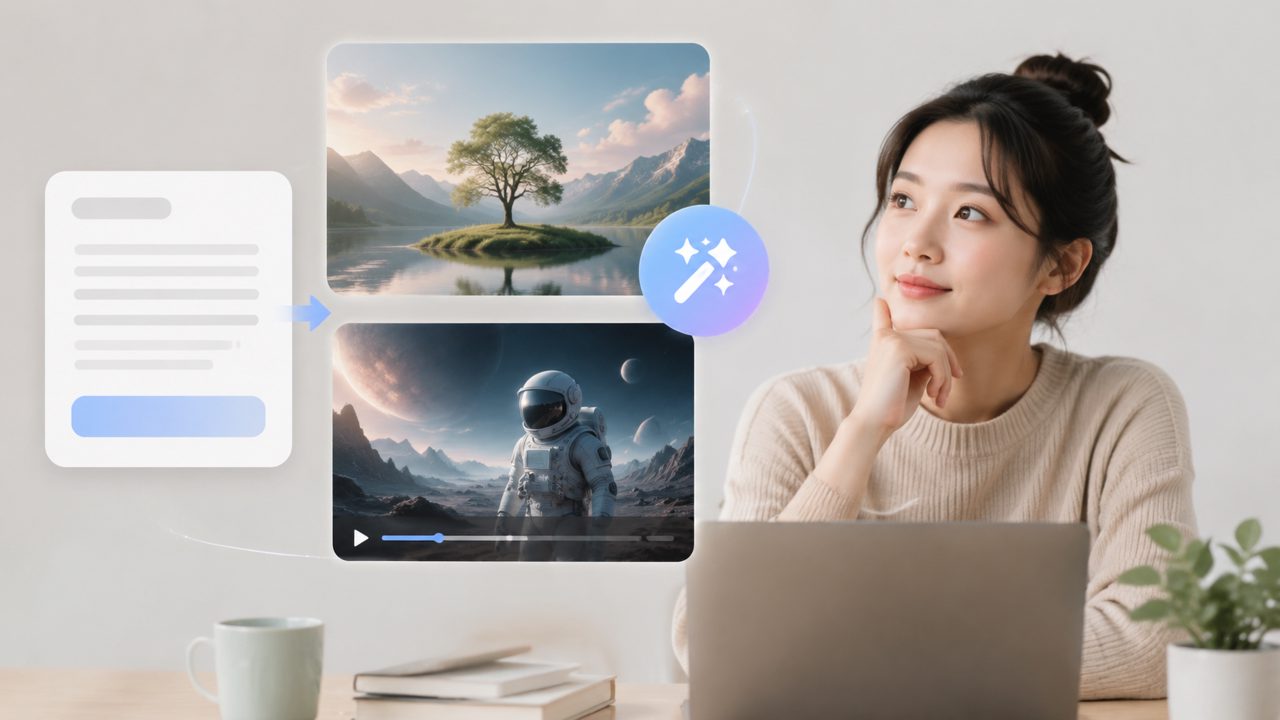
I’ve been digging around for a truly free tool that could handle both image and short video generation from text prompts. A lot of platforms promise both, then lock one behind a paywall. That led me to test vizly — specifically its ability to handle ai text to image with video free workflows. Here’s what happened during a week of casual use.
Starting with image generation
Vizly bills itself as an AI image generator first, so I fed it a few prompts for product mockups and concept art. The first observation: it handles straightforward prompts well. “Vintage camera on a wooden desk, warm lighting” came back with decent composition and texture. Not photorealistic, but usable for mood boards or early design concepts.
Where it stumbles is specificity. I tried “a cat wearing a suit, sitting in a boardroom, cinematic lighting” and got a cat in a chair but the suit looked like a messy overlay. That felt like a mild friction — you have to tweak prompts more than with some paid generators.
What about the video part?
Here’s the honest part: vizly isn’t a full ai text to image video generator free solution. When I searched for a dedicated “text to video” mode, I didn’t find one. What I did find was an experimental option to animate static images into short, looping clips. I uploaded one of my generated images and applied a subtle motion effect (like clouds drifting). It worked, but the result was more of a GIF than a real video. The clip was maybe three seconds, resolution dropped, and motion felt robotic.
If your “ai text to image with video free” needs are limited to adding slight movement to stills, vizly can do that. But if you expect a prompt like “sunset beach with waves crashing” to produce a real 15-second video, you’ll be disappointed. That’s a clear tradeoff: the image generation is solid for free, but the video piece is barely there.
Realistic scenarios and fit
I found two use cases where vizly works well. First, for anyone who needs quick visual references — bloggers testing header images, marketers sketching ad concepts — the free image generation gets the job done fast. Second, if you already have a static image and want a subtle motion effect (like a flickering light or moving water), the animation feature is worth a shot even if it’s rough.
For video-first work, though, you’d be better off with tools built specifically for AI video. Vizly is honest in its positioning: it’s an image generator that offers a bonus animation option, not a full video maker.
A qualified take
I’ll admit I came in hoping for a free all-in-one text-to-video tool. What I found is a capable image generator with experimental motion add-ons. The image quality is good enough for drafts and internal use, but the video output feels incomplete. If your main goal is ai text to image with video free, you’ll get the images for free but the video part is a work-in-progress. Worth testing, but keep your expectations grounded — you’re not getting a competitor to Runway or Pika with this tool and a free account.
Comments
Leave a Comment