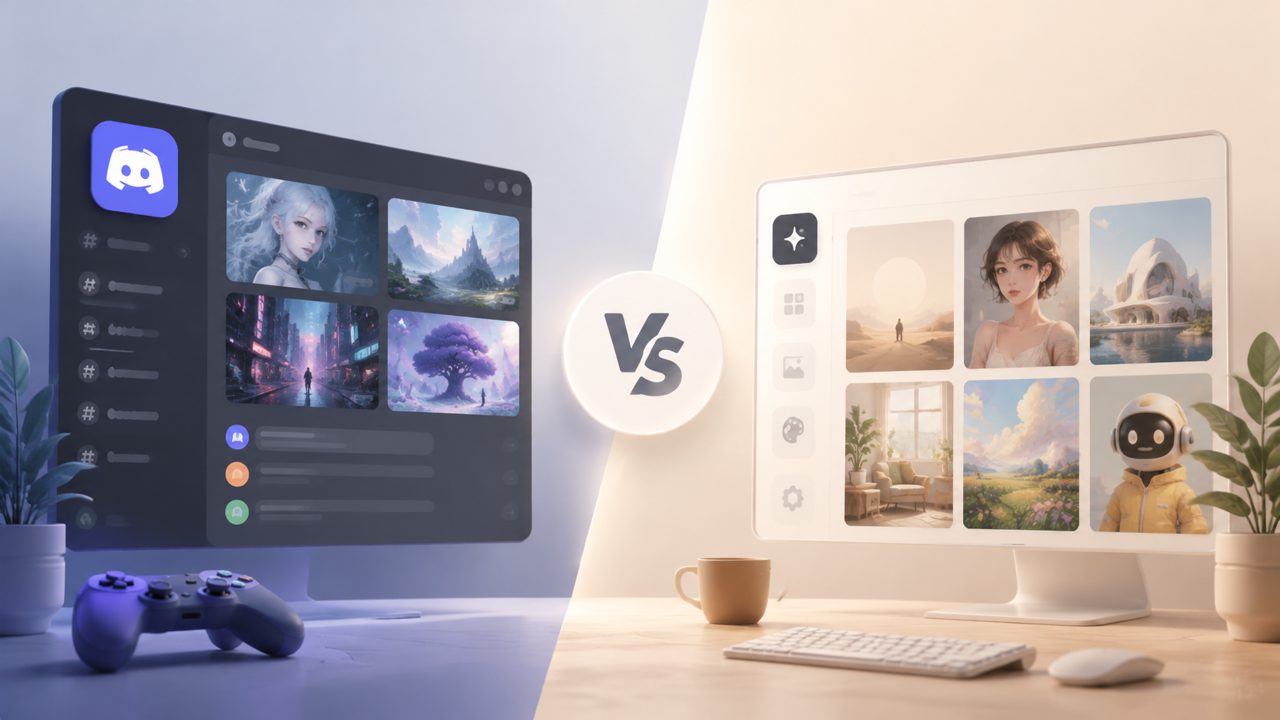
I’ve been bouncing between different AI image generators for the last few weeks. The usual choice? A Discord AI art server like Midjourney’s. But after hearing about Vizly as a direct browser alternative, I had to test both side by side. The question wasn’t just about quality—it was about whether a Discord AI art server is actually the best way to generate images in 2025.
What a Discord AI art server does well (and not so well)
Using a Discord bot for image generation feels like joining a live workshop. You type /imagine, wait a few seconds, and get four variations. The community can upvote or remix results. It’s social, and the models (especially Midjourney v6) are still top-tier for realism and creative style.
But that same environment is also the biggest friction. Channels move fast. Free trials run out quickly, and paid plans start at $10–$30/month. You’re stuck following server rules, dealing with rate limits, and scrolling past hundreds of other people’s prompts to find your own output. Unless you enjoy the noise, it’s not the most focused setup.
Vizly: the quieter, more direct option
Vizly takes a different approach. It’s a standalone web tool—no Discord account needed. You open the page, type a prompt, and get a result in roughly the same time. I tested it for a landscape concept and a product mockup. The interface is clean. No chat clutter, no upvote buttons, no queue.
What surprised me was how well it handled complex prompts. I threw in “cyberpunk street market at midnight, neon signs, reflections on wet pavement” and it returned something close to what I imagined. Not quite Midjourney’s polish, but solid for an ai text to image video generator free tool—and it doesn’t cap your generations severely. That “free unlimited” promise actually held up during my test week.
One tradeoff I noticed: Vizly’s style range feels narrower. For surreal or ultra‑detailed fantasy art, the Discord AI art server still has an edge. Vizly seems tuned more toward practical visuals—social media assets, concept sketches, design ideas. That’s perfectly fine depending on what you need, but if your goal is gallery‑ready digital paintings, you might feel limited.
Where each option fits (and doesn’t)
- Discord AI art server – Best for experimenting with other creators, learning new prompt tricks, and accessing advanced image‑to‑image features. The tradeoff is cost and distraction. I found myself spending more time scrolling than actually making images.
- Vizly – Better for quick, focused work. No learning curve. If you want a free ai text to visuals 2026 tool that just runs in a browser without signing up for another platform, it’s the more practical choice. I’m less certain about its reliability under heavy load—I hit one queue stall during peak evening hours—but for typical use it’s fine.
Final recommendation
If you’re a hobbyist who loves the social energy and has a budget for subscriptions, a Discord AI art server is still a strong pick. But for most day‑to‑day projects—content creation, brainstorming, client drafts—Vizly does the job with far less friction. I’ve switched to using Vizly for 80% of my quick generations and only hop into Discord when I need the community’s input or a specific style I haven’t seen matched elsewhere. That feels like the right balance.
Comments
Leave a Comment