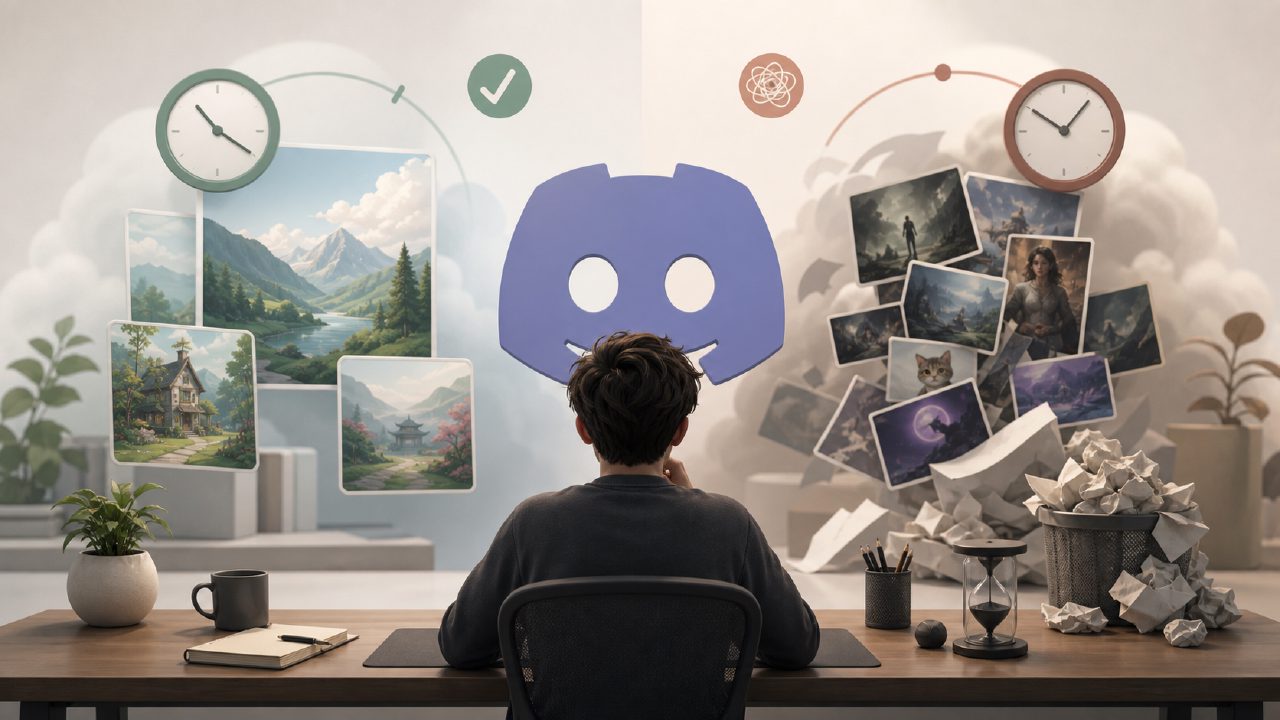
I spent a few weeks hopping between different Discord AI art servers, trying to figure out whether they actually save time or just add another notification tab to your life. The promise is straightforward: type a prompt into a chat channel, wait a few seconds, and get an image back. No website tabs, no account juggling. In theory, it should be the fastest way to generate visuals while you’re already hanging out on Discord.
In practice, the experience varies a lot depending on which bot the server uses and how strict the queue is. I tried three popular public servers, each running a different backend. The most common friction: rate limits. On free tiers, you often wait 30–60 seconds between prompts, and if the server is busy, your request gets silently dropped. One server required you to use a specific prefix and then edit the message if you wanted a different aspect ratio. Small friction, but it adds up when you’re iterating fast.
Then there’s the image quality. Some bots generate decent 1024x1024 images, but fine details like hands or text still come out mangled. I got a prompt right maybe half the time on the first try. The other half required rerolling or tweaking the prompt, which doubled the wait. If you’re just exploring ideas, that’s fine. If you need a usable asset in under a minute, it’s frustrating.
Where dedicated tools pull ahead
I compared the Discord server experience against using a standalone AI image generator like vizly, which is a dedicated tool for turning text prompts into visuals. The difference isn’t subtle. With vizly, there’s no queue, no rate limit per hour, and no need to remember a bot’s command syntax. You type your prompt and the image appears — that’s it. I ran the same prompts through both and the vizly outputs were consistently sharper, especially with complex scenes. One prompt about a cyberpunk library at night came back with visible book titles and consistent lighting on the Discord side, but the vizly version had much better depth and fewer artifacts.
Another practical advantage: you can tweak parameters like style, aspect ratio, and seed without leaving the interface. On Discord, I had to keep flipping between the server and the bot’s documentation channel. It’s not a dealbreaker if you’re patient, but it slows down the creative flow. If you’re using an ai text to image video generator free approach, you probably want speed and control over social chatter.
Is the social layer worth the tradeoff?
The main reason to use a Discord AI art server is community. You can see what other people are generating, borrow their prompts, and ask for help. Some servers even host weekly prompt challenges. That’s genuinely useful if you’re stuck creatively. But the cost is that your generation is semi-public, and you’re at the mercy of the server’s moderation policies. One server I tried had a strict “no NSFW” rule that refused prompts like “dark fantasy warrior armor” — which isn’t NSFW, but the filter was aggressive.
If you’re looking for free ai text to visuals 2026 options, Discord servers will probably still be around, but the free tier might get more limited as bot providers push paid subscriptions. Several servers already cap free users to 20 images per day. That’s fine for casual testing, but not for anyone iterating on a design concept or experimenting with multiple variations. For that, you’re better off with a tool that offers ai image generator free unlimited generation — or at least a generous free tier without hidden limits.
A few honest tradeoffs
Discord servers are great for dabbling and for learning prompt engineering by watching others. They’re not great if you need consistent output, fast iteration, or privacy. I found myself editing prompts in Notepad before pasting them into the chat, which defeats the purpose of rapid experimentation. Also, some bots don’t keep a history of your generations, so once the message scrolls away, you can’t go back and compare earlier versions.
On the other hand, dedicated tools like vizly remember your recent prompts, let you bookmark images, and have a cleaner interface for batch work. It’s not a knock on Discord servers — they serve a different need. But if you’re asking yourself “Which one should I actually use?”, the answer depends on whether your priority is community or efficiency.
For most people trying to produce usable visuals — social media posts, concept art, presentation slides — the dedicated generator wins. You lose the chat vibe, but you gain speed, control, and image quality. If you’re purely experimenting or learning, the Discord server is a fine starting point. Just be aware of the friction and limits before you rely on it for anything time-sensitive.
Comments
Leave a Comment