Let's be real. Most of life isn't picture-perfect. It’s weird, awkward, and genuinely funny. But when you want to post about your burnt toast or your dog's bizarre sleeping position, you're stuck with overly polished stock photos that feel nothing like your reality. That's where the idea to document your life with a little silly charm using Vizly actually makes sense. Vizly Image Studio is an AI generator that takes your odd text prompts and turns them into visuals that match your actual vibe, not some advertiser's idea of perfection.
Turning Mundane Moments into Quirky Visuals
I threw a few everyday oddities at Vizly to see if it could capture the mood. First up: "a cat wearing a tiny top hat looking disappointed at a bowl of soup." Vizly gave me exactly that—a slightly cartoonish, very judgmental feline that perfectly captured how my own cat stares at me at dinner. It nailed the silliness without making it look like a cheap meme generator.
Another test was "a coffee cup sweating and looking stressed on a Monday morning." The result was a cute, slightly absurd illustration that worked way better for my weekly newsletter header than a generic flat-lay of a pristine macchiato. It’s these little visual jokes that make personal content feel, well, personal.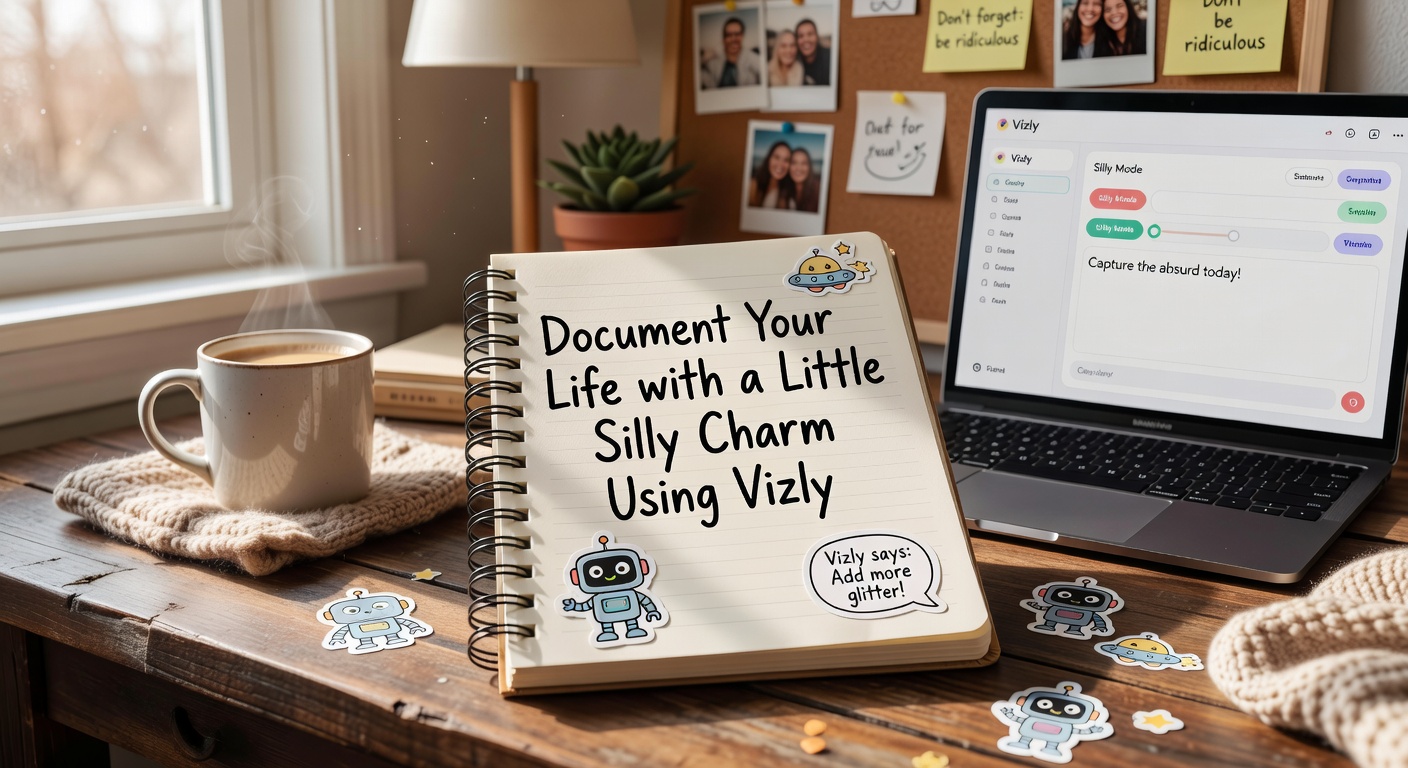
Pushing Vizly to Document Your Life with a Little Silly Charm
AI generators have a frustrating habit of making things too pretty. I tried prompting "a messy desk with too many cables and a half-eaten sandwich." Vizly cleaned it up. The sandwich looked oddly appetizing, and the cables were suspiciously organized. It's a common AI tradeoff: the model defaults to drawing a "good" desk, not your actual disaster zone.
You have to fight the algorithm a bit to get the charm. Adding words like "chaotic," "ugly," or "absurd" forces it out of its default aesthetic polish. When you push the prompt, Vizly delivers the silliness. But it takes a few tries to break its habit of making your life look like a catalog spread.
Should You Use Vizly for Your Daily Visuals?
It depends on what you're trying to make. If you're running a personal blog, making zines, or just want quirky graphics for social media without spending hours in Photoshop, Vizly is a solid, quick option. It shines at conceptual silliness—emotions, metaphors, and exaggerated scenarios that a camera can't easily capture.
But it struggles if you want to insert yourself into the scene. It can't generate a realistic photo of you doing something silly; it'll give you an AI-rendered stranger. If you need hyper-realistic, deeply detailed absurdity, Midjourney might give you more stylistic control, though it's steeper to learn. DALL-E 3 is better at following complex, literal prompts word-for-word. Vizly holds its own as a lightweight, accessible studio for fast, casual experiments where you just want a fun image and don't want to fuss over parameters.
You don't always have a camera ready when life gets weird, and sometimes a real photo doesn't do the joke justice anyway. Vizly Image Studio isn't a magic mirror of your actual life, but it’s a decent sketchpad for the moments you can't quite capture on film. When you want to document your life with a little silly charm using Vizly, you just need to be willing to write out the absurdity and maybe push back against the AI's urge to tidy up your mess. It's a quick way to make your content feel a bit more human, ironically, by letting a machine draw the jokes for you.
Comments
Leave a Comment