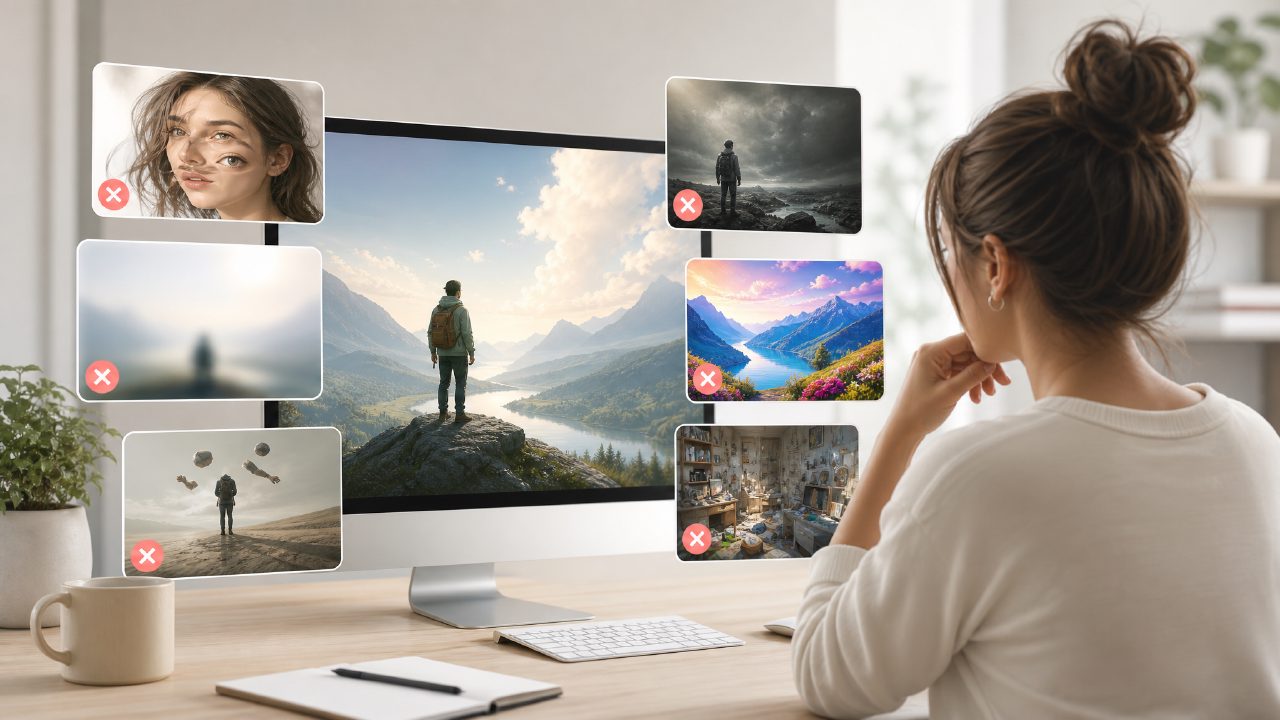
I’ve been testing Vizly Image Studio for a few weeks now, and honestly, the first few tries were a mess. I kept making the same mistakes that probably sink a lot of people when they hop onto any AI image generator for the first time. So instead of another polished “here’s what it does” piece, let me walk through the real pitfalls and gotchas I ran into—so you maybe skip the frustration.
Prompting is not magic—you have to learn the syntax
The biggest trap with Vizly (or any AI image generator) is thinking you can just type “a cool cat” and get something usable. I tried that. The output was a blurry, washed-out mess with three legs. Vizly is actually quite good at interpretation, but it really needs structured prompts. For example, if you want a photorealistic studio portrait, you’ve got to specify lighting, lens type, mood, and even camera model keywords. The moment I added “Nikon 50mm f/1.8, soft studio light, shallow depth of field,” the results improved dramatically.
One concrete observation: Vizly handles negative prompting well—telling it what NOT to include saved me from bizarre extra limbs and weird background noise.
Don’t assume “free unlimited” exists here (or anywhere)
A lot of people search for an AI image generator free unlimited—and I get it. But Vizly isn’t that. It has a free tier with daily credits, and you can earn or buy more. If you try to brute-force dozens of generations per day, you’ll hit the limit fast. That said, the free credits are generous enough for experimentation. My gotcha: I burned through a whole week’s worth in one afternoon chasing one bad concept. Pace yourself if you’re serious about iteration.
It’s not a “best AI text to video tool” – but people confuse the two
I noticed some reviews asking if Vizly does video. It doesn’t. Vizly is purely an image generator. If you’re searching for best AI text to video tool 2026, this isn’t it. That’s not a flaw—just a mis-expectation. The gotcha here is that many people assume “image generator” capabilities will soon extend to video, but Vizly sticks to stills. It’s good at those stills, but if you need motion, look elsewhere.
Style control is powerful but inconsistent
Vizly offers style presets (cinematic, anime, 3D render, etc.) and you can upload reference images. That part works well—I could get consistent character designs for a storyboard. But here’s the friction: if you use a reference image that’s low-res or oddly lit, Vizly will copy those flaws aggressively. I uploaded a phone snapshot of a drawing, and the generator mirrored the sketchy lines instead of cleaning them up. So the tradeoff is: you get strong style mimicry, but only if your reference is clean.
Another mild limitation: the “realistic” preset sometimes over-saturates skin tones. I had to add “natural skin” to negative prompts a few times. Not a dealbreaker, but you have to watch it.
Speed vs. quality tradeoff
On the standard setting, a 512x512 image takes about 15 seconds. That’s fine. But if you push to higher resolutions (like 1024x1024 or 2K), the time jumps to around a minute. And the quality improvement isn’t always proportional. For commercial use, I’d stick to mid-resolution and then upscale externally. Vizly’s built-in upscaler is decent but sometimes introduces artifacts. I’m not 100% sure about that—it might be my prompt choices—but I’d rather be cautious than overconfident.
The “best free AI image generator 2026” search is valid, but needs nuance
If you’re hunting for the best free AI image generator 2026, Vizly is a strong contender in the free tier space. But “best” depends on your exact need. For quick concept art and creative experiments, it’s excellent. For polished final assets for a client project, you’ll want to upgrade or combine it with manual retouching. I wouldn’t call it the ultimate tool for everyone—just one that does a few things well if you work around its quirks.
Final practical note
Vizly works best when you treat it like a collaborator who needs clear, specific instructions—and who has limits. Test small variations, note what fails, and keep a text file of working prompts. That’s saved me hours. If you go in expecting perfect first outputs or unlimited free credits, you’ll be disappointed. But if you adjust your approach, it’s a genuinely useful AI image generator for content, design concepts, and even just playing with visual ideas.
Comments
Leave a Comment