Finding the right visual for a blog post, pitch deck, or social media campaign often ends in frustration. Stock photos look sterile, Photoshop requires skills you might not have time to develop, and premium AI generators want your credit card details before you even type a prompt. That’s exactly why the idea of a free AI image editor that feels like magic is so appealing right now. Vizly Image Studio sits right in this spot, promising to turn text prompts into usable visuals in minutes without the upfront cost or complex setup.
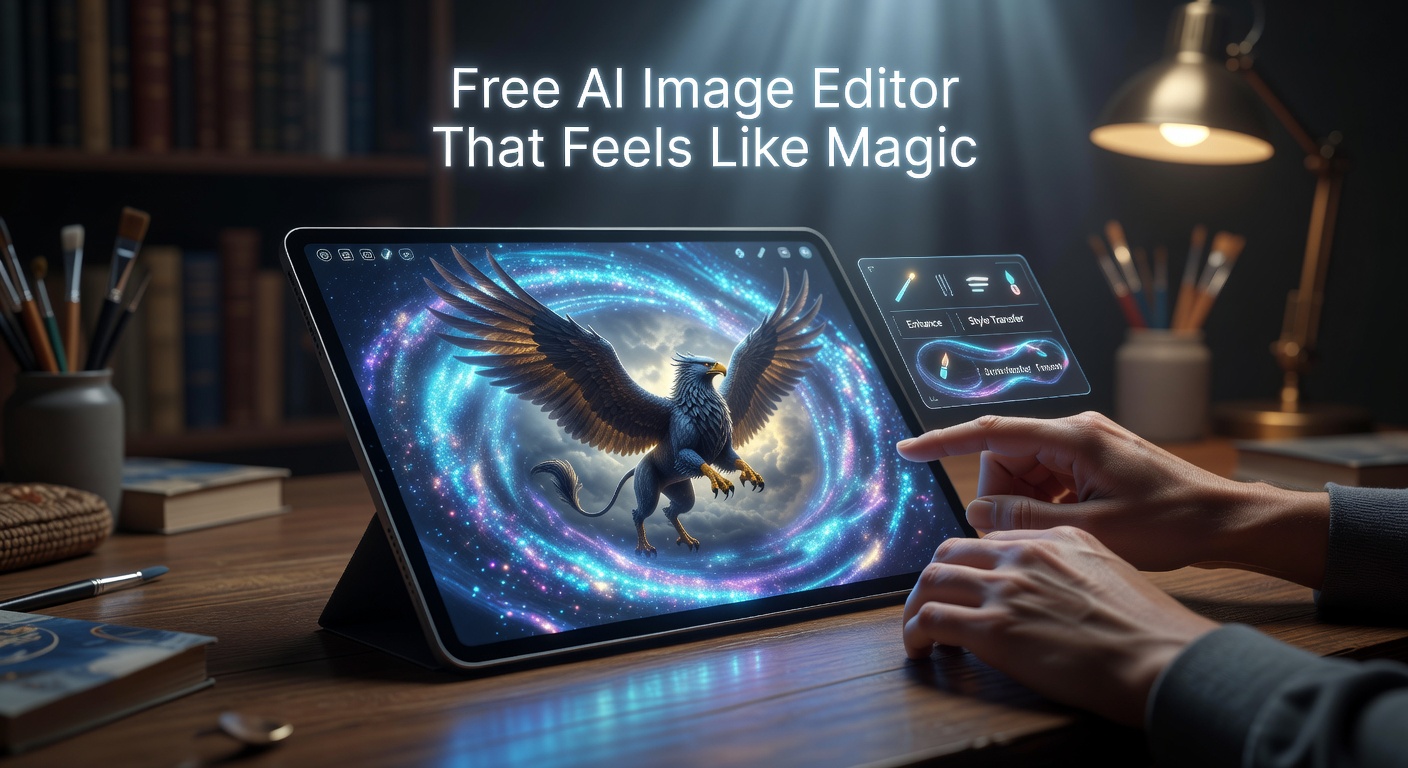
Testing a Free AI Image Editor That Feels Like Magic
Vizly keeps the interface deliberately sparse. You type a prompt, hit generate, and wait a few seconds. There’s no labyrinth of sliders, seed numbers, or model weights to tweak. I ran a few practical tests to see how it handles real content needs.
First, a simple atmospheric prompt: "cyberpunk city street at night, neon lights, rain puddles." The output was surprisingly coherent—no mangled faces or extra limbs, just a moody street scene that would work fine as a blog header or video thumbnail. Next, I tried something more specific: "minimalist flat-vector illustration of a coffee cup on a pastel background." Vizly struggled here, delivering something closer to a 3D render than a flat vector. It’s a pattern you see with many generators: photorealistic and atmospheric prompts work well, but strict style constraints often get ignored.
I also tested it for concept sketching. Prompting "rough pencil sketch of a medieval windmill on a hill" gave me an image that looked more like a filtered photo than an actual sketch. The AI leans heavily toward polished, rendered aesthetics, even when you ask for something raw.
Realistic Scenarios and Limitations
Where does this tool actually fit into a daily workflow? If you need concept art for a tabletop game, a quick mood board for a client pitch, or just a unique cover image for a newsletter, Vizly gets the job done without friction. It acts as a fast visual sketching tool.
But the limitations are real. You cannot upload an existing photo and instruct the AI to "add a dog to this couch" or "change the background to a beach"—Vizly is purely a text-to-image generator, not a true pixel-level editor. The resolution is also capped at a level fine for web use, but useless for print or high-res cropping. And because it operates on a free tier, you will hit daily generation limits if you try to batch-produce assets for an entire campaign.
Should You Use Vizly or Look Elsewhere?
Choosing the right tool depends on what you’re willing to trade off. Vizly gives you zero-cost access and zero-setup friction, but you lose granular control and editing flexibility.
If you need to manipulate existing images—removing backgrounds, swapping objects, or blending photos—Canva’s free tier or Photopea are better traditional editors, though they lack Vizly's instant generation capabilities. If you want higher-quality AI art and don't mind a learning curve, Stable Diffusion via a free cloud interface like Leonardo.ai offers more models and better style adherence, but it’s noticeably less intuitive.
Vizly is the right fit when your priority is speed and cost over perfection. It’s built for the "I need a decent image right now and I don't want to pay or install anything" moment. If your work demands exact brand colors, precise layouts, or vector formats, you’ll still need to pass the output through a proper design tool.
Vizly Image Studio does deliver on the core promise of being a free AI image editor that feels like magic, as long as your definition of magic is "fast and painless" rather than "pixel-perfect and endlessly flexible." It won't replace your design software or churn out flawless vector art, but it reliably turns a rough idea into a usable web graphic in under a minute. Keep it bookmarked for those days when the stock photo library just isn't cutting it and you need a quick visual fix.
Comments
Leave a Comment