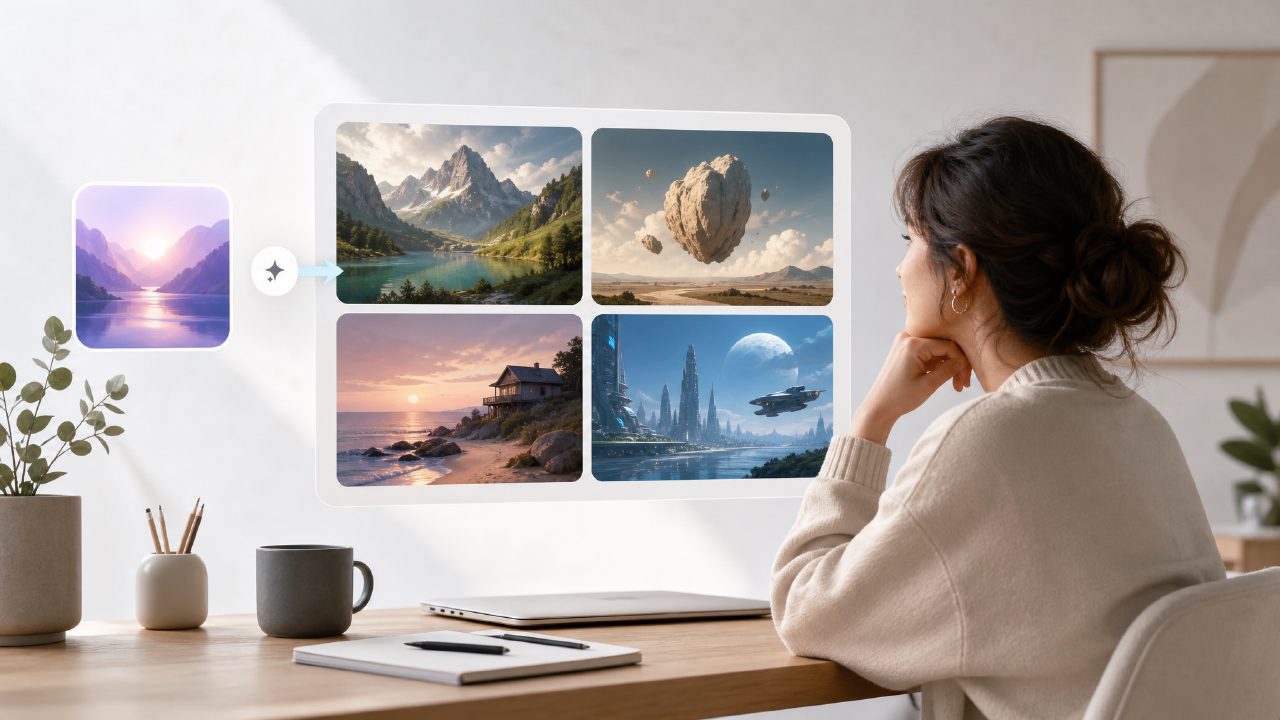
I’ve been searching for a free ai text to visuals 2026 tool that doesn’t force me into a subscription after the first few experiments. Most free tiers either watermark everything or limit you to a handful of basic styles. I decided to test Vizly Image Studio (from the team behind vizly) because it promised genuinely unlimited generations and no credit card lock-in. After running several projects through it over a week, here’s what stood out — both good and not so good.
What actually works well
- Text-to-image quality for concept art and mood boards — I threw in a prompt like “cyberpunk noodle shop at night, neon reflections on wet asphalt, cinematic lighting” and the result had decent composition and atmosphere. Not perfect (the neon signs were a bit jumbled), but usable for early-stage design exploration.
- Speed is consistent even on the free tier — Most images rendered in under 12 seconds. I didn’t feel like I was on a throttled “free” queue, which is rare for an ai image generator free unlimited claim that usually falls apart after the first day.
- Handles abstract or stylized prompts reasonably well — I tried a more challenging prompt: “infinite fractal tunnel with pastel gradients, vaporwave aesthetic.” The colors came through nicely, though the geometry occasionally blended into noise. For experimental creative work, that’s often fine — you iterate fast anyway.
Where it gets a little messy
I tested the ai text to image video generator free feature — Vizly also claims to create short AI-generated video loops from text. I tried “slow motion waterfall in a misty forest.” It produced a static single image rather than an actual video. I had to re-prompt, and the second attempt gave a very brief animated clip (maybe 2 seconds) with noticeable flickering. That part feels early-stage. If your primary need is video generation, you might be better off with a dedicated tool. But for still visuals, it’s solid.
Practical scenarios worth considering
- Social media content creators — I put together a set of five background images for Instagram stories. The tool handled varied prompts (coffee shop, tropical beach, abstract geometric patterns) without recharging credits. The one tradeoff: you can’t batch-generate variations easily. Each prompt requires a fresh entry, so scaling up takes more manual work.
- Design concept exploration — For a client project, I needed quick sketches of “futuristic bus stop” in three different material styles (glass, wood, reclaimed metal). Vizly gave distinct results for each prompt. Not production-ready, but good enough for a mood-board review.
- Experimental / personal fun — I spent an afternoon feeding it surreal dream prompts. The model handles weird concepts (“a clock melting into a desert dune”) with reasonable creativity. No censorship blockers that I noticed, but faces and human figures sometimes came out slightly distorted — a common limitation in this price range.
The one thing that bugged me
There’s no image-to-image mode. You cannot upload a photo and ask the AI to redraw it in a new style. For me, that’s a notable gap, especially since other ai image generator free unlimited tools occasionally offer that. If you rely on re‑styling your own assets, you’ll need a separate workflow first. I’m not sure if they plan to add it, but right now it’s a missing feature that limits certain creative iterations.
Who it’s really for
If you want an all‑in‑one free ai text to visuals 2026 tool that delivers decent static images and doesn’t nickel‑and‑dime you, vizly is worth keeping open. The video side is still rough around the edges, so treat that as a bonus, not a core feature. For someone designing on a budget or just experimenting, the unlimited usage makes up for the occasional glitchy human anatomy. I’d give it a fair “try it, judge the output yourself, and don’t expect perfection on the first prompt” verdict.
Comments
Leave a Comment