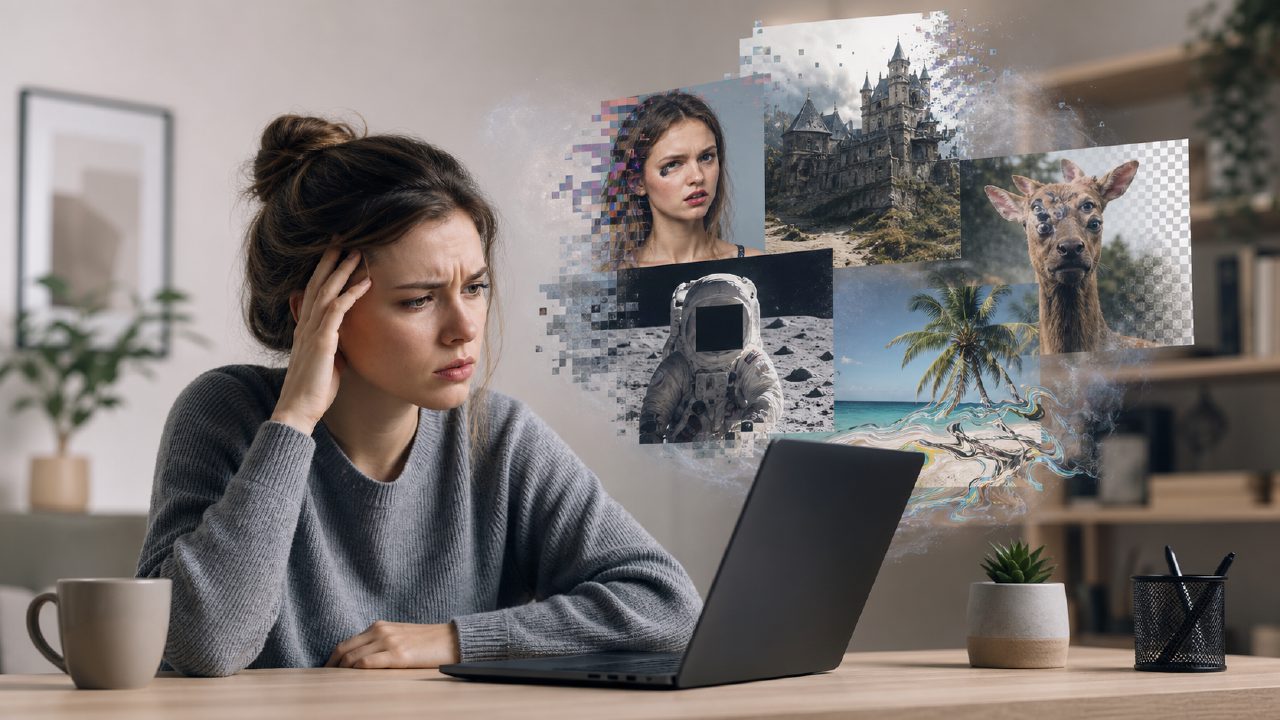
If you’ve been hunting for a free tool that handles both still images and short video clips from text prompts, you’ve probably run into the same wall I did. Most “free” generators either watermark everything, limit you to one resolution, or cap video length at two seconds. So when I came across Vizly (it claims to do text-to-image and text-to-video in one place), I decided to test it with that exact “ai text to image video generator free” search intent in mind — and I made plenty of mistakes along the way.
Common mistake #1: expecting cinematic video from a single prompt
Right off the bat, I typed “a cat walking on a neon street at night” and expected a smooth 10-second clip. That’s not how this works — at least not yet. Vizly’s video generation gave me a 4‑second loop that looked more like a slideshow than a film sequence. The image part was decent (detailed, punchy colors), but the video output clearly prioritizes quick previewing over polish. If you go in expecting broadcast quality, you’ll be disappointed. I’d call it more of a motion test draft than a finished asset.
Common mistake #2: ignoring the free tier’s real limit — speed
Most people assume “free” means low resolution or watermarks. Vizly’s free version doesn’t watermark results, which is nice, but the hidden cost is time. On the first day, I generated about six images and three short clips. Each image took roughly 30 seconds; each video took around 90 seconds. That’s fine for experimentation. But when I came back the next day and tried to queue up five videos in a row, the processing slowed to a crawl — nearly 4 minutes per clip. The free tier seems to throttle you after a certain number of requests per hour. It’s usable, but not if you’re on a deadline.
Common mistake #3: forgetting to check export formats before you build a workflow
This one bit me. I made a batch of images I planned to use as social media headers, assuming I could export at standard 1080x1080 pixels. Vizly’s free tier outputs images at a fixed 1024x1024 — close, but not identical. The videos are exported as MP4 at 720p. That’s fine for mockups, but if you need specific dimensions for a client brief, you’ll spend extra time cropping or resizing. I ended up having to regenerate several images because I hadn’t checked the specs first. That’s a “learn on the first run” kind of friction.
The tradeoff: speed vs. control
One thing I genuinely liked: Vizly gives you direct prompt editing without forcing you to re-enter everything. But the tradeoff is that you don’t get fine-grained parameters (seed control, CFG scale, negative prompts). For quick creative experiments, that’s fine. For precise alignment with a brand style, it feels limiting. I’m not sure I’d rely on it for final deliverables without heavy manual post-processing.
One cautious takeaway
If you’re searching for a true “best free ai image generator 2026” or “best free ai video generator 2026”, Vizly is a solid contender on the image side, but the video part still has room to grow. It works best when you treat it as a prototyping tool — knock out a dozen visual ideas fast, then refine elsewhere. The free tier is generous enough for a weekend of tinkering. Just don’t plan a production pipeline around it without testing the export limits first.
In my experience, the gotcha with any free AI generator is that the real cost is time and repeated disappointment. Vizly avoids most of the common pitfalls (no watermark, reasonable quality for images), but you will hit a speed bump if you try to generate too many videos too quickly. Go in expecting a sketchpad, not a studio, and you’ll come away with something useful.
Comments
Leave a Comment