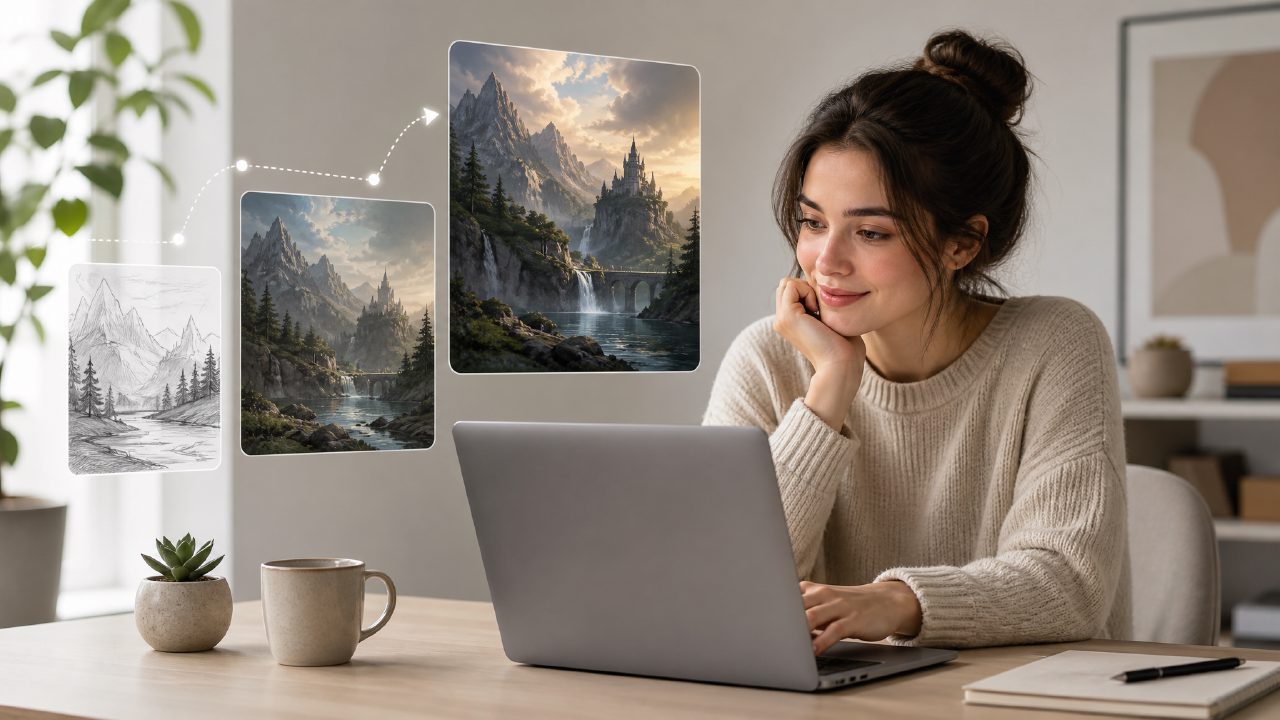
When a Midjourney Tutorial Led Me to a Different Generator
I sat down expecting to follow a standard Midjourney tutorial — prompt structure, parameters, style referencing. Twenty minutes in, I realized the tool I had open wasn’t Midjourney at all. I’d landed on Vizly, an AI image generator that promises to turn text prompts into visuals fast. I decided to keep going and see how well the same tutorial concepts applied. Turns out, they mostly do — but with a few shifts worth noting.
Below is a checklist I put together based on that session. It’s not a full walkthrough, but it covers what actually worked (and what didn’t) while I tried to translate Midjourney-style prompting into Vizly’s engine.
A Practical Checklist for Prompting with Vizly
- Start with short, literal prompts. Midjourney often benefits from modifiers like “photorealistic” or “cinematic lighting.” With Vizly, I found that very short descriptions — “a red fox in snow” — produced clean results faster. Longer, embellished prompts sometimes created visual clutter. That’s a tradeoff: you lose some stylistic nuance, but you also spend less time tweaking.
- Test the free generation limit first. Vizly offers a generous free tier. I ran about a dozen prompts without hitting a paywall. That’s enough to get a feel for how the AI interprets your phrasing. If you’re coming from a paid platform, this feels like a real advantage for experimentation.
- Use aspect ratio and resolution controls early. Unlike some free AI text-to-visuals tools, Vizly lets you set dimensions before generating. I skipped this at first and had to redo a few images that came out square when I needed a wide banner. Small friction, but worth noting.
- Iterate with variations rather than rewriting prompts. Once you get an image you like, Vizly’s variation feature generates slight tweaks. I tried it with a “futuristic cityscape at dusk” prompt. The first output was decent but flat; the second variation added reflections I didn’t expect. That kind of randomness can be useful when you’re stuck for ideas.
- Don’t rely on negative prompts the same way. Midjourney has a clear
--noparameter. Vizly doesn’t have an exact equivalent — or at least not one I found documented clearly. I tried describing what I didn’t want in the prompt, but the AI didn’t always exclude it. This was the biggest limitation in my test. If you need precise exclusion, you might need to generate several versions and pick manually.
Concrete Examples from the Test
I ran three prompts that are common in typical Midjourney tutorial exercises: “a steaming cup of coffee on a wooden table,” “an astronaut riding a horse on Mars,” and “a cyberpunk alleyway at night.” For each, I compared the output from Vizly to what I’ve seen from Midjourney.
The coffee cup looked almost too polished — clean edges, uniform steam. That’s fine for product mockups, but less natural if you want painterly imperfection. The astronaut on Mars came out well composed but with slightly muddy colors. I had to regenerate twice to get the sky right. The cyberpunk alley was the strongest: good depth, decent neon glow, and the AI handled the wet street reflections better than I expected.
Where Vizly Felt Different
The engine seems to prioritize clarity over mood. If you’re creating images for a presentation or social media header, that’s a strength. If you want a more atmospheric or interpretive look, you’ll need to prompt with very specific adjectives — “dim lighting,” “hazy fog” — and even then it’s not guaranteed.
One cautious observation: I wouldn’t rely on Vizly for complex scenes with multiple characters in specific poses. The AI tends to simplify interactions. “Two people shaking hands in a boardroom” produced one convincing handshake and one where the hands didn’t quite connect. That might improve, but for now, keep compositions straightforward.
Who Should Use Vizly as a Tutorial Tool
If you’re learning prompt design and don’t want to pay for credits while you practice, Vizly is a solid sandbox. The free access lets you experiment with phrasing, style words, and composition without watching a counter tick down. I found that the prompting skills transferred about 70% — enough to make the practice useful.
The tradeoff is that you miss out on the community galleries and parameter documentation that make Midjourney tutorials so step-by-step. You’ll have to figure out some quirks on your own. But for quick visual exploration or for someone who wants to generate assets without a subscription, it’s worth a look.
By the end of the session, I had a folder of usable images and a better sense of how different AI engines interpret the same words. That alone made the detour worthwhile.
Comments
Leave a Comment