You have a shelf of old books with worn spines, maybe a few pages loose. Or you found a scanned PDF of a 16th-century herbarium, but the images are flat and gray. You want to show someone how gorgeous that page actually looks in your head—the warm paper, the faded pigments, the texture of woodcut lines. But pulling out a real one risks damage, and a phone photo catches glare and loses the grain.
That’s where AI image generation can do something oddly specific. Not just “make a painting of a castle,” but recreate the feel of a specific illuminated manuscript, with foxing, gold leaf, and vellum. Vizly Image Studio handles this kind of prompt well because it doesn’t collapse every “antique” prompt into the same sepia filter.
How it works for vintage books: a few concrete experiments
I tried a few scenarios to see if Vizly could actually help a collector or a content creator who posts about rare books.
Scenario 1 – A damaged frontispiece. I own a 1901 copy of an illustrated natural history book. The first plate is barely legible: water damage, a crease, faded ink. I gave Vizly the prompt: “Frontispiece of a late Victorian natural history book, copperplate engraving style, botanical anatomy of a rose, paper tone warm off-white, visible grain and a subtle water stain in the bottom right corner, under soft daylight, shallow depth of field on the engraving lines.” The result captured the paper texture nicely. The engraving lines were softer than real copperplate, but the stain looked natural—not like a scratch in a digital filter. Good enough to use as a reference or a social media visual without pulling the fragile original.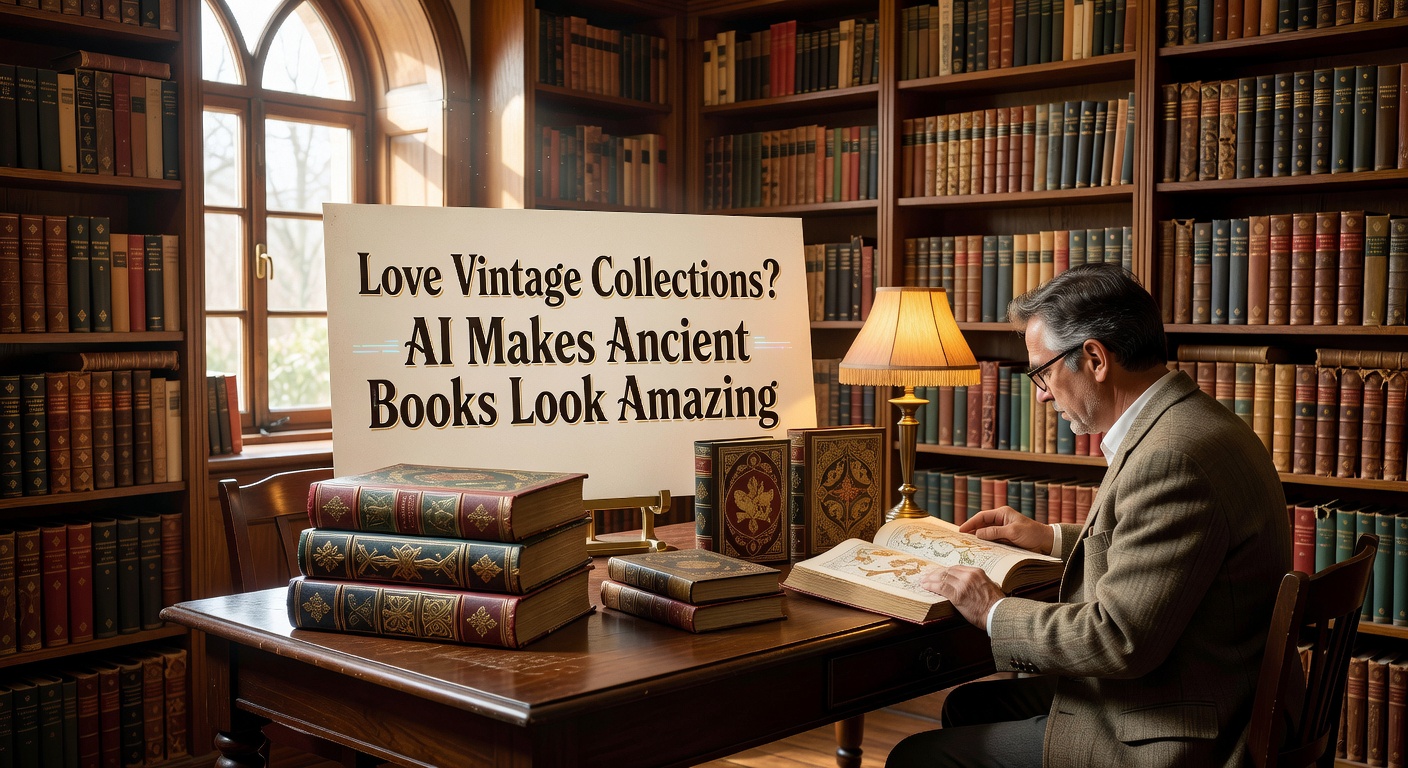
Scenario 2 – Reimagining a missing plate. Some old books have illustrations that were torn out. You know from the table of contents what should be there. I described a medieval bestiary entry for a lion, with a gilded border and rubricated text. Vizly generated a page that had the right layout—the text block was small and centered, the border was decorated but not overpowering. What it missed: the irregularity of hand-painted lines. The gold effect was a warm yellow highlight rather than real gold leaf shimmer. For a conceptual reconstruction it works; for a facsimile you’d need real art restoration.
Scenario 3 – Creating a vintage-style book cover for a modern print. A friend runs a small press that reprints out-of-copyright poetry. He wanted a cover that looked like an 1890s cloth binding but didn’t require hiring a designer for two months. He described “dark green book cloth, blind-stamped floral border, gilt title in serif type with slight wear, spine slightly faded at the edges.” Vizly gave him four variations. Two were too photorealistic (looked like a photograph of a real book), one was too generic, but one had exactly the right worn elegance. He used it—after adjusting the text in Photoshop.
The tradeoffs: what the AI does and doesn’t capture
If your goal is museum-quality reproduction or forensic-level accuracy (e.g., matching a specific illuminator’s hand), you will be disappointed. Vizly’s strength is plausible atmosphere, not historical precision. It knows what an old page generally looks like—discoloration, deckle edges, cracked spine creases—but it does not replicate the quirks of a real aged object. For example:
- Paper grain is simulated, not scanned. It looks convincing at a glance but doesn’t match the directional fibers of handmade paper.
- Ink fade is often too uniform. Real old books have uneven fading based on contact and light exposure; AI tends to apply a gradient that is too tidy.
- Wormholes (tiny holes from bookworms) get added as random dots, not as clustered tunnels. If you need a specific damage pattern, you’ll need to composite in a real scan.
Where it shines: when you need a quick visual for a blog post, a presentation, or a social media image that evokes the idea of an ancient book without pretending to be one. And because Vizly works from text prompts, you can iterate rapidly—“more yellow on the edges,” “less contrast on the gold,” “add a faint owner inscription in brown ink”—until you get the mood right. You cannot do that easily with a photo of a real book unless you spend minutes in a photo editor.
Who should use this (and who shouldn’t)
If you collect vintage books and want to share your finds without damaging them, Vizly is a good tool for illustrative images. Generate a plausible version of the page you describe, then use it alongside your real photos to highlight details. Just don’t label it as a scan of your actual book—that’s not accurate and will bother other collectors who know the difference.
If you run a vintage book shop online and need product visuals, AI-generated images can help you create mockups for social media, but never use them as the main product photo. Real buyers want the actual wear and tear, not an idealized version.
For creative projects—like writing a fantasy story set in a library, or designing a prop for a video—the AI’s “familiar but not exact” aesthetic is a feature, not a bug. It gives you the feeling of age without the headache of sourcing a real 500-year-old folio.
Vizly Image Studio won’t replace your collection. But if you love the look of ancient books and want to generate new images that respect that look—without pretending to be the real thing—it’s a practical, slightly opinionated tool that knows the difference between “old” and “just faded.” Start with a specific description of one plate from your favorite book, and see where the texture takes you.
Comments
Leave a Comment