You know that moment when you're staring at a blank canvas (or worse, that empty Figma artboard), and your brain just… refuses to cooperate? The deadline is looming, your coffee is cold, and every idea you scrape together feels like something you've already seen a thousand times. That's where I was last week, except this time I had an AI generator called Vizly sitting in my browser tab, waiting for me to stop overthinking and just type something.
Vizly Image Studio is basically the text-to-image engine that doesn't ask questions. You type a prompt, it spits out visuals. Sounds simple, but the real story is whether it actually helps you make something you'd want to post, pitch, or print. I've been running it through some messy, real-world experiments — not the polished "look what I made" demos, but the stuff you'd actually try on a Tuesday night when you're procrastinating on a real project.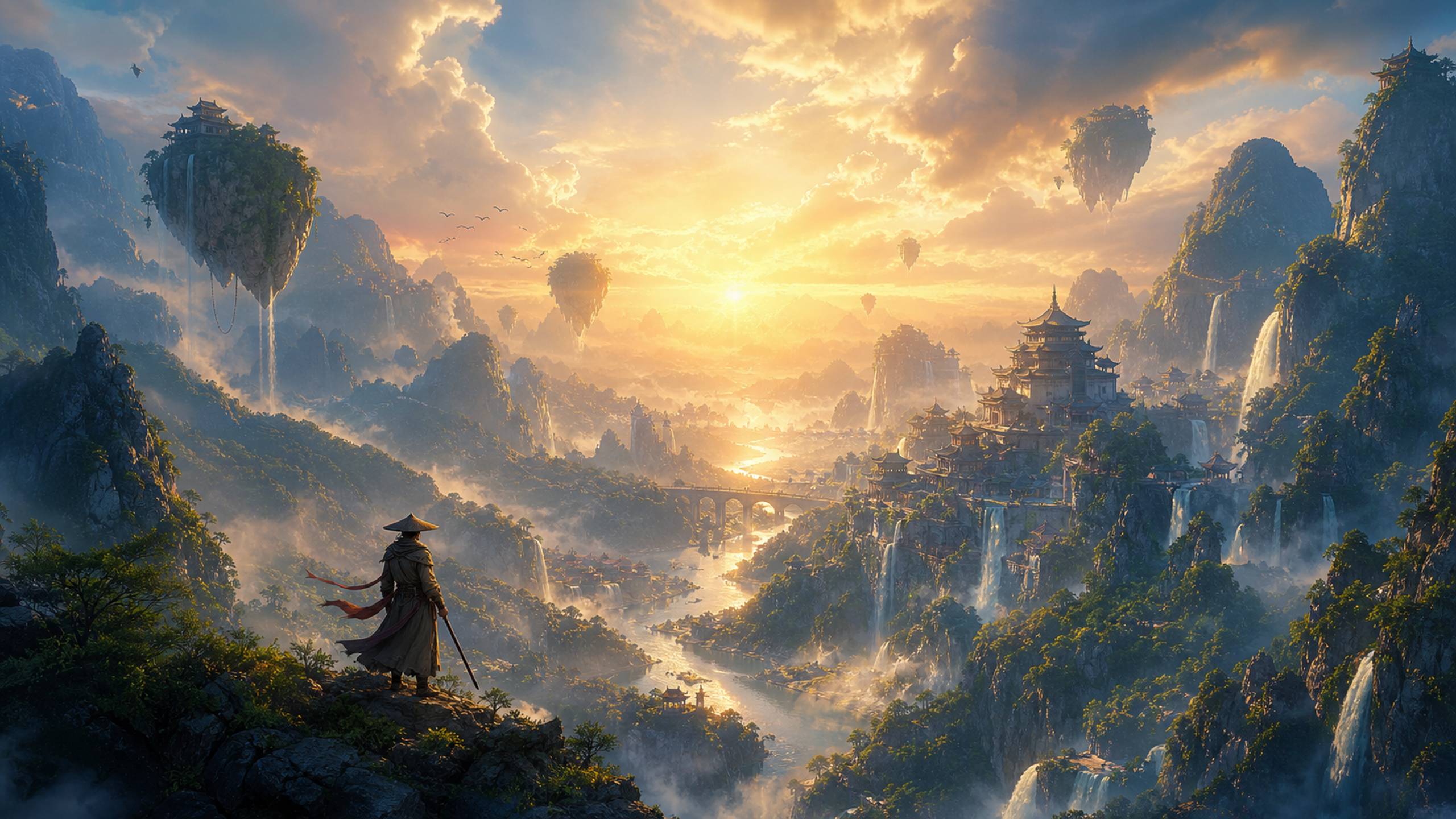
When you just need visual bait for your next post
A friend runs a tiny skincare brand on Instagram. She needed a series of "mood" images for a campaign about nighttime routines. Instead of hiring a photographer or digging through stock photo hell, we threw prompts at Vizly like "dark blue bedroom, soft lamp light, glass bottle on wooden table, cozy but minimalist, 3am vibe." The first batch was a little too literal — the bottle looked plastic. But after tweaking the prompt to include "cinematic lighting" and "slight film grain," the results actually matched the aesthetic she'd been chasing for weeks. It's not a replacement for a real shoot, but for social content that needs to go up in hours? It works.
The fun part: breaking your own ideas
Here's what actually made me keep coming back to Vizly: the randomness. One night I typed "a raccoon in a spacesuit drinking bubble tea on Mars, vaporwave colors." The output was absurd, but it also gave me a mood board for a zine I'd been half-planning. AI image generators excel when you stop treating them like a search engine and start treating them like a collaborator who doesn't judge your weird thoughts. The limitation is that keeping a consistent character across multiple images is still hit-or-miss. If you need a specific face or logo to appear the same way every time, you'll need to wrangle the prompt carefully or do touch-ups later.
Where it stumbles and why you should care
Let's talk about the tradeoffs honestly. Vizly is fast and the interface is clean — no clutter, no confusing sliders. But if you're expecting to generate a photorealistic human hand without extra fingers, you're going to be disappointed sometimes. The AI handles abstract concepts, textures, and landscapes much better than it handles anatomy or text. That means if your project depends on precise details (product mockups with legible text, for example), you'll need to budget time for compositing or manual correction. Also, the free tier gives you a taste, but serious experimentation requires a subscription. For someone who just wants to mess around, it's fine. For a creator who needs volume, the cost adds up.
Does it replace your creative process?
No, and I don't think it should. What Vizly does well is remove the friction between "I have a vague feeling for an image" and "I can see it in front of me." It's a staring-into-space killer. If you're a designer, marketer, or just someone who makes things for the internet, this is a tool for starting — not finishing. The real value is in generating raw material that you then edit, layer, or reject. The best workflow I found was: generate 10 images, hate 7, steal elements from 2, and combine one into a larger project. That 10% hit rate still beats staring at a blank screen for an hour.
If you're on the fence, just open it with the worst possible prompt you can think of. See what comes out. The fit is less about whether the tool is "good" and more about whether you enjoy the process of talking to a machine that guesses what you mean. For me, the answer is: yes, as long as I remember I'm still the one who decides what's worth keeping.
Comments
Leave a Comment