You have this vivid scene in your head—a retro-futuristic coffee shop, a custom birthday invitation with a specific vibe, or a blog header that doesn't look like a generic stock photo. But when you try to make it, you end up staring at a blank Canva layout or drawing a stick figure. That gap between imagination and execution is exactly what Vizly Image Studio targets. It takes your text prompts and spits out actual visuals, promising that you don't need a design degree to make your ideas look good.
Putting Vizly Image Studio to Work in Everyday Scenarios
Let's skip the abstract "content creation" talk. What does this look like on a Tuesday night? Say you're planning a tabletop RPG session and need a quick visual of a "cyberpunk tavern raining neon signs." You type that in, wait a minute, and you get four options. One might have a weird extra finger on a bartender, but another nails the exact mood you wanted. You drop it into your group chat, and suddenly the session feels real.
Or maybe you're redecorating. Instead of browsing Pinterest for hours trying to find a specific aesthetic, you prompt "minimalist living room with a sage green sectional and mid-century walnut coffee table." The generated mockups aren't architectural blueprints, but they give you a tangible color palette and layout vibe to take to the furniture store. Even throwing together a quick indie zine or a niche meme becomes less of a headache when you can just generate the weirdly specific image you need instead of hunting for it across endless image boards.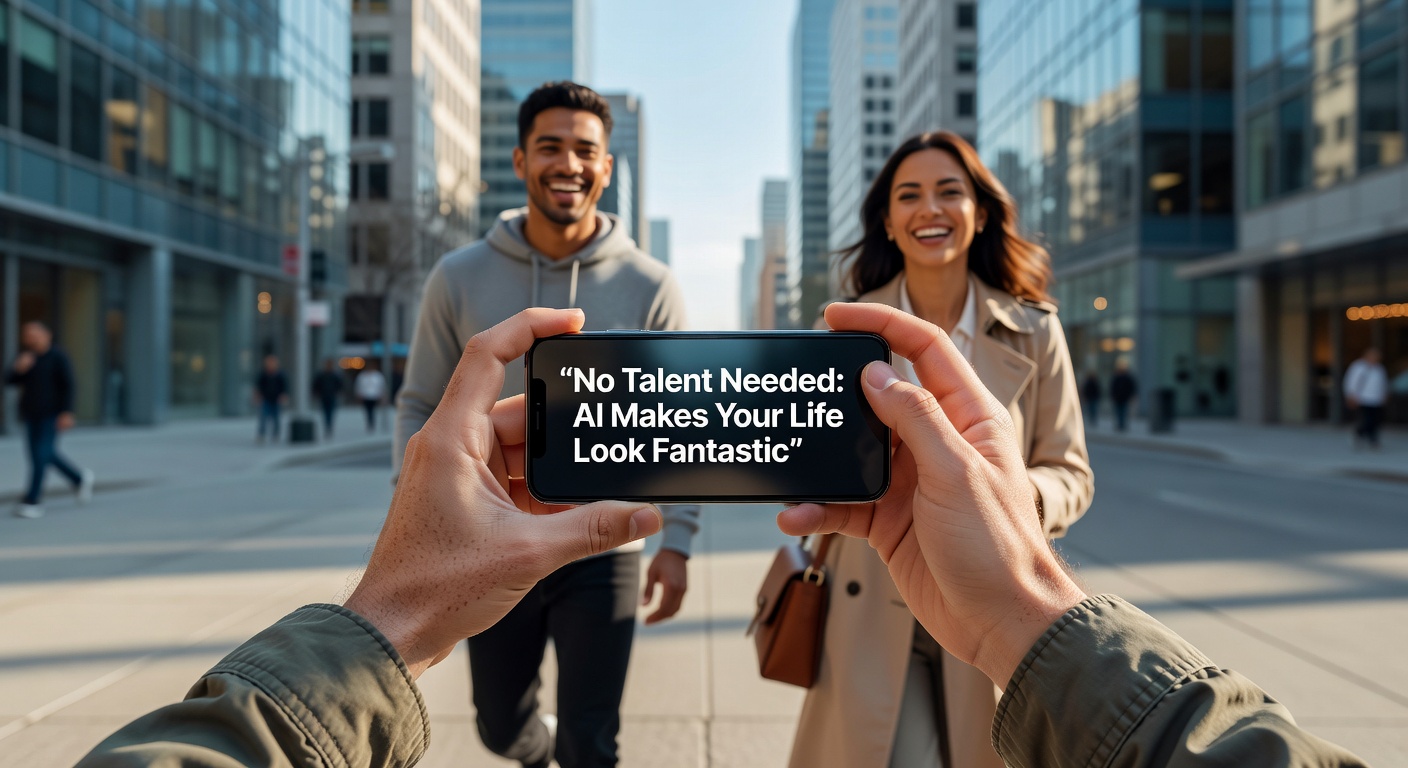
The Reality of Prompting: Tradeoffs and Limitations
Here's the catch: "no talent needed" is slightly misleading. You don't need drawing talent, but you absolutely need descriptive talent. If you type "cool dog," you get generic junk. If you type "golden retriever wearing a steampunk aviator hat, oil painting style," you get something usable. Prompting is a skill, and Vizly Image Studio has a learning curve. You'll spend time iterating. "Add more shadows," "Make it less realistic," "Remove the weird text artifacts in the background."
AI generators also still struggle with precise spatial relationships and complex layouts. If you need the dog sitting specifically to the left of the hat on a red table, you might fight the tool for twenty minutes before just cropping the image yourself. It's fantastic for vibe and concept, but unreliable for strict, pixel-perfect execution. You have to accept that you are directing an unpredictable collaborator, not operating a precise rendering engine.
Should You Use This Over Canva or Midjourney?
Deciding if this tool makes sense depends on what you're trying to escape. If you're tired of Canva's rigid, overused templates and want something unique, this is the obvious next step. It’s faster than learning Photoshop and cheaper than hiring a freelancer for a one-off Instagram story.
However, if you're a designer looking for high-end asset generation to blend into commercial work, heavier tools like Midjourney or Stable Diffusion offer more granular control and higher resolution outputs. Vizly Image Studio sits in a practical middle ground. It's for the person who wants a fast, distinct visual without spending an hour tweaking parameters or navigating confusing Discord bots. It trades deep artistic control for immediate accessibility.
Vizly Image Studio won't magically turn you into an artist, but it does effectively eliminate the blank canvas problem. It takes the friction out of translating a passing thought into something you can actually see and share. You'll still need to refine your prompts and accept occasional weird AI quirks, but for making everyday ideas look a lot more fantastic than your own sketching skills allow, it does the job. Keep it in your toolkit for those moments when a stock photo just won't cut it.
Comments
Leave a Comment