You have a concept in your head—maybe a rainy commute, a quiet kitchen morning, or that weird half-light just before sunset—but turning that ordinary moment into something worth posting requires either serious photography skills or hours digging through stock sites that never quite match your mood. That gap between what you imagine and what you can actually produce is where tools like Vizly Image Studio try to live.
What "One AI Click" Actually Means in Practice
The pitch behind "One AI Click: Turn Ordinary Days Into Magic Frames" is straightforward: type a description, hit generate, get a visual back. No layers, no brush sizes, no font pairing anxiety. Vizly takes your text prompt and renders it into an image within a couple of minutes—sometimes faster depending on complexity and server load.
In practice, "one click" is a bit of marketing shorthand. You still have to write the prompt, and that's where the real work sits. A vague prompt like "a rainy street at dusk" gives you something generic. A specific one—"a person waiting at a bus stop under an amber streetlight, rain on the pavement reflecting neon signs, cinematic depth of field, muted color palette"—gets you noticeably closer to the frame you actually imagined. The click is fast. The thinking before it isn't.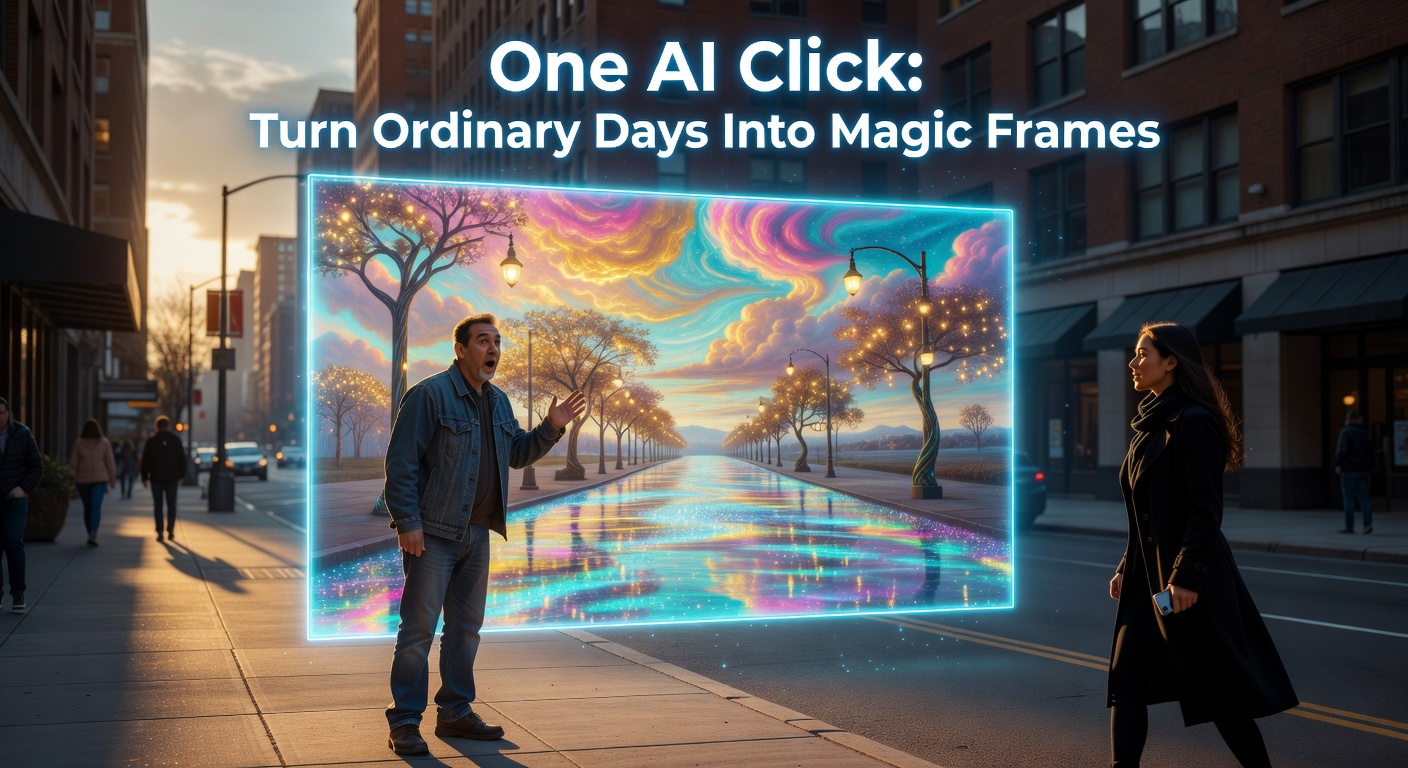
Scenarios Where This Click Pays Off
Social content on a deadline. You're running a small brand account and need a hero image for a post about autumn routines. Stock photos feel stiff and everyone's used them anyway. You prompt "steaming coffee on a wooden windowsill, golden leaves outside the glass, soft morning light" and get three options in under two minutes. One of them works. You crop it and ship.
Concept visualization before committing resources. You have an idea for a photo shoot or a short film scene but want to see if the mood reads before hiring anyone or scouting locations. Generating a reference frame takes less time than building a Pinterest board, and the result is tailored to your specific vision rather than someone else's.
Personal creative experiments. Not everything needs a deliverable. Sometimes you just want to see what "a laundromat at 2am painted like Edward Hopper" looks like. Vizly handles these playful prompts well because the stakes are low and the surprise is the point.
Where the Magic Fades
AI image generators still struggle with certain things, and Vizly isn't exempt. Hands, complex poses, and readable text in the image remain unreliable. If your concept depends on a specific face or a recognizable brand logo appearing correctly, you'll be disappointed. The output is also non-deterministic—run the same prompt twice and you'll get different results. That's fine for exploration, frustrating if you're trying to iterate on a specific composition.
There's also a ceiling on stylistic control. You can nudge the model with language ("oil painting style," "flat vector illustration," "Polaroid aesthetic"), but you can't fine-tune weights, lock a seed for reproducibility, or layer edits the way you can in more advanced platforms. The simplicity is the feature, until it isn't.
Should You Use This Instead of Alternatives?
Vizly sits in a specific niche: fast, prompt-driven generation with minimal interface friction. If you're comparing it to Midjourney, you're trading depth for speed—Midjourney gives you more stylistic range and parameter control but demands more learning and a Discord-based workflow. Against Canva's AI image tool, Vizly is more focused on generation alone; Canva wraps it in a full design editor, which is better if you need to add text overlays or composite layouts immediately. Against free open-source generators, Vizly saves you the setup and hardware cost but locks you into its own output quality ceiling.
The right question isn't which tool is best overall. It's whether your workflow needs a quick visual that's good enough, or whether you need precise control over every element. If it's the former, Vizly Image Studio earns its click. If it's the latter, treat it as a sketching tool, not a final output engine.
The Realistic Takeaway
"One AI Click" doesn't eliminate creative work—it compresses the distance between thinking and seeing. The value isn't in the click itself but in how clearly you can describe what you want before you make it. Vizly Image Studio works best when you treat it as a visual thinking partner: fast enough to keep up with your ideas, imperfect enough that you still need to curate the results, and accessible enough that you'll actually use it on a Tuesday afternoon when the light looks interesting and you want to capture it without reaching for a camera.
Comments
Leave a Comment