You need a visual for a slide deck due in two hours, or a thumbnail for a video you just finished editing. Stock sites feel generic, and opening Photoshop to composite something from scratch is a time sink you don't have. This is exactly the friction that Vizly AI Editor promises to eliminate: type a prompt, get a usable image, and move on with your day.
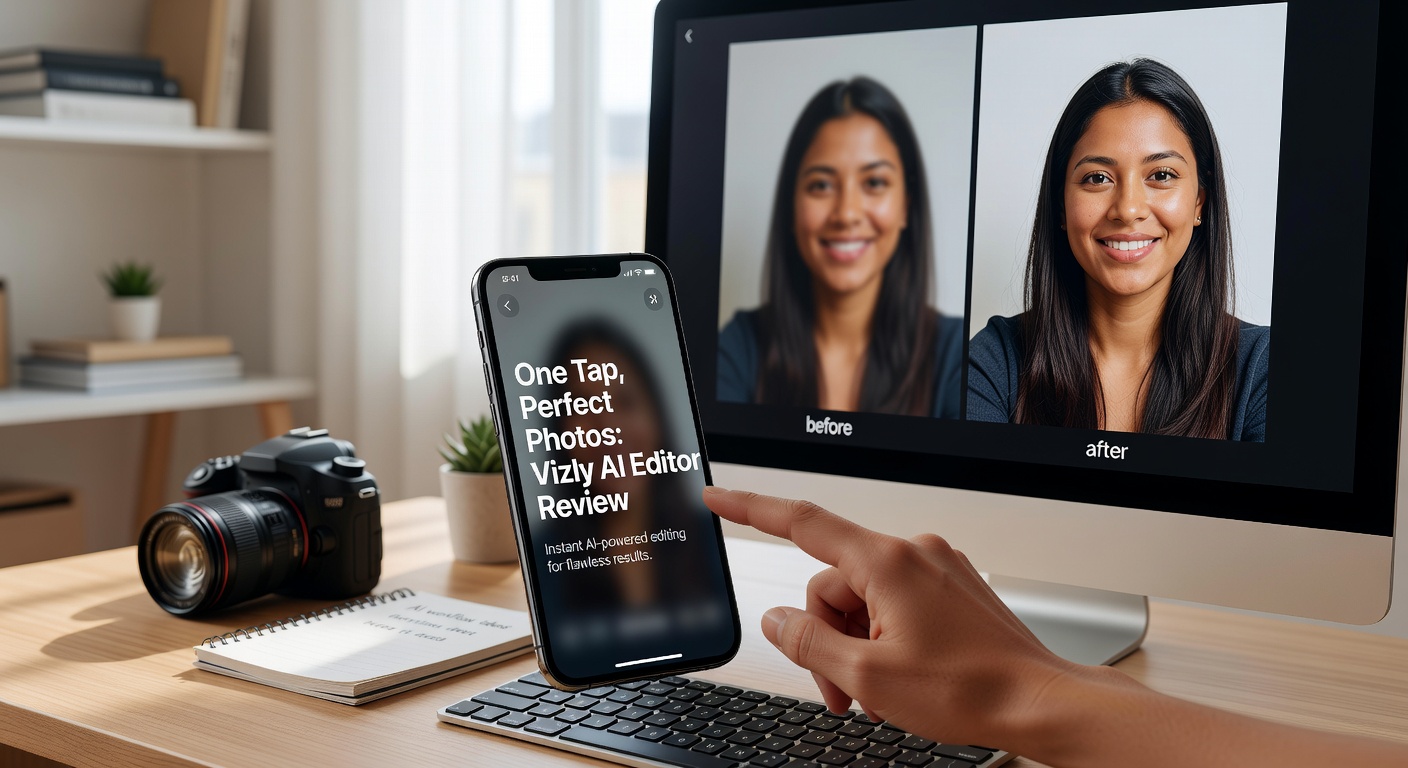
How Vizly Image Studio Handles the "One Tap" Promise
The "one tap, perfect photo" pitch is catchy, but the reality is slightly more nuanced. Vizly Image Studio operates primarily as a text-to-image generator. You type what you want—say, "a minimalist desk setup with a ceramic coffee mug and morning sunlight"—and hit generate. The output speed is genuinely fast, usually taking under a minute to spit out a few variations.
The interface strips away the overwhelming parameter sliders you find in tools like Stable Diffusion. It leans heavily into that "one tap" philosophy by keeping the default settings optimized for decent results. You don't need to know what a CFG scale or a sampling step is to get a good-looking photo. This simplicity is its biggest selling point when you're just trying to fill a visual gap quickly without getting bogged down in technical tweaks.
Real-World Use Cases and Output Quirks
I tested Vizly across a few common content scenarios to see if the outputs actually look like "perfect photos" or just decent AI renderings.
First, social media thumbnails. Asking for "a vibrant flat-lay of skincare products on a white marble surface" yielded clean, well-lit compositions that rival basic stock photography. The lighting was surprisingly consistent, which is often a weak spot for AI generators. For a quick Instagram post or a YouTube thumbnail background, these are perfectly usable without further editing.
Second, concept art for pitch decks. Generating "a futuristic urban farming vertical greenhouse at dusk" produced atmospheric images with strong depth and moody color grading. However, this is also where the "perfect photo" claim breaks down. Complex architectural prompts often result in structural impossibilities—stairs leading nowhere, or glass warped in ways that defy physics. They look cool at a glance, but scrutinizing them reveals the usual AI hallucinations. You can use them to set a vibe, but don't expect investors to study the details.
Third, character-driven scenes. If your prompt includes people, prepare for the classic AI tradeoffs: mangled hands, weird teeth, or eyes staring into the void. Vizly is no exception here. It handles ambient scenes and objects far better than it handles human anatomy. If your project requires realistic people, you'll likely need to re-roll prompts multiple times or crop out the problematic areas.
Evaluating Fit: Tradeoffs and Alternatives
Vizly sits in a specific middle ground in the AI image landscape. It is less powerful than Midjourney, which offers far more stylistic control and higher-fidelity outputs if you know how to prompt. Midjourney also requires a Discord workflow or a somewhat clunky web interface, whereas Vizly gives you a straightforward, clean studio environment designed for immediate use. On the flip side, Canva's built-in AI tools offer immediate integration into a broader design workflow, but their image generation often feels more rigid and less creative.
The main tradeoff with the Vizly AI Editor is control versus speed. You sacrifice the ability to fine-tune specific details—like adjusting the exact camera angle or fixing a localized artifact—in exchange for getting a "good enough" image in seconds. If you need a photo that must be pixel-perfect and factually accurate, like a realistic product shot of a specific existing item with correct branding, AI generation isn't the right tool yet, regardless of the platform. You'd still need traditional photography or heavy compositing for that.
Vizly is the right fit if your priority is momentum. It’s for creators who need a visual placeholder that looks better than a rough sketch, or marketers who want a unique background without spending hours on asset hunting. If you need to ship content today and can tolerate a few surreal details, it does the job well.
Final Thoughts
The idea of a one-tap perfect photo is still a bit of a stretch, but Vizly Image Studio gets close enough for everyday content needs. It won't replace a professional photographer or a meticulous Photoshop session, but it effectively kills the dependency on generic stock libraries. Type your idea, get a solid starting point, and if the hands look weird, crop them out or try another prompt. That practical, fast workflow is where Vizly actually delivers on its promise.
Comments
Leave a Comment