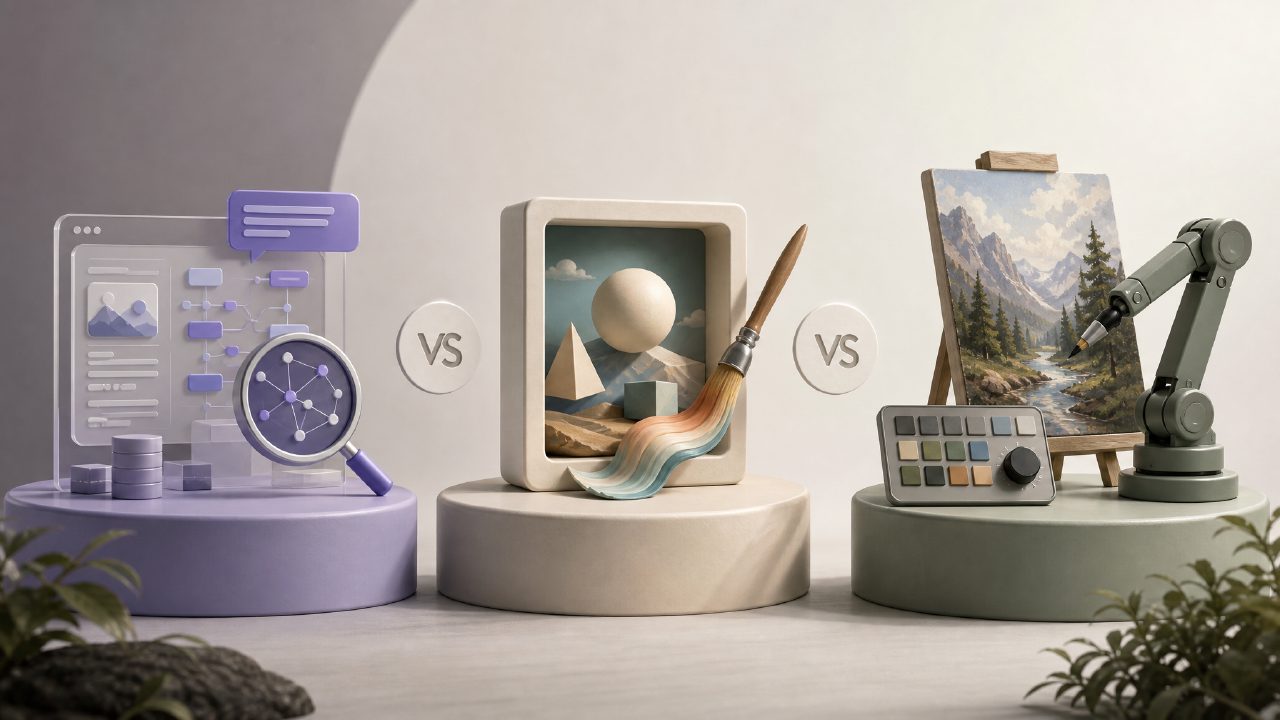
If you’ve spent any time trying to get an AI image generator to actually produce what you described, you already know that prompt engineering isn’t just typing a sentence. It’s half art, half trial-and-error, and every tool interprets language differently. I’ve been testing several free options lately—DALL-E’s reduced credits on ChatGPT, Stable Diffusion through a web demo, and the vizly AI image generator—to see which one rewards good prompt engineering and which one just punishes vagueness.
How Vizly Handles Prompt Engineering vs. Other Free Tools
What surprised me first about vizly is how well it interprets abstract conceptual prompts. I tried something like “a corporate team building a sandcastle, but each member is a different type of bird, corporate art style.” Most free tools either ignored the bird part or spat out generic human silhouettes. Vizly kept the bird identities and even varied the bird types. That felt like a win for prompt engineering: you can skip over-explaining and trust the model to follow a layered instruction.
But there’s a catch. Vizly has a clear visual “vibe” it defaults to—slightly glossy, semi-realistic with a digital finish. If you don’t explicitly add stylistic keywords like “flat illustration” or “watercolor,” it will pull everything toward that default. Meanwhile, Stable Diffusion’s free web tier (via Hugging Face) lets you inject negative prompts, which gives you more control over the output’s mood. That’s a real tradeoff: vizly is simpler and faster, but you lose some fine-grained steering.
Real-World Testing: Three Prompts, Three Outcomes
I ran three common content-creation prompts across Vizly, DALL-E’s free tier, and a demo of an ai text to image video generator free platform to see how prompt engineering affected results.
- Prompt 1: “A futuristic coffee shop with bioluminescent furniture, neon green accents, and cats wearing tiny aprons.” Vizly gave me the cats in aprons consistently. DALL-E often forgot the aprons. Stable Diffusion’s free version needed a separate “apron” negative prompt to avoid over-realistic fur textures.
- Prompt 2: “A diagram of prompt engineering as a maze, with each wrong turn labeled ‘iteration’.” Vizly produced something close to a mind map. DALL-E went literal with a maze from a board game. Stable Diffusion required a lot of prompt tweaking to avoid it looking like a city aerial view.
- Prompt 3: “A 2026 calendar cover with abstract technology motifs, warm sunset colors, no text.” Here Vizly delivered a usable concept in one try. DALL-E kept adding placeholder dates. The free ai image and video generator 2026 platform I tested couldn’t handle “no text” at all—it always inserted year numbers.
That third test exposed a friction point. Vizly’s free tier allows a limited number of generations per day (around 20, I think), and after that you have to wait. If you’re doing heavy prompt iteration, you’ll hit the wall. Not a dealbreaker, but worth noting.
Where Vizly Falls Short for Advanced Prompt Engineering
If you’re used to writing precise negative prompts or controlling aspect ratios via the prompt itself (e.g., “cinematic 16:9”), Vizly doesn’t give you that syntax. You set size in the UI, not the text. That’s fine for beginners, but for someone who thinks of prompt engineering as a full scripting language, it feels limited. I also noticed that subtle qualifiers like “slightly desaturated” or “medium shot” sometimes got ignored or softened. I had to rephrase them as more exaggerated adjectives (“muted,” “mid-range view”) to get the effect.
This is where a cautious judgment comes in. Vizly is excellent for rapid visual brainstorming and early-stage concepting. But if your workflow depends on pixel-level control or consistent brand styles across dozens of images, you’ll eventually need a tool that offers prompt engineering at a deeper level—like Stable Diffusion with ComfyUI or Midjourney with weighted parameters. Vizly’s simplicity is both its strength and its ceiling.
Final Recommendation
For anyone new to AI image generation or anyone who needs quick, decent-looking visuals from a loose description, the vizly AI image generator is a solid choice. It responds well to layered prompts, handles abstract ideas better than many free alternatives, and doesn’t require a manual full of syntax tricks. Just don’t expect to fine-tune every last pixel. If your definition of prompt engineering includes negative weights and token-level control, keep a more advanced tool handy. For the rest of us, Vizly’s tradeoff—speed and approachability over precision—is often worth making.
Comments
Leave a Comment