You’ve got a brittle Ming-dynasty poetry collection that’s missing half its illustrations. Or you’ve been reading a Tang-dynasty joke compilation and think, “I need to see what that look actually would be.” The problem is the same: you can’t just Google an image of a long-lost marginal doodle or a sarcastic monk from 800 AD. The originals are gone or too faded to scan. And your brain alone isn’t enough to fill in the gaps visually.
That’s where an AI image generator like Vizly Image Studio comes in. It doesn’t replace scholarly reconstruction, but it does let you restore ancient tomes visually and, more importantly, turn funny or weird historical moments into shareable images. Think of it as a creative bridge between academic curiosity and the urge to meme a 10th-century scribe’s rant about bad ink.
Why “Restore Ancient Tomes” with an image generator?
The phrase sounds contradictory at first. Restoration implies precision, AI image generation implies hallucination. But the real use case here isn’t facsimile reproduction—it’s imaginative reconstruction and remixing. You give Vizly a description of what a damaged page *should* show based on surviving text clues, and it generates a plausible visual interpretation. That’s useful for:
- Authors writing historical fiction who need a quick mood board for a scene described in an old letter.
- Game designers who want authentic-looking scrolls or book covers without hiring an illustrator for every draft.
- Anyone who simply enjoys the gag of seeing a Confucian scholar flustered by a duck in a 14th-century poem.
The key is to treat the output as inspiration, not citation. You wouldn’t frame a Vizly-generated image as a true facsimile, but you can absolutely use it to restore the *spirit* of a lost moment.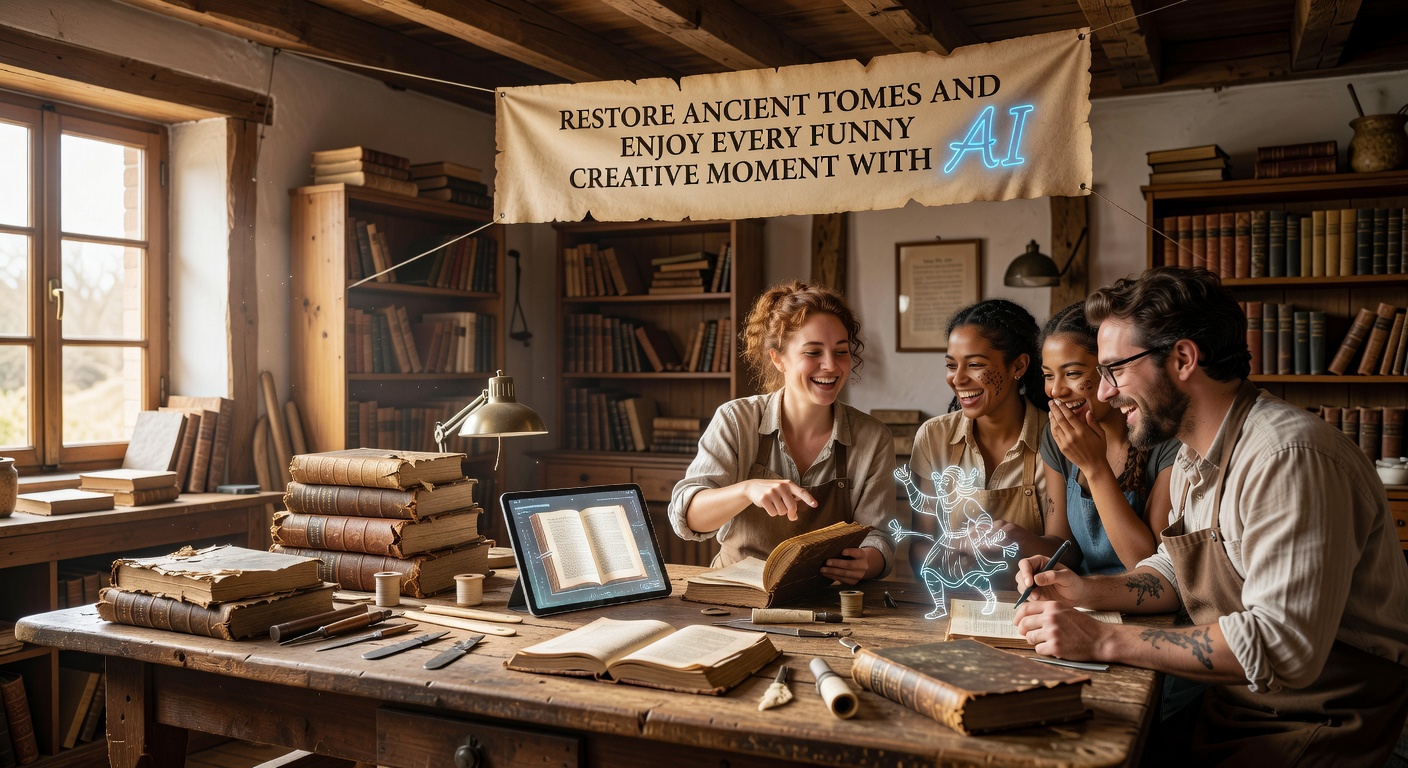
Three concrete scenarios
1. Recreating a missing illustration from a Greek bestiary
A friend found a 13th-century bestiary manuscript online, but the page about the manticore has a giant ink spill covering the beast’s face. The text says it has “a human visage, three rows of teeth, and a voice like a trumpet.” He typed into Vizly: “Manticore from a medieval bestiary, human face with three rows of teeth, glowing eyes, lion body, scorpion tail, parchment background, illuminated manuscript style, ink and gold leaf texture.” The result wasn’t exactly a scholarly reconstruction—the AI simplified some anatomical details—but it gave him a usable visual to insert into his slides for a talk. He said it “restored the page” for non-experts who’d never seen a bestiary before.
2. Visualizing a joke from the ‘Laughs from the Tang Dynasty’ collection
An old Chinese compilation records a joke: “A man enters a shop, asks for a cake, the shopkeeper says ‘We only sell wine,’ and the man replies, ‘Then why does your sign say cake?’” It’s funny in text, but imagining the scene is even better. Using Vizly, I prompted: “Tang Dynasty Chinese street scene, stone shop, two men arguing by a cloth sign, one holding a cake plate, the other pointing at a wine jar, comic expression, watercolor style.” The AI rendered a playful, slightly goofy scene that made the joke land harder. This is the “funny creative moment” part of the title—AI lets you bring historical humor into your own timeline.
3. Simulating a damaged scroll repair
An art historian friend was testing whether Vizly could help her explain the process of scroll restoration to students. She uploaded a photo of a really damaged section of a Ming landscape scroll (through the image prompt feature, though Vizly is primarily text-to-image—you can describe the damage). She then prompted: “Same Ming landscape scroll style, but with tears and missing ink areas filled in conservatively to match the surrounding trees, water, faint ink washes.” The output was surprisingly coherent, showing a version of the scroll with the blank areas filled in a plausible way. She noted the AI lacked understanding of centuries-specific brushstroke grammar, but for a classroom “what-if,” it worked.
Tradeoffs and realistic concerns
Let’s be direct: Vizly is not a research tool. If you need a high-fidelity restoration for a peer-reviewed paper or an auction house, you still need a human conservator and reference libraries. The AI will frequently invent details that don’t exist in the original culture—like combining a Tang-era robe with a Ming-era hat because the model’s training data blurred period styles. You have to be careful with prompts: specify “Tang dynasty, not Song,” or add “historical accuracy, avoid anachronisms” if that matters.
Another issue: text rendered in the image. Vizly isn’t good at writing legible ancient scripts in the correct calligraphy style. So if you need a restored tome to include actual characters or letters, you’re better off overlaying text manually.
That said, for the vast majority of casual, creative, or educational uses—creating visuals for a blog about old jokes, mocking up a book cover, making a presentation slide—the tradeoff is acceptable. The generator’s speed and variety outweigh the lack of precision. You can iterate on prompts in minutes rather than spending hours on manual sketch refinement.
Also consider: the funniest moments are the ones where the AI surprises you. I once asked Vizly to restore a missing page from a Renaissance book of emblems, and it produced an image with a cat sitting on the emblem’s book. Was that historically accurate? No. Did it make the whole project more enjoyable? Absolutely. That’s the “funny creative moment” you can’t get from academic restoration alone.
Final practical take
If you want to restore ancient tomes and have a laugh while doing it, Vizly Image Studio is a solid companion. Start by describing the damaged section in concrete terms—atmosphere, medium, era, style—and then add a twist of humor or drama. Don’t expect a museum-grade replica. Expect something that gets you 80% of the way there, visually engaging, and often unexpectedly witty. For the gaps—anachronisms, wrong calligraphy, text in images—you can fix those easily with photo editing afterward. The real win is the speed and the serendipity. Give it a prompt that combines historical data with your own creative whim, and see what the AI restores for you.
Comments
Leave a Comment