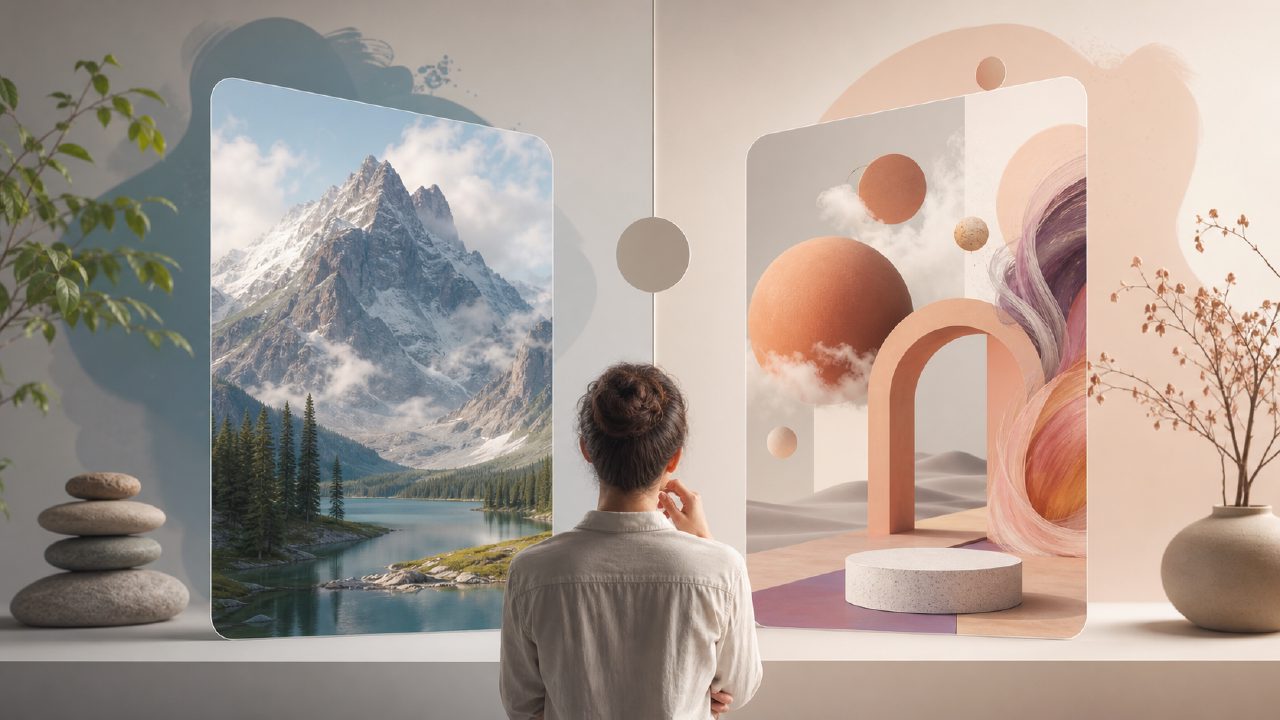
When I first started messing around with AI image generators, I went straight to Stable Diffusion. It's free, powerful, and gives you a lot of control. But over time, I kept running into the same friction: finding the right model, configuring the settings, and waiting for my local GPU to churn out something usable. So when I came across Vizly, an AI image generator that runs in the browser and promises to turn text prompts into visuals in minutes, I figured it was time for a head-to-head comparison. Could a cloud-based tool actually replace the depth of Stable Diffusion?
What Stable Diffusion does best (and where it gets annoying)
Stable Diffusion is open-source and incredibly flexible. You can run it locally, tweak models, and generate almost anything if you know how to prompt it right. I’ve used it for design concepts, character art, and even mockups for client pitches. The quality can be stunning once you nail the prompt and settings. But here's the thing: it's not really a free ai image and video generator 2026 in the sense that most people imagine. It's free software, but you need a decent graphics card and some technical comfort to set it up. I spent an entire evening just getting the dependencies right. Once it’s running, generating a batch of images is fast, but any new feature – like inpainting or video generation – usually means downloading another extension and dealing with compatibility issues.
For someone who doesn't want to fiddle with Python scripts or model versions, that friction is real. I found myself avoiding Stable Diffusion for quick ideas because the overhead felt too high.
Vizly’s approach: less control, way less effort
Vizly is the opposite. You type a prompt, it generates an image. That’s it. I tested it for the same use case – creating a concept image for a blog post about remote work. With Stable Diffusion, I spent 20 minutes adjusting negative prompts and CFG scales. With Vizly, I typed "cozy home office with plants, natural light, modern furniture" and had a usable result in under a minute. The quality wasn't quite as sharp as my best SD outputs, but it was good enough for the post. And I didn’t have to tweak a thing.
What impressed me more was the text-to-video feature. Stable Diffusion can do video too, but it usually requires something like Deforum or AnimateDiff, which means more setup. Vizly handles it natively. For a quick social media clip, the speed is a game-changer – even if the video isn't as smooth or consistent as a fully tuned local workflow. I'd call Vizly a practical ai text to image video generator free for people who don't live in the command line.
The tradeoff: control vs. convenience
This is where I have to be honest. If you're an artist or designer who needs fine-grained control over composition, style, or lighting, Stable Diffusion still wins. I’ve had cases where Vizly’s results felt a bit generic – the generated images sometimes look like they came from a mid-range stock photo library. Stable Diffusion, with the right checkpoint and LoRA, can replicate specific art styles much better. But for most content creators, marketers, or bloggers, Vizly is going to be more than sufficient. The tradeoff is real: you give up some quality and customization, but you gain speed and zero setup.
One thing that surprised me: Vizly’s prompt interpretation is actually quite good. I threw some abstract ideas at it – "a glowing forest made of circuit boards" – and it produced something that captured the vibe, even if the detail in the circuits wasn't perfect. Stable Diffusion would have required a lot more prompt engineering to get a similar result.
Who should use which?
For a test, I asked both tools to generate a product mockup for a fictional coffee brand. Stable Diffusion gave me multiple variations with different lighting and label angles – exactly what a designer might want. Vizly gave me a single good-looking image with a generic label. Not bad, but not tailored. If you’re doing iterative design work, SD is still the tool. But if you need to generate twenty different ideas for a brainstorming session and don't want to wait, Vizly is faster and easier. I also noticed Vizly’s interface is cleaner: no wrestling with model checkpoints or VAE files. That matters when you’re on a deadline.
Final recommendation (no fluff)
After using both side by side, I’d say Stable Diffusion remains the best choice if you're willing to invest time in learning and hardware. It's the most powerful Stable Diffusion platform available – that's literally its purpose. But for everyday content creation, where speed and accessibility matter, vizly is the more practical pick. It’s the kind of tool you actually use, not just tinker with. And because it’s free and cloud-based, it works on any device. If you’re looking for a hassle-free image and video generator that gets the job done without a manual, go with Vizly. If you want to spend your weekend becoming a prompt engineer, stick with Stable Diffusion. Both have their place – just know what you're signing up for.
Comments
Leave a Comment