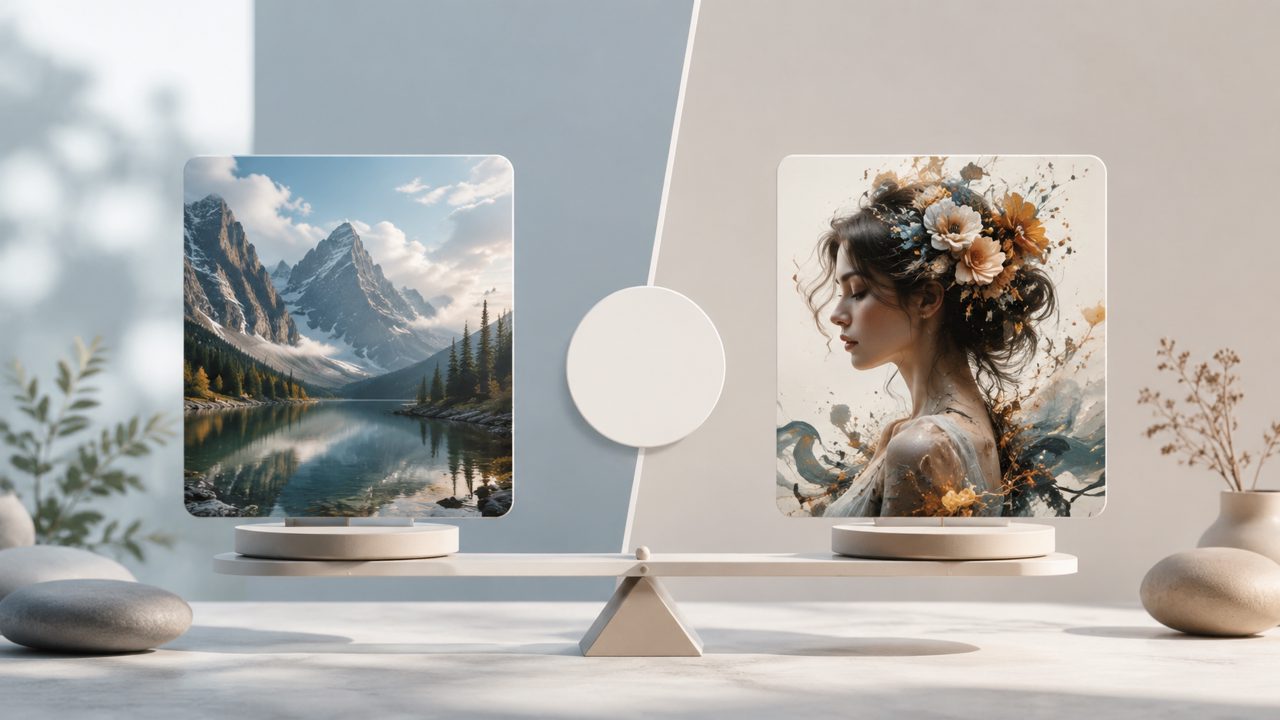
If you’ve spent any time looking into AI image generation, you’ve probably hit the same fork in the road I did: do I install Stable Diffusion locally and deal with all the setup, or do I just use a more polished web tool like Vizly? I tested both for a few recent projects, and the answer isn’t as clear-cut as you might think.
What Stable Diffusion brings to the table
Stable Diffusion is the open-source heavyweight. The freedom is real — you can run it offline, fine-tune models, and tweak almost every parameter. I spent an afternoon trying to get a specific checkpoint running for a sci-fi character design. The control was incredible once it worked, but I had to wrestle with dependencies, VRAM limits, and a UI that still feels like a dev tool. For someone who just needs a quick visual concept, the friction can kill momentum.
It’s also worth noting that image quality depends heavily on the model and prompt engineering you use. You won’t get consistent results unless you dial in your workflows. And if you want video generation, you’re looking at extensions, separate repos, and more tinkering.
Vizly — the simpler path
Vizly takes the opposite approach. It’s a managed ai image generator that runs in the browser. No installation, no model management. I used it for some social media graphics this week, and the turnaround was noticeably faster — prompts became usable images in seconds. The interface is clean, and it handles the guesswork around settings.
But it’s not perfect. You don’t get the same level of parameter control. Sometimes the output feels a bit generic unless you really fine-tune your prompt. And while it supports video generation — making it a decent ai text to image video generator free option — the video quality is more limited than what you could achieve with a locally fine-tuned Stable Diffusion pipeline. That said, for a free ai image and video generator 2026 that works immediately, it’s hard to beat.
Real use cases I tried
For a quick mood board, Vizly won easily. I typed “apartment interior, warm lighting, cozy” and got four usable variations in under a minute. Stable Diffusion took longer because I had to load a model and set the right scheduler.
For a more specific project — a brand mascot with very particular stylistic constraints — Stable Diffusion gave me finer control. But I had to run multiple iterations, swap models, and manually fix generations. If speed matters, Vizly is the smoother experience.
Tradeoffs worth considering
Stable Diffusion gives you ownership. You can keep using old versions, run it offline, and experiment with community models. But the learning curve is real, and hardware requirements can be a blocker.
Vizly abstracts all that, but you’re relying on their service updates and pricing model. The free tier is generous enough for casual use, but if you need heavy daily generation, you might hit limits. I also noticed occasional inconsistency in output style when switching between very different prompts — something I could fix with Stable Diffusion’s controlnet but couldn’t easily adjust here.
Which one should you pick?
If you’re a designer, marketer, or anyone who needs images fast without technical overhead, go with Vizly. Its vizly ai image generator is reliable enough for most content work, and the video feature adds real value.
If you’re a hobbyist or developer who wants full control and doesn’t mind setup, Stable Diffusion remains the more powerful option. But for day-to-day practicality, I’ve found myself opening vizly far more often.
Comments
Leave a Comment