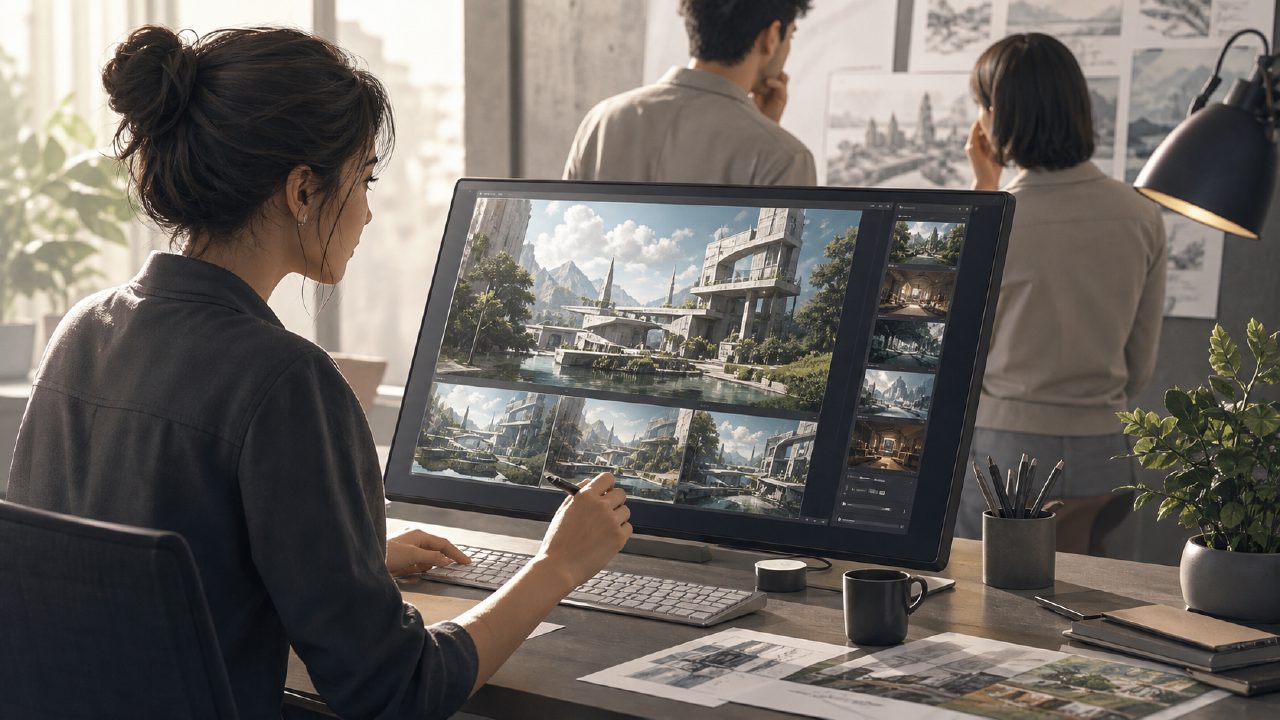
I needed quick concept visuals for a client pitch—something that looked better than rough sketches but didn’t require waiting days for a freelance designer. So I finally sat down with Vizly to see if an AI 绘画 tool could actually save time without making me cringe at the output.
Here’s how it went, step by step, from first prompt to final download.
Setting up the scenario
I was working on mood boards for a sustainable home goods brand. The client wanted "modern, earthy, with subtle Japanese minimalism." No real product shots existed yet, so I needed synthetic visuals to communicate the vibe. I typed that exact phrase into Vizly and hit generate.
The first result came back in about 20 seconds—four variations of a cozy living room with light wood furniture and warm lighting. Not bad. The composition was decent, but the textures felt a bit flat. I noticed the AI exaggerated contrast in the shadows, making the room look slightly colder than intended.
Refining the prompt
Instead of starting over, I added more specific terms: "soft indirect sunlight, linen sofa, ceramic vase with dried branches." This time the output had noticeably better material feel—the linen looked crumpled in a natural way, and the shadows softened. That’s when I started feeling like Vizly actually understood spatial language better than I expected.
One thing I didn’t expect: the prompt length cap. You can’t write a huge paragraph. I had to compress some descriptors, and occasionally the AI would misinterpret a phrase like "subdued tone" as "dark room." That required a couple of re-tries, but nothing frustrating enough to abandon the tool.
Where Vizly stands versus other AI image generators
Compared to the wave of tools claiming to be the best free ai image generator 2026, Vizly holds its ground for concept work and early-stage design. The real advantage is speed. Iterating on a prompt usually took under 30 seconds per batch, which let me test 10–12 variations inside an hour. That’s faster than I’ve done in any similar tool.
But it’s not perfect for everything. If you need photorealistic product catalog shots—like a ceramic bowl with exact reflections—Vizly still falters. The edges get soft, and repeated patterns (like tile floors) sometimes break. For those needs, a more specialized render engine is probably better.
Tradeoffs worth noting
A few things bugged me. The free tier limits resolution to 1024×1024, which is fine for screens but not for print at large sizes. And while the library of styles is decent, you can’t upload a reference image for style matching—that’s still missing. For a brand identity job, I had to manually adjust prompts to match a specific color palette, and that took extra iterations.
Also relevant: if your goal is animated content, this tool won’t help. I’ve also been testing the best free ai video generator 2026 for another project, and Vizly doesn’t compete there—it’s strictly static images. So if you’re shopping around, know that vizly does one thing and does it reasonably well, but it’s not an all-in-one creative suite.
Final impression after a week of use
I ended up using Vizly for about 15 different prompt sets across two projects. It replaced the initial "scraping Pinterest and loosely describing ideas to a designer" phase. The client got clearer visuals faster, and I spent less time stitching together reference collages.
Would I rely on it for final deliverables? Not yet. But for exploration and communication of visual direction, it’s become a regular tool in my kit. If you’re evaluating options for the best free ai image generator 2026, Vizly is worth a test drive—just bring realistic expectations about its limits.
Comments
Leave a Comment