If you've been hunting for a free AI image editor that actually handles multiple tasks without forcing you to juggle three different apps, Vizly's editor deserves a look. It bundles background removal, photo restoration, and AI art generation in one interface—no subscription required for basic use.
Background Removal That Works on Product Shots and Portraits
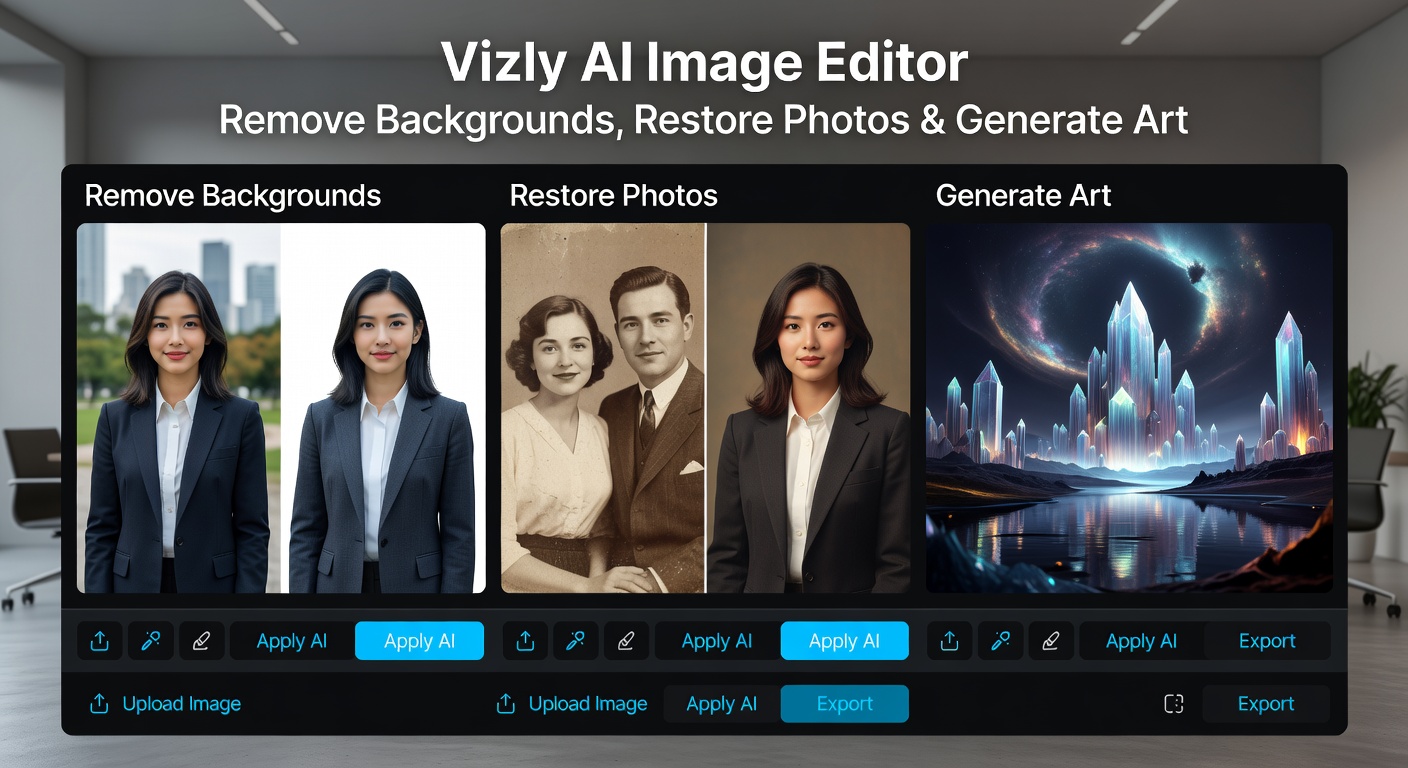
The background remover handles clean-edged subjects well. I tested it on product photos with solid backgrounds and portrait shots with messy outdoor scenes. It nailed the product images instantly—sharp edges, no leftover artifacts. Portraits were trickier: hair strands sometimes got clipped, especially with backlit photos or flyaway hair.
For e-commerce sellers or anyone prepping images for listings, this tool saves the manual masking work. Just don't expect perfect results on complex textures like fur or lace without some touch-up.
Photo Restoration for Old or Damaged Images
The restoration feature targets scratched, faded, or low-resolution photos. Upload a scanned family photo from the 80s, and it attempts to sharpen details, reduce noise, and fix color fade. Results vary—it improved contrast and clarity on most uploads, but heavily damaged areas sometimes came out over-smoothed or slightly artificial.
This isn't a magic fix for every old photo, but it's faster than manual retouching in Photoshop if you need a quick refresh for social posts or digital albums.
AI Art Generation: Text to Image in Seconds
Vizly's text-to-image generator is the standout. Type a prompt, pick a style (realistic, anime, abstract, etc.), and it renders an image in under 10 seconds. The free tier gives you unlimited basic generations, which is rare—most competitors cap you at 25 or 50 images per month.
Quality sits somewhere between Midjourney's starter output and Runway's free tier. You won't get ultra-detailed 4K renders, but for blog headers, social media graphics, or concept sketches, it's more than usable. The style consistency is decent, though complex prompts sometimes produce unexpected results.
When Vizly Makes Sense and When It Doesn't
Vizly works best if you need quick edits across different tasks without paying for separate tools. It's ideal for small business owners, content creators, or hobbyists who want one login for background removal, basic restoration, and AI art.
It's not built for professional retouchers who need pixel-perfect control or advanced layering. If you're already paying for Photoshop or Midjourney Pro, Vizly won't replace those. But if you're choosing between free tiers or testing AI tools before committing, this one covers more ground than most single-function apps.
The interface is straightforward—upload, pick a tool, adjust a slider or two, download. No steep learning curve, no hidden paywalls for core features. That simplicity is the real advantage here.
Comments
Leave a Comment