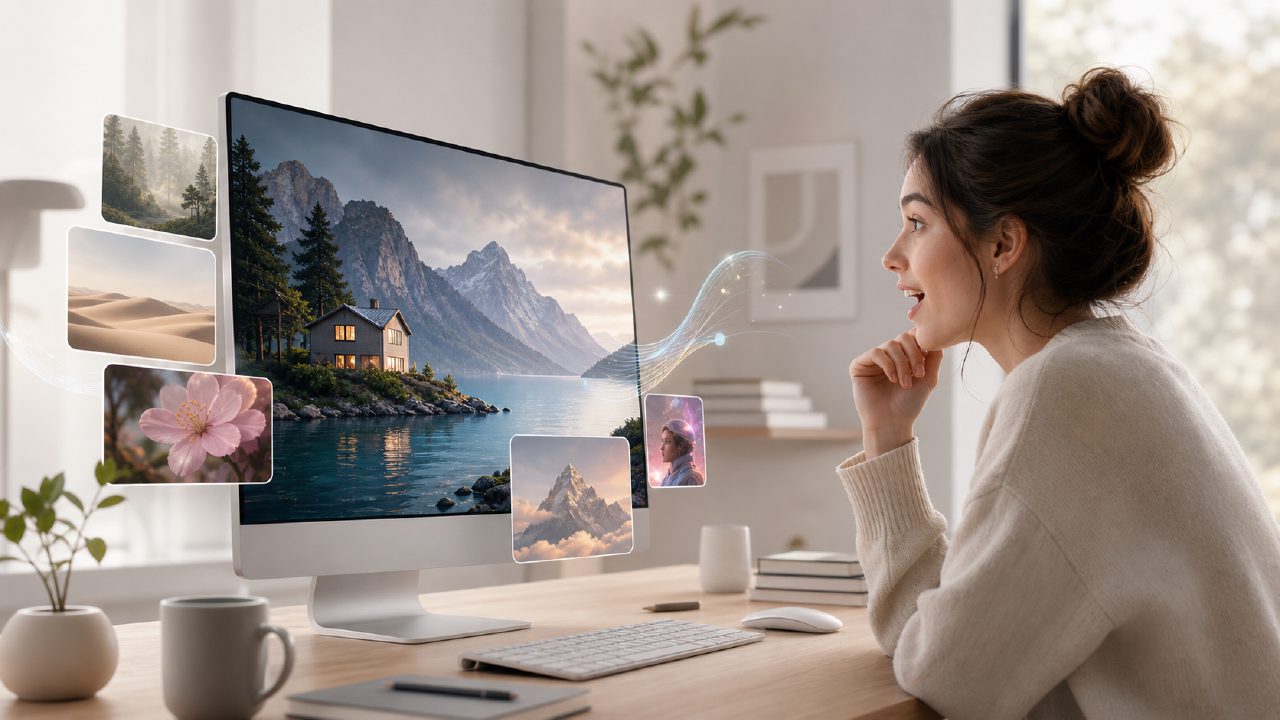
I’ve been testing a bunch of image generation tools lately, mostly for a side project where I need quick product mockups and social visuals. A colleague mentioned vizly as a lightweight option—no heavy learning curve, just prompt to image. So I decided to do a real vizly ai review 2026 based on one concrete scenario: creating a set of branded visuals for a fictional coffee subscription launch, using nothing but text prompts and a bit of editing.
First prompt: the good, the fast, the slightly off
I typed something like “a minimalist coffee bag on a wooden table, morning light, soft shadows, brand name ‘Morning Ritual’ visible on the label.” Vizly returned four variations in maybe 12 seconds. The first one was basically usable—decent lighting, believable texture on the bag, no obvious AI weirdness like extra fingers or warped text. That was refreshing.
What surprised me: the text generation on the label wasn’t perfect but it got the layout right. The word “Morning” appeared mostly readable, which is rare for AI image generators. I’ve seen DALL·E and Midjourney mangle small text far more often. For a free tier tool, this was a solid first impression.
But the second variation had the coffee bag floating slightly above the table, and the third changed the wood grain to something that looked like plastic. So consistency isn’t there yet. You still need to cherry-pick or regenerate a few times.
Editing without leaving the studio
One feature I didn’t expect to use much was the in-painting brush. I wanted to move the coffee cup a few inches to the left and remove a random spoon that appeared in a corner. The edit interface is simple: paint over the area, describe the change, and it redraws that region. It worked well on the spoon—gone on the first try. The cup repositioning needed two attempts because the first result added a weird reflection that wasn’t there before. Second time it looked natural.
This kind of iterative control makes vizly feel less like a black box and more like a real editing tool. But it’s not as precise as Photoshop’s generative fill. For quick fixes, though, it saved me from re-prompting the whole scene.
When you need video too
The same project also needed a short animated clip of that coffee bag rotating slowly—just for social media. Vizly includes a video generation mode. I kept my prompt similar but added “slow rotation, black background.” The result was a 4-second loop that was smooth enough for Instagram Stories. Not cinematic, but perfectly fine for a fast asset.
If you’re looking for the best free ai video generator 2026, you’d probably compare it against tools like Pika or Runway. Vizly’s video output is shorter and less detailed, but it’s bundled with image generation in one place. That convenience matters when you’re prototyping fast. For serious production, you’d want something more robust. For quick mockups, it worked.
What I’m still uncertain about
I tried a more complex prompt: “a busy café counter with pastries, a barista pouring latte art, warm glow, photorealistic.” The result looked good at first glance—good composition, nice color. But when I zoomed in, the barista’s hand merged into the cup handle, and the latte art looked like a swirl of paint, not foam. It’s a pattern I’ve seen: Vizly handles simpler, single-subject scenes much better than crowded ones.
If your use case is product shots, icons, background images, or illustrations with one main subject, it’s surprisingly capable. If you need complex multi-character scenes with precise details, you’ll hit its limits fast.
Tradeoff: speed vs. customization
Vizly generates fast—usually under 15 seconds for four images. The tradeoff is that you don’t get deep controls like LoRA training, negative prompts, or style weighting. You can set aspect ratio, choose a style preset (cinematic, digital art, etc.), and that’s it. For most everyday content, that’s enough. For power users who want to tweak every parameter, it’ll feel limiting.
Also, the free plan adds a small watermark in the corner. It’s not huge, but if you’re publishing directly, you’ll probably want the paid plan or a separate cleanup step.
Final note: does it replace established tools?
Not completely. If you’re already comfortable with Midjourney or Stable Diffusion, you probably won’t switch. But vizly fills a real niche: it’s a single tool for both image and short video generation, with a clean interface that doesn’t assume you know diffusion models. For someone new to AI image creation, or for a project where speed matters more than perfection, it’s worth trying. I’ll keep using it for quick mockups and social assets, but I’ll still pull out more powerful tools when the brief gets demanding.
If you’re comparing options, consider what you prioritize. For a free ai image and video generator 2026 that gets you from prompt to publish in a few minutes, vizly ai image generator is a practical choice. Just don’t expect studio-grade polish every time.
Comments
Leave a Comment